Loading video…
All breakouts
7.1Talking HeadOther hookEducation
Hook
NEXT LEVEL HACK
@goat_cr7_nation
16.6K followers · usually 15.7K views a post
Views
99.7K
Likes
3.4K
Comments
15
Shares
1.3K
Why it worked
The video provides useful, easily digestible computer tips that are likely to be shared due to their practical value and the "hack" framing, appealing to a broad audience interested in optimizing their PC usage.
Summary
The video demonstrates two Windows shortcuts: 'shell:appsfolder' to view all installed applications and 'shell:recent' to see recently opened files. The creator explains how to use these shortcuts to access and manage software and recent activity on a PC.
Structure
- 1Introduction to a "next level hack"
- 2Demonstration of 'shell:appsfolder' to view installed applications
- 3Demonstration of 'shell:recent' to view recently opened files
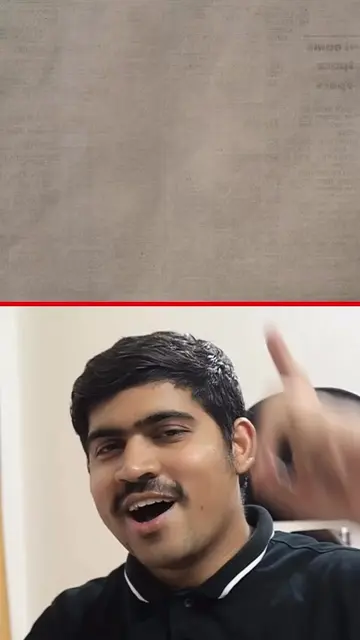
- 4Call to action to like and follow
Call to action
FOLLOW J•
@Digital Genius Hub J.
On-screen text
NEXT LEVEL HACK
shell:appsfolder
shell:recent
Transcript
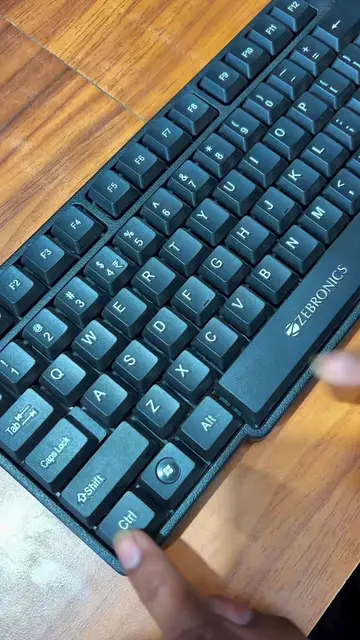
Okay, so what's the main function of this key on your PC? You probably don't even know. So let me tell you. Number one, press Windows plus R and type shell:appsfolder here. All the hidden software installed on your PC, you can easily see them here. And then you can also uninstall them. Secondly, if you type shell:recent and press Enter, then you can see what all you opened recently on your PC. So, by the way, if you liked the video, then do like and follow for more.
Original caption
These Windows Tricks Will Shock You 😲😱 #PC #laptop #window #foryou #viral #fyp #tiktokgrowthchallenge
More from @goat_cr7_nation
More breakout videos from this creator.