Loading video…
All breakouts
18.0App DemoHow-To hookConsumer Apps
Hook
Estaba buscando como quitar el modo puro de polybuzz
@sam404_1
35.6K followers · usually 23.9K views a post
Views
489.6K
Likes
46.8K
Comments
537
Shares
1.6K
Promoted product
Why it worked
The video addresses a specific user pain point (disabling a feature) within a popular app, offering a clear and concise solution. The creator's personal connection and gratitude for reaching a follower milestone also likely resonated with the audience.
Summary
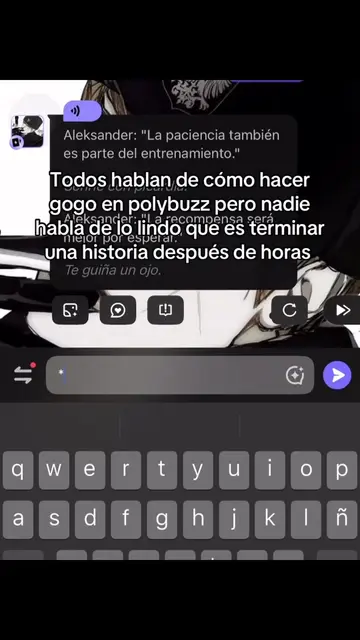
The video demonstrates how to disable the 'pure mode' in the PolyBuzz app. The creator guides viewers through the app's settings to toggle the feature on and off, and also mentions that a tutorial on how to remove ads is available in their "destacadas" (highlights).
Structure
- 1Searching for how to disable PolyBuzz's pure mode
- 2Navigating to settings to check the pure mode
- 3Toggling the pure mode on and off
- 4Mentioning that an ad removal tutorial is available in highlights
- 5Expressing gratitude for reaching 10,000 followers
Product placement
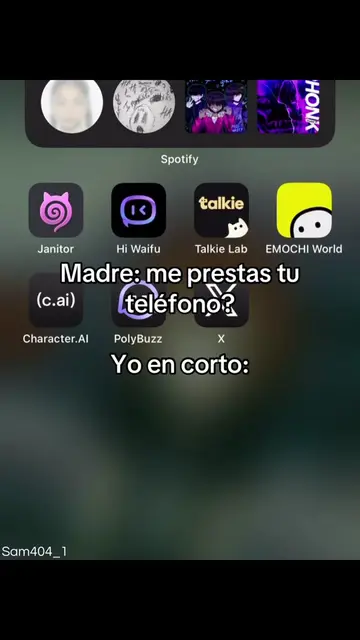
PolyBuzz: an app that allows users to chat with AI characters. It ACTS as the main subject of the video, as the creator demonstrates how to disable a feature within it. Removing it would change the entire video's purpose. The video also mentions "poly.AI" and "Character AI" in the creator's bio, which are likely related services or the same product, but they merely APPEAR as part of the creator's identity and do not ACT in the video. Removing them would not change what happens in the video.
Original caption
#polybuzz cómo desactivar el modo puro!!! Ya díganle a polybuzz que me de una sub gratis por promocionarle 😭#apps #AI #tutorials #polybuzzchat
More from @sam404_1
More breakout videos from this creator.