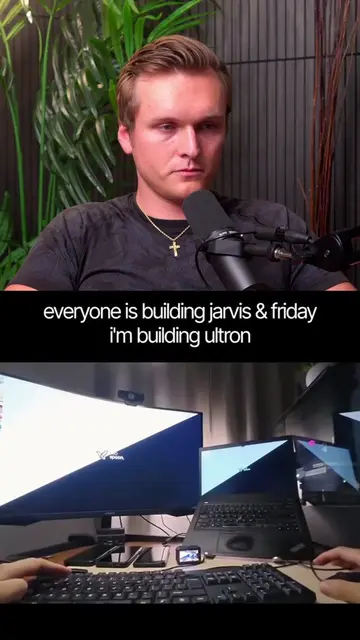
Loading video…
All breakouts 7 videos4 creators
26.8Talking HeadHow-To hookAI Tools
Hook
Here's how
@luke.builds.ai
39.2K followers · usually 23.7K views a post
Views
461.8K
Likes
33.4K
Comments
1.2K
Shares
4.2K
Promoted product
JARVIS
Join Luke for a free 5-day course on building real JARVIS-style AI agents that can safely do useful work.
Why it worked
The video breaks down a complex process (building a custom AI assistant) into easily digestible, actionable steps, making it seem achievable within a short timeframe (one weekend). The "Jarvis" reference taps into popular culture, making the concept relatable and aspirational, while the creator's offer of a free email course provides a clear call to action and a lead generation mechanism.
Summary
This video demonstrates a nine-step process for building a personalized AI assistant, referred to as "Jarvis," over a single weekend. It covers setting up a home for the agent, installing an agentic harness, choosing an AI model, teaching it about the user's business, giving it memory, adding skills, connecting tools, establishing communication channels, and building a custom interface.
Structure
- 1Give the AI a home (laptop, Mac Mini, or cloud server).
- 2Install an agentic harness (Hermes Agent).
- 3
Original caption
Building your own Jarvis is easier than most people think. You don't need to build your own AI model. You just need to connect the right pieces together. A home for your agent. A model like Codex or Claude. Memory so it remembers. Tools so it can actually do work. And a voice/interface that makes it feel like a real assistant. By the end of the weekend, you'll have an AI agent that knows your business, uses your tools, and can help run your day. If you want the exact setup I use, comment "Jarvis" and I'll send my free guide. #ai #aiagents #jarvis
More from @luke.builds.ai
More breakout videos from this creator.