On-screen text
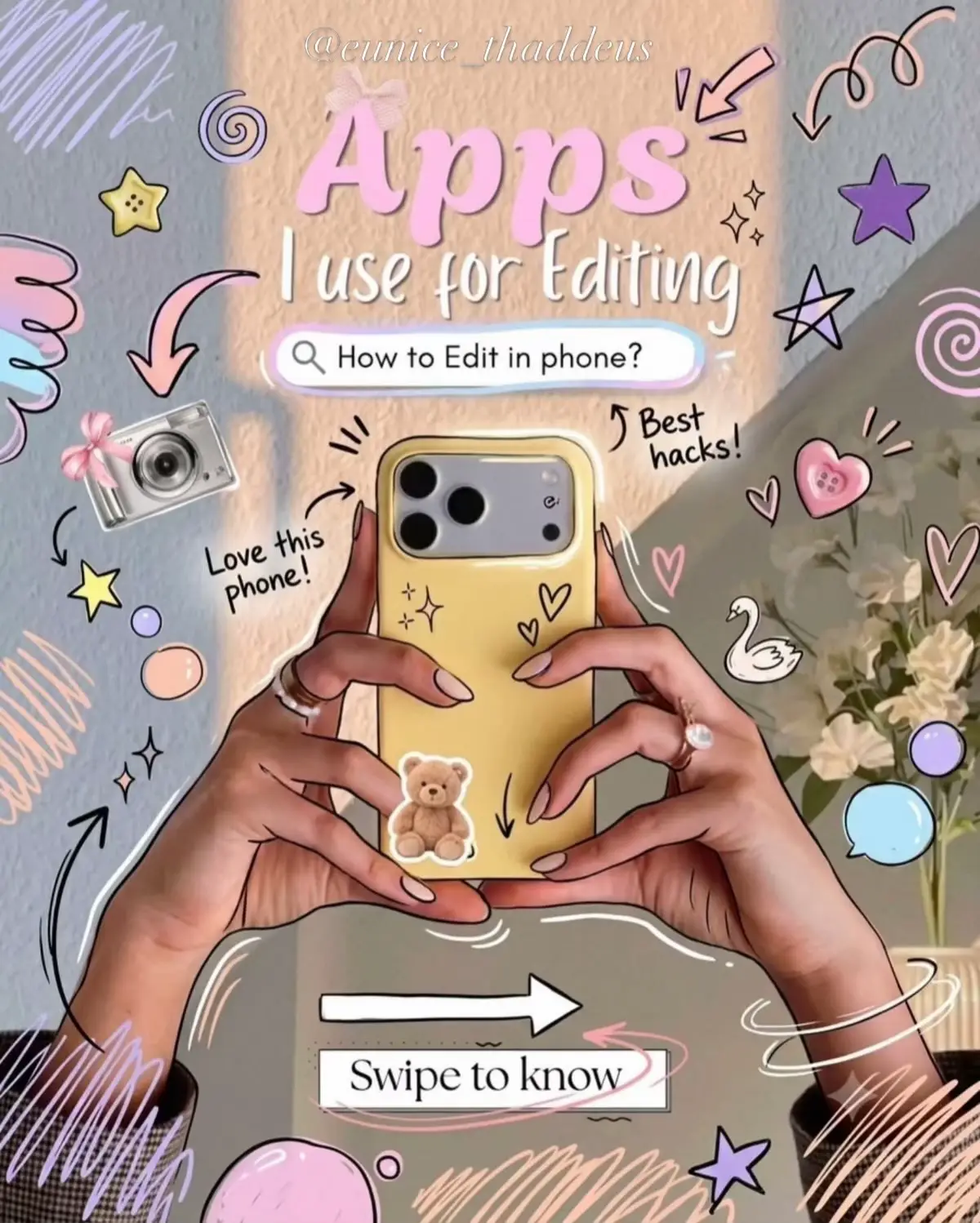
Apps
I use for Editing
How to Edit in phone?
Love this
phone!
Swipe to know
For Video Editing
VN
InShot
Capcut
Edits
Canva
sub
Pinterest
Picsart
I use all these apps to edit my videos, all of
For Captions
This app helps me create the
perfect captions in seconds!
It gives me tons of creative,
trendy, and engaging captions
for any vibe or occasion.
I just type in my mood or topic,
and boom - endless caption ideas
that fit my style. It even helps me
save time and stay consistent
with my posts!
Caption ideas
made
easy!
For Photo Editing
I love using it to wipe out
background clutter, retouch my photos,
and play around with fun stickers and
edgy filters before I even think about
formatting my posts.
Picsart makes it so easy for me to isolate a
subject. I use their AI background remover to
clean up my product shots or selfies, creating
perfect cutouts in literally one tap.
Best
features!
Love this
app!
My go-to!
video editor
VN is a super powerful
video editor that's
perfect for everyone -
from beginners to
pro creators!
Edit with professional tools like:
Multi-track timeline
Keyframe animation
Speed curves
Filters & effects
Transitions
Text & stickers
Music & sound FX
& more!
Perfect for Reels, Stories, TikToks,
YouTube videos, vlogs, or any
kind of content.
If you want your edits to look
clean, smooth, and professional,
VN is a must-have!
Love this
app!
Simple,
powerful &
creator
approved!
My go-to!
editor!
video editor
InShot is an easy-to-use
video editor with everything
you need to create amazing
videos - all in one app!
Edit with awesome features like:
Trim & cut
Split & merge
Speed control
Filters & effects
Transitions
Text & stickers
Music & sound FX
Voiceover
& more!
Perfect for Reels, Stories,
TikToks, YouTube videos,
vlogs, and any kind of content.
Whether you're a beginner
or a pro, InShot helps you edit
like a boss - fast & effortlessly!
Love this
app!
Simple,
powerful &
perfect for
everyone!
My go-to video editor!
For Editing
Capcut is my go-to video
editing app! It makes editing
so easy and fun with powerful
tools that look professional.
I can cut, trim, split, add
effects, text, stickers, transitions,
filters, and music all in
one place.
Whether I'm editing YouTube videos,
TikToks, Reels, or vlogs, CapCut
helps me turn simple clips into
amazing content that stands out!
Love this
app!
Perfect
for all
editors!
My go-to!
Carousels / posts / Stories
I love using Canva for carousels
because it lets me break down
complex ideas into beautiful, swipe-
friendly slides without messing up
the formatting.
I use Canva for stories to keep things dynamic
and interactive. The built-in templates mean I can
share polished, behind-the-scenes updates in just
a few clicks.
swipe!
For Elements
Pinterest
all the cute elements and
backgrounds are from here
Get Pretty Overlays from
here "Love this vibe!"
Backdrop ideas and image
aesthetics
So good!
aesthetic neutral elements
Canva
Png
Line art
Stickers
Was it Helpful?
Follow for more
Eunice Thaddeus
147
posts
952
followers
79
following
Editing Tips
AI Explorer and Creator
Fashion & Beauty Creative
Vlogs Reviews Lifestyle
whatsapp channel/0029vb8EV494spkJr...
@eunice_thaddeus_
I Speak Blessings
+ Add
Edit profile
Share profile
New
I love to dress
Clips
My style
Eunice
CUTE!
MY
FAVES!