Loading video…
All breakouts
 7 videos
545App DemoPOV / Skit hookConsumer Apps
Hook
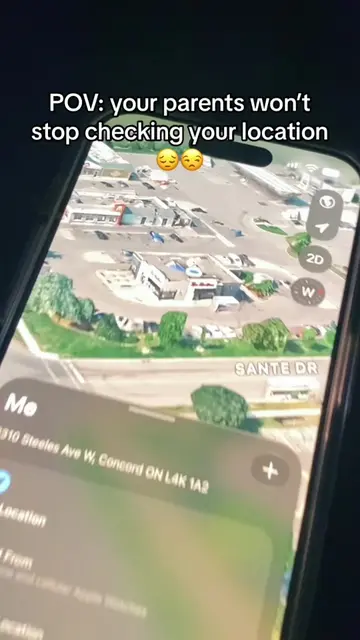
POV: your parents won't stop checking your location
@getvanish
11.1K followers · usually 4.7K views a post
Views
2.5M
Likes
84.5K
Comments
394
Shares
12.1K
Promoted product
Vanishgetvanish.app
The cleanest way to fake your iPhone GPS. Plug in, pick a location, teleport. No jailbreak, no credit card required.
Why it worked
The video taps into a relatable desire for privacy and autonomy among younger audiences, offering a humorous and practical solution to a common parental monitoring scenario. The use of popular location-sharing apps like Life360 and Find My in the context of evading them creates immediate engagement and relatability.
Summary
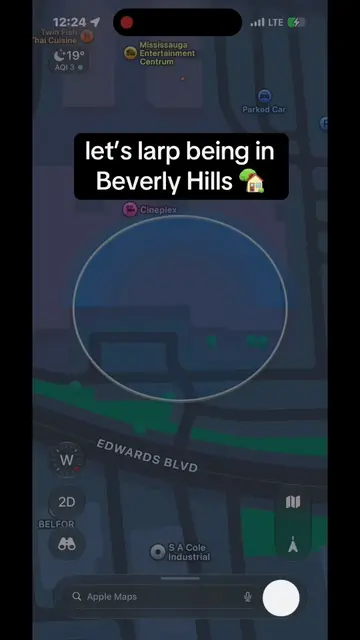
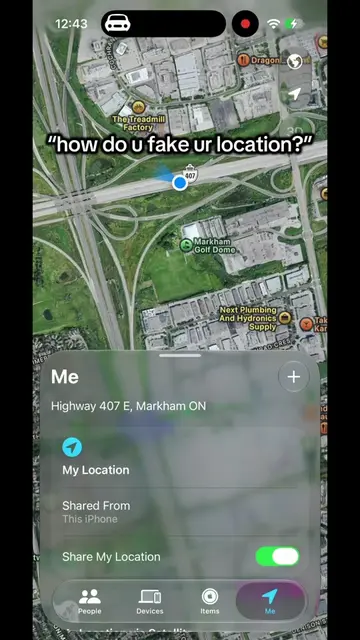
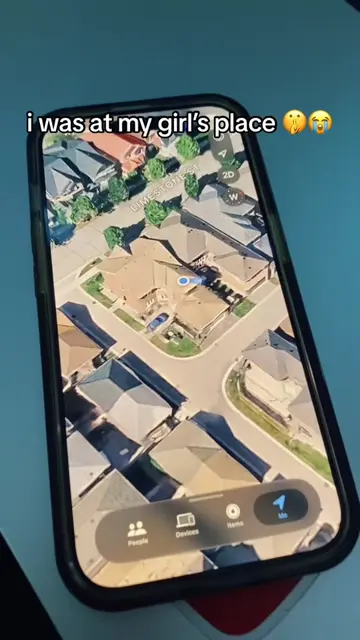
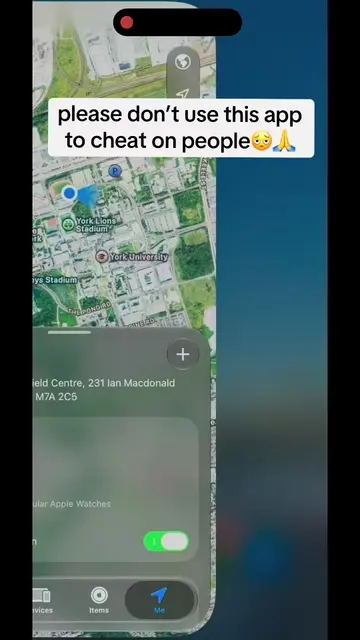
This video demonstrates how to use the Vanish app to spoof your location and fake a drive, preventing parents from tracking your real whereabouts. The creator shows how to change the location to a library and then simulate a drive to avoid parental monitoring.
Structure
- 1Parents constantly checking location
- 2User decides to spoof location
- 3Changes location to the library
Original caption
now i can go anywhere 🤫😂 #vanishapp #location #life360 #snapchat #findmy
More from @getvanish
More breakout videos from this creator.