Loading video…
All breakouts
7.8Text-HeavyListicle hookConsumer Apps
Hook
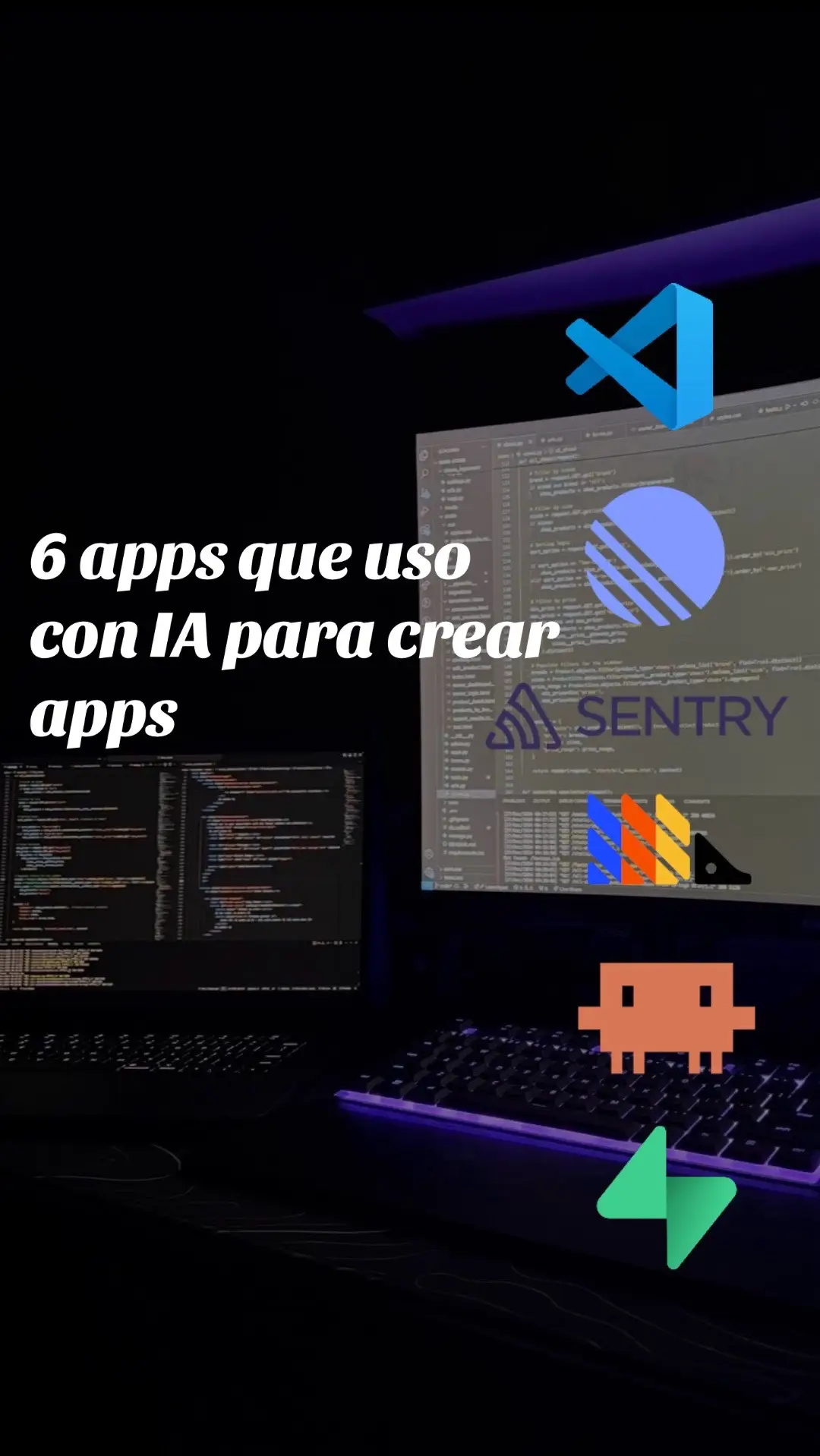
6 apps que uso con IA para crear apps
@sebas.soto222
22.5K followers · usually 10.7K views a post
Views
84.2K
Likes
5.8K
Comments
26
Shares
555
Promoted product
VSCODE
Why it worked
The post provides a valuable, curated list of tools used by a developer, directly addressing a common pain point for aspiring app creators and offering practical solutions.
Summary
The creator shares six AI-powered applications they use to build mobile apps. The post details each tool, explaining its function from code editing and AI assistance to database management, project organization, user analytics, and bug tracking.
Structure
- 1Introduction of topic: AI apps for app creation
- 2VSCODE: Code editor
- 3Claude Code: AI coding assistant
- 4Supabase: Database and backend
- 5Linear: Project organization
- 6PostHog: User analytics
- 7Sentry: Production bug monitoring
Product placement
VSCODE: acts - it is the code editor where the app's code lives. Removing it would change what happens in the video.
Claude Code: acts - it helps with architecture, security, and ideas for the app. Removing it would change what happens in the video.
Supabase: acts - it is the database and backend, handling users, data, and authentication. Removing it would change what happens in the video.
Linear: acts - it is used to organize what needs to be built for the project. Removing it would change what happens in the video.
PostHog: acts - it shows how people use the app. Removing it would change what happens in the video.
Sentry: acts - it alerts when something breaks in production. Removing it would change what happens in the video.
Original caption
Crear Apps hoy en día es algo que todos podemos lograr si usamos las herramientas correctas. Estas son las 6 apps que uso yo con IA para crear apps para Android y iPhone📱🔥 #claude #vibecoding #programacion #ia #app
More from @sebas.soto222
More breakout videos from this creator.