Loading video…
All breakouts
142App DemoWarning hookEducation
Hook
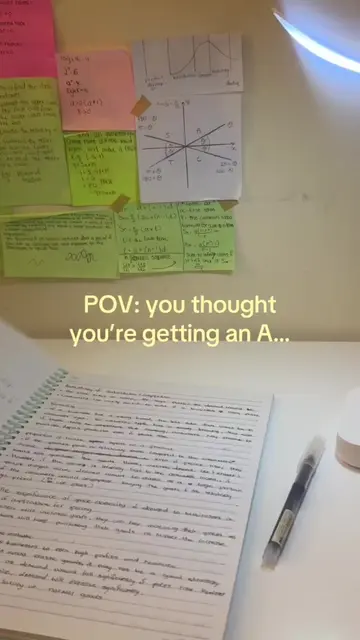
year 10s if your aiming for 8s or 9s DO NOT spend hours writing notes
@notebase
3.2K followers · usually 526 views a post
Views
74.3K
Likes
532
Comments
0
Shares
13
Why it worked
The video addresses a specific, high-stress pain point for students (spending too much time on notes) and provides an immediate, frictionless solution using the product.
Summary
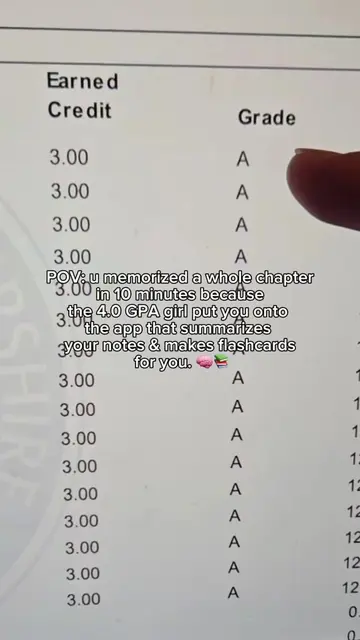
A student demonstrates how to use the NoteBase app to automatically generate study notes from a YouTube lecture. The video shows the process of pasting a link and clicking the summary button to create structured study materials.
Structure
- 1Identify the problem of spending hours writing notes
- 2Introduce NoteBase as the solution
- 3Show the interface for pasting a YouTube link
- 4
Original caption
Turn any YouTube lecture into a smarter study session. 🎥📚 Paste the link into NoteBase, get your study materials, and quiz yourself until it sticks. 🧠✨ #NoteBase #StudyTok #StudySmarter #StudyTips #YouTubeStudy
More from @notebase
More breakout videos from this creator.