Loading video…
All breakouts
40.1Talking HeadCuriosity Gap hookEducation
Hook
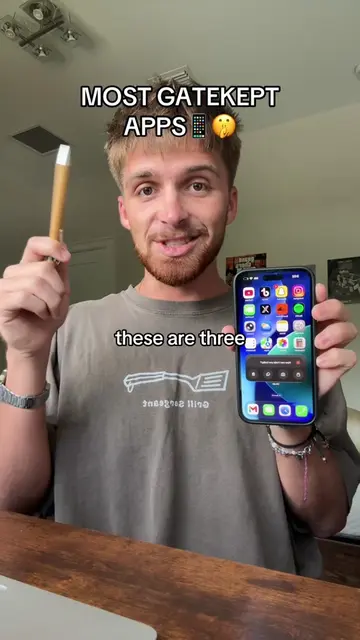
MOST GATEKEPT APPS 🤯
@duststudies
4.1K followers · usually 4.9K views a post
Views
172.3K
Likes
1.6K
Comments
14
Shares
7.2K
Promoted product
Phrasly.Aihttps://phrasly.ai/ ↗
Why it worked
The video leverages curiosity by highlighting "gatekept" features of common apps and introduces a useful AI tool for text manipulation, appealing to students and productivity-focused individuals.
Summary
The video showcases three "gatekept" apps on a smartphone: the calculator app, Phrasly.Ai, and the reminders app. It demonstrates how to access hidden features of the calculator, explains how Phrasly.Ai can humanize AI-generated text to bypass detectors, and highlights the utility of the reminders app for students and busy individuals.
Structure
- 1Introduction to gatekept apps
- 2Demonstration of the calculator app's hidden feature
- 3Explanation of Phrasly.Ai's text humanization capabilities
- 4Highlighting the usefulness of the Reminders app
Product placement
Calculator app (ACTS - its interface is operated, removing it would change what happens in the video). Phrasly.Ai (ACTS - its interface is operated, removing it would change what happens in the video). Reminders app (ACTS - its interface is operated, removing it would change what happens in the video). ChatGPT (APPEARS - a browser tab, removing it would not change what happens in the video). GPTZero (APPEARS - a browser tab, removing it would not change what happens in the video). Turnitin (APPEARS - a browser tab, removing it would not change what happens in the video).
Original caption
Which one do you use? #phraslyai #calculator #reminders #apps #phone
More from @duststudies
More breakout videos from this creator.