Loading video…
All breakouts
31.0Text-HeavyOther hookGames
Hook
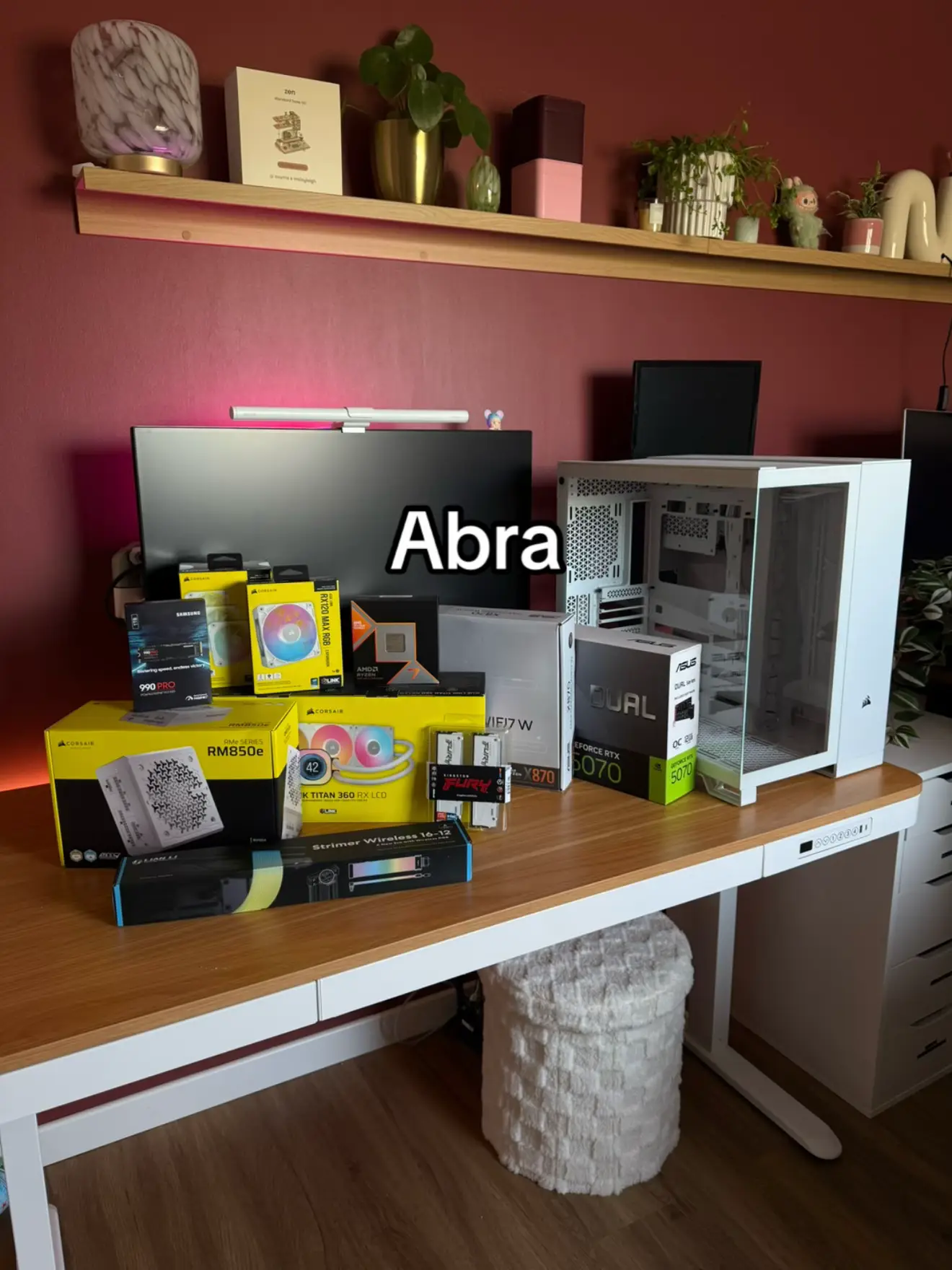
Abra
@get.switched
120.8K followers · usually 8.8K views a post
Views
267.0K
Likes
42.8K
Comments
254
Shares
7.9K
Promoted product
Corsair PC components
Why it worked
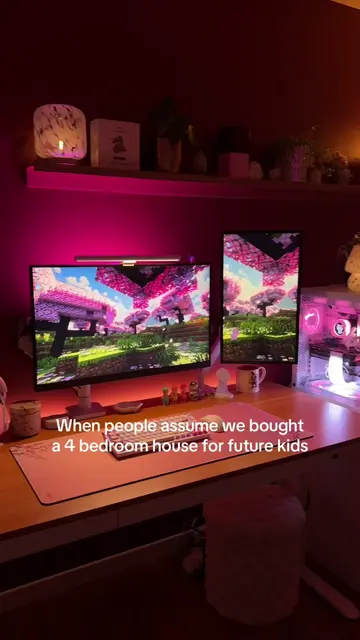
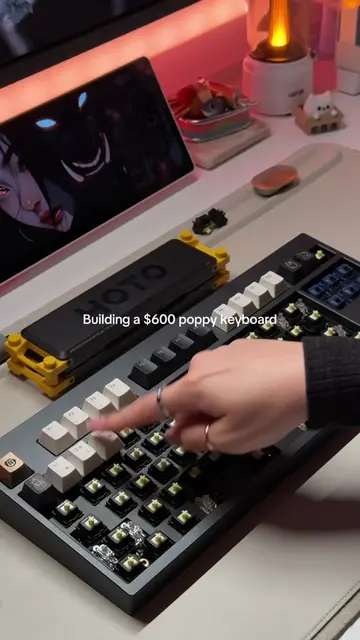
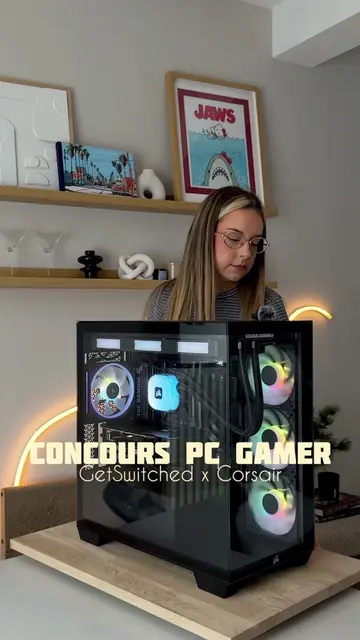
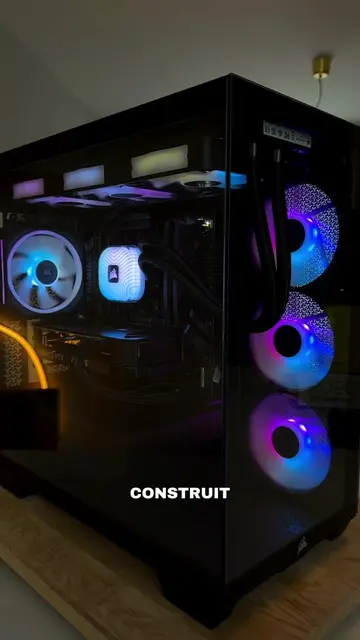
The video taps into the popular trend of PC building and setup showcases, appealing to a gaming and tech-savvy audience. The use of aesthetically pleasing RGB lighting and the clear display of high-quality components likely contributed to its visual appeal and shareability.
Summary
The video showcases the unboxing and assembly of a new gaming PC, featuring various Corsair components. The final slide displays the completed setup with RGB lighting.
Structure
- 1Unboxing PC components
- 2Assembling the PC
- 3Showcasing the completed setup
- 4Final aesthetic shot with RGB lighting
Product placement
Corsair RM850e (power supply unit for PC) - it ACTS as a component in the PC build. Removing it would mean the PC cannot be built or function.
Corsair Vengeance RGB Pro (RAM) - it ACTS as a component in the PC build. Removing it would mean the PC cannot be built or function.
Corsair Titan 360 (CPU cooler) - it ACTS as a component in the PC build. Removing it would mean the PC cannot be built or function.
NVIDIA GeForce RTX 3070 (graphics card) - it ACTS as a component in the PC build. Removing it would mean the PC cannot be built or function.
ASUS ROG STRIX B760-I (motherboard) - it ACTS as a component in the PC build. Removing it would mean the PC cannot be built or function.
Corsair 4000D Airflow (PC case) - it ACTS as a component in the PC build. Removing it would mean the PC cannot be built or function.
Corsair Dual (monitor) - it ACTS as a display for the PC. Removing it would mean the PC cannot be used visually.
Corsair (brand) - appears on multiple components and the monitor. It merely APPEARS as a brand logo on components. Removing it would not change what happens in the video, but the specific components would be unidentifiable.
Corsair partner (creator's bio) - it merely APPEARS as a statement of affiliation. Removing it would not change what happens in the video.
Original caption
#pcgaming #pcbuild #pcgamer #techtok #setupgamer
More from @get.switched
More breakout videos from this creator.