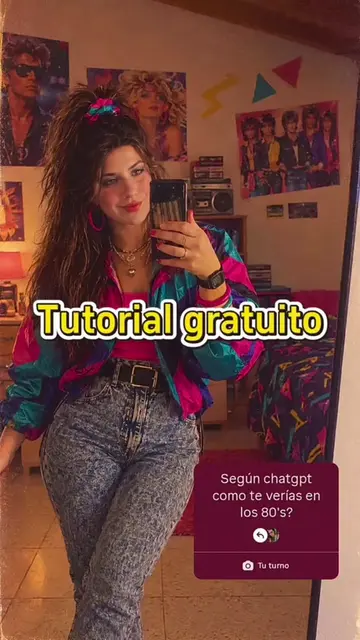
Loading video…
All breakouts
37.5OtherOther hookAI Tools
Hook
The art of hip movement ✨✨
@user2312450393252
273.7K followers · usually 3.9K views a post
Views
427.9K
Likes
47.7K
Comments
536
Shares
27.4K
Promoted product
CapCut
Why it worked
The video leverages a popular TikTok trend and provides a clear, step-by-step tutorial on how to replicate it using a specific editing app's template, making it easily shareable and replicable.
Summary
This video demonstrates how to use a CapCut template to create a TikTok video. It guides the viewer through copying the video link, opening the template, and importing photos to complete the edit.
Structure
- 1Showcase original video with text overlay
- 2Demonstrate copying video link
- 3Instruct to open template
- 4Show how to import photos
- 5Finalize by clicking next
Product placement
CapCut - Try this template (ACTS - it is an editing app that allows users to create videos using templates. Removing it would change what happens in the video.)
On-screen text
The art of hip movement
FUNNY
DAYS
AWAKE
how to make i feel so funny these days phonk dance trend
Hawk Em - George Cooper Sr.
KNOW
and i'll show you how
first click the arrow in the lower right
corner and copy the video link
then open the template in the lower left corner
if you can't find it
click the Avatar to re enter this video
after opening the template click use
click it again
import the photos you need
finally click next and you're done
Original caption
i feel so funny these days phonk i feel so funny these days remix i feel so funny these days slowed i feel so funny these days full song i feel so funny these days lyrics i feel so funny these days song i feel so funny these days nyc drill i feel so funny these days slowed reverb i feel so funny these days remix hoodtrap i feel so funny these days funk i feel so funny these days trend tutorial how to make i feel so funny these days edit i feel so funny these days capcut template i feel so funny these days audio trend i feel so funny these days sigma edit i feel so funny these days ai video trend i feel so funny these days slowed reverb edit i feel so funny these days phonk edit tutorial i feel so funny these days photo transition trend i feel so funny these days meme edit i feel so funny these days viral capcut trend how to recreate i feel so funny these days trend i feel so funny these days drill edit i feel so funny these days trend for pictures i feel so funny these days audio capcut i feel so funny these days transformation edit #ifeelsofunnythesedays #ifeelsofunnytrend #phonktrend #capcut #capcutpioneer
More from @user2312450393252
More breakout videos from this creator.