Loading video…
All breakouts
209App DemoBefore / After hookConsumer Apps
Hook
Switch to Galaxy
@samsung
6.4M followers · usually 82.7K views a post
Views
16.9M
Likes
7.7K
Comments
83
Shares
355
Why it worked
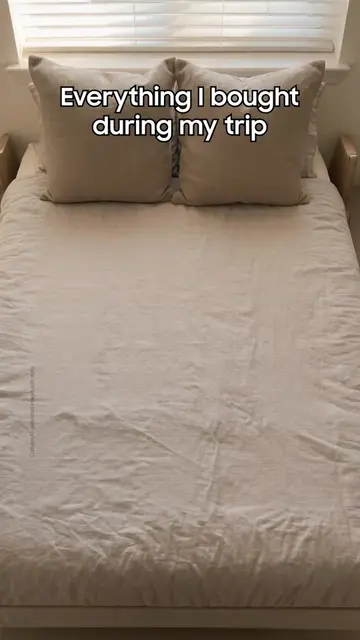
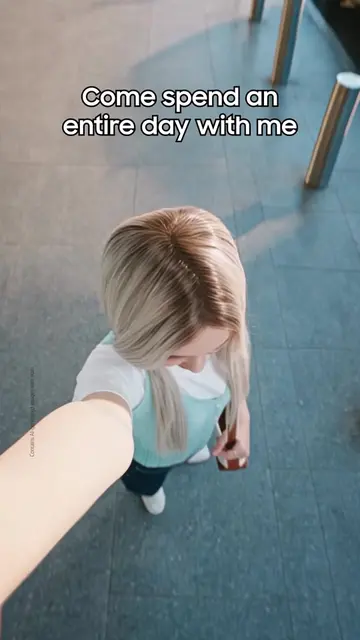
The video effectively uses a visual demonstration of a common user pain point (transferring data between phones) and presents a simple, clear solution. The use of cute animated characters and a smooth, quick transfer process makes the technology feel approachable and desirable.
Summary
This video demonstrates how to use Samsung's Smart Switch app to transfer data from an old device to a new Galaxy phone. It highlights the ease of the process, starting with a QR code scan and seamlessly transferring apps and data.
Structure
- 1Introduction to switching to Galaxy
- 2Demonstration of Smart Switch app
- 3Scanning QR codes on both devices
- 4
Original caption
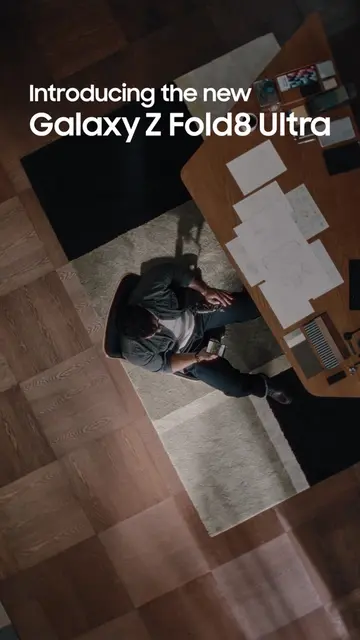
✨ Ready to make the move? Skip the hassle with #SmartSwitch—just scan the QR code with your old device to connect and transfer your data straight to your new Galaxy. It’s that simple. #GalaxyZFold8 #Samsung Learn more: samsung.com
More from @samsung
More breakout videos from this creator.