Loading video…
All breakouts
39.8App DemoGames
Hook
5
@game.booster.120fps
135.2K followers · usually 4.8K views a post
Views
134.1K
Likes
2.2K
Comments
5
Shares
32
Why it worked
The video combines gameplay footage from a popular mobile game with a demonstration of a utility app, appealing to a gaming audience interested in performance enhancement. The clear call to action for the FPS Booster app on Google Play facilitates direct user acquisition.
Summary
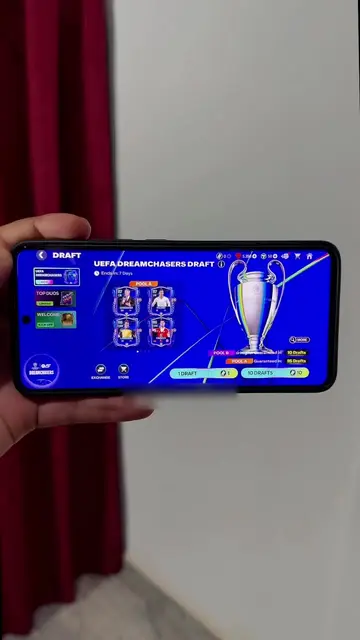
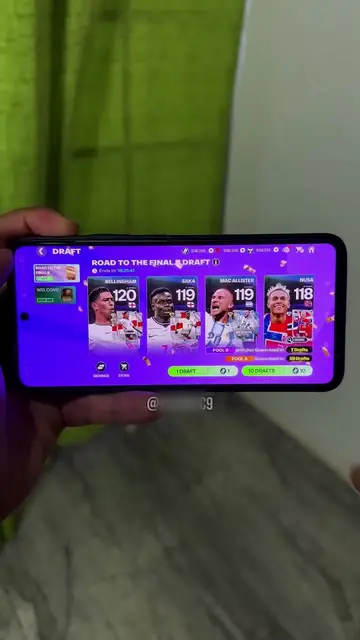
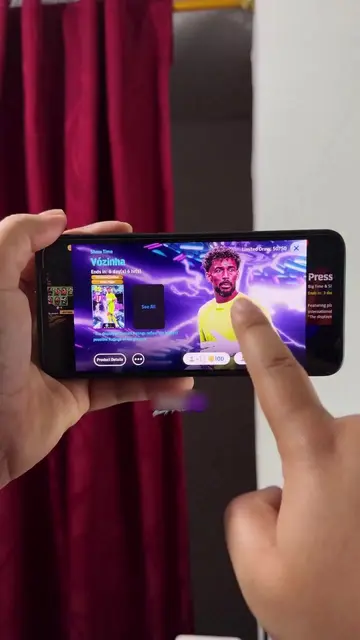
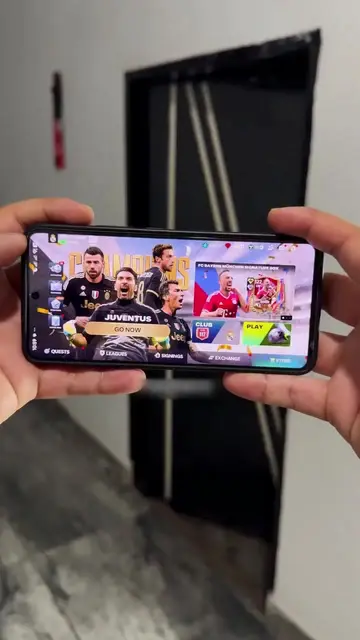
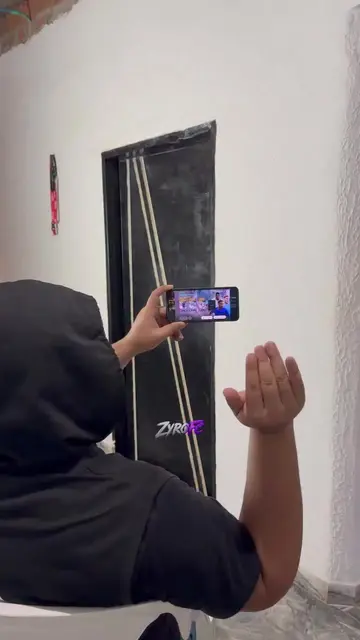
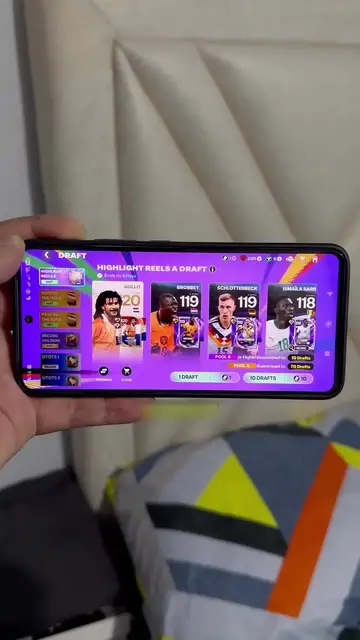
The video demonstrates gameplay and reward selection within the mobile game eFootball. It then transitions to showcase the installation and features of an app called "FPS Booster - 120 FPS Turbo", which is available on Google Play.
Structure
- 1Countdown timer for eFootball
- 2Selecting rewards in eFootball
- 3App installation screen for FPS Booster
- 4
Original caption
Get daily rewards everyday with this app _5318_33
More from @game.booster.120fps
More breakout videos from this creator.