Loading video…
All breakouts
62.4Text-HeavyOther hookCreator Economy
Hook
2026
@gregguan28592
80.3K followers · usually 40.4K views a post
Views
2.2M
Likes
60.4K
Comments
328
Shares
12.0K
Why it worked
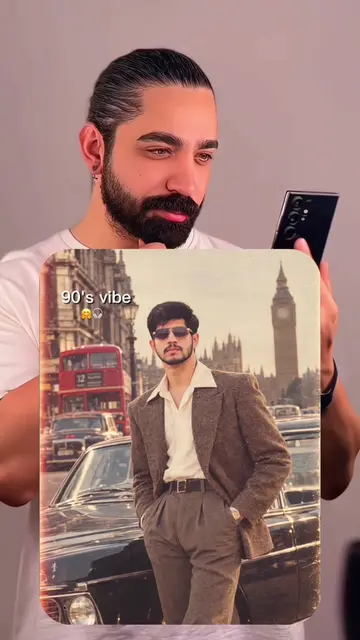
The video leverages a popular trend of nostalgic photo montages, specifically focusing on the '80s vibe, which resonates with a wide audience. The clear, step-by-step instructions on how to replicate the trend make it highly shareable and encourage user-generated content.
Summary
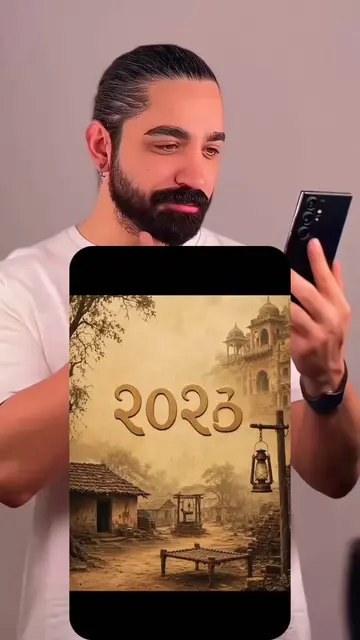
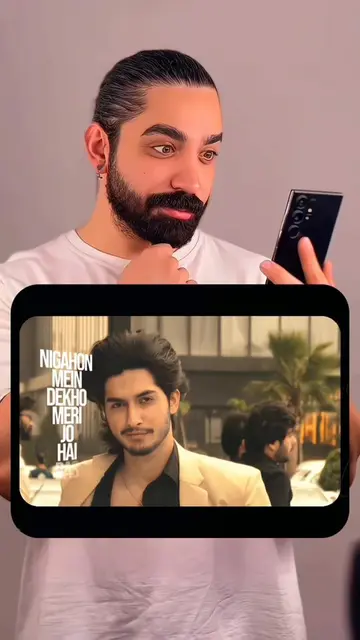
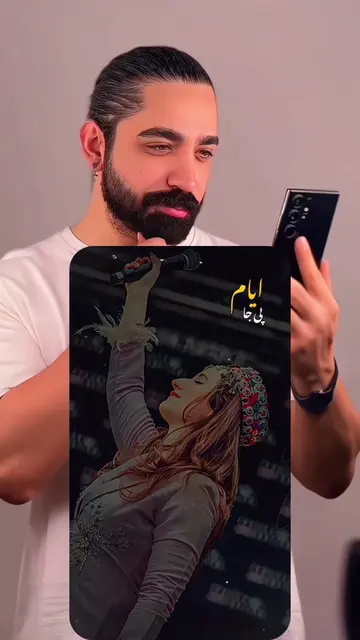
The video shows a man holding a phone and cycling through years, from 2026 down to 1980, with a vintage photo from the 1980s appearing. It then transitions to a screen recording of a TikTok interface, demonstrating how to use a template to create a similar video by uploading photos.
Structure
- 1Man holding phone, cycling through years
- 2Vintage 1980s photo appears
- 3Transition to TikTok interface
- 4Demonstration of using a template
- 5Instructions on uploading photos and exporting
Call to action
Tap on "Template" in the bottom left corner.
If you can't find it? Tap on my profile picture.
Open this video.
Find the template link in the bottom left corner.
Tap "Use Template".
Upload your favorite photos.
Wait a few seconds for it to generate automatically.
Tap "Export" and you're done!
On-screen text
2026
2020
2009
1998
1986
1980
1980' Vibes
90 s photo prompt
Link copied
2025
Original caption
AGAIN 80’s❤️😁 ✨✨ ✨ اس ٹرینڈ کا حصہ بنیں! یہ وائرل ویڈیو تیزی سے بنانے کا طریقہ یہ ہے—بس چند تصاویر یا ویڈیوز اپ لوڈ کریں۔ یہ بہت آسان ہے: 1. نیچے بائیں کونے میں موجود "Template" پر ٹیپ کریں۔ 2. اگر یہ نہیں مل رہا؟ تو میری پروفائل پکچر پر ٹیپ کریں۔ 3. اس ویڈیو کو کھولیں۔ 4. نیچے بائیں کونے میں ٹیمپلیٹ کا لنک تلاش کریں۔ 5. "Use Template" پر ٹیپ کریں۔ 6. اپنی پسندیدہ تصاویر اپ لوڈ کریں۔ 7. اسے خود بخود تیار ہونے کے لیے چند سیکنڈ انتظار کریں۔ 8. "Export" پر ٹیپ کریں اور بس، آپ کا کام ہو گیا! 🎉 ✨✨ ✨Is trend ko pakar ke, is viral cheez ko jaldi kaise banayein? Bas kuch tasveeren ya video upload karein, bohat aasan steps yeh hain: 1. Left neeche wale “Template” par click karein 2. Nahin mil raha? Mere profile picture par click karein 3. Yeh video open karein 4. Left neeche template link dhoondhein 5. “Use Template” par click karein 6. Apni pasand ki tasveeren upload karein 7. Kuch second intezaar karein, khud ba khud ban jayega 8. “Export” par click karein, ho gaya 🎉 ✨✨ ✨اغتنم هذا الاتجاه. كيف تصنع هذا المحتوى الرائج بسرعة؟ فقط قم بتحميل بعض الصور أو الفيديوهات، والخطوات البسيطة جداً كالتالي: 1. انقر على "القالب" في الزاوية السفلية اليسرى 2. لا تجده؟ انقر على صورة ملف شخصي 3. افتح هذا الفيديو 4. ابحث عن رابط القالب في الزاوية السفلية اليسرى 5. انقر على "استخدم القالب" 6. قم بتحميل الصور التي تحبها 7. انتظر بضع ثوانٍ، سيتم إنشاؤه تلقائياً 8. انقر على "تصدير" وستكون قد انتهيت 🎉 ✨✨ ✨ Hop on this trend! Here’s how to quickly create this viral video—just upload a few photos or videos. It’s super easy: 1. Tap "Template" in the bottom left corner. 2. Can't find it? Tap my profile picture. 3. Open this video. 4. Find the template link in the bottom left corner. 5. Tap "Use Template." 6. Upload your favorite photos. 7. Wait a few seconds for it to generate automatically. 8. Tap "Export" and you're all set! 🎉 #pakistanitrend #SaudiArabia #capcut #capcutpioneer #capcutnow
More from @gregguan28592
More breakout videos from this creator.