Loading video…
All breakouts
23.8Talking HeadContrarian hookGames
Hook
Most people go to upgrade their graphics card completely wrong.
@mmillerpcs
147.0K followers · usually 16.6K views a post
Views
381.0K
Likes
21.2K
Comments
385
Shares
905
Promoted product
DDU (Display Driver Uninstaller)
Why it worked
The video provides a clear, step-by-step tutorial on a common and often problematic PC building task, directly addressing a pain point for gamers and PC enthusiasts. The use of on-screen text and visual demonstrations makes the complex process easy to follow, increasing its shareability and utility.
Summary
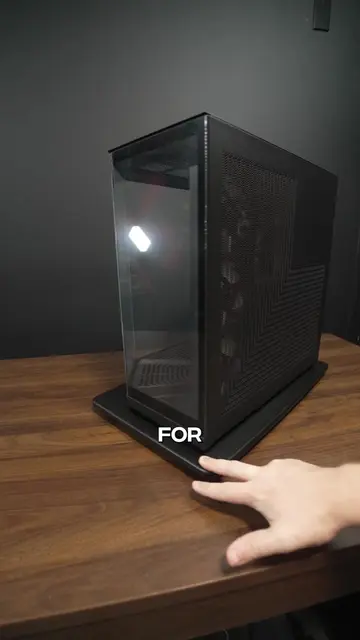
This video explains the correct way to upgrade a graphics card to avoid performance issues. It details the process of using Display Driver Uninstaller (DDU) in safe mode to completely remove old drivers before installing new ones.
Structure
- 1Introduction to the problem of incorrect GPU upgrades
- 2Explaining the need for DDU
- 3Booting into safe mode
- 4Using DDU to clean drivers
- 5
Original caption
The BEST way to upgrade your GPU #pc #pcgaming #gamingpc #pcbuild
More from @mmillerpcs
More breakout videos from this creator.