Loading video…
All breakouts
49.1App DemoHow-To hookCreator Economy
Hook
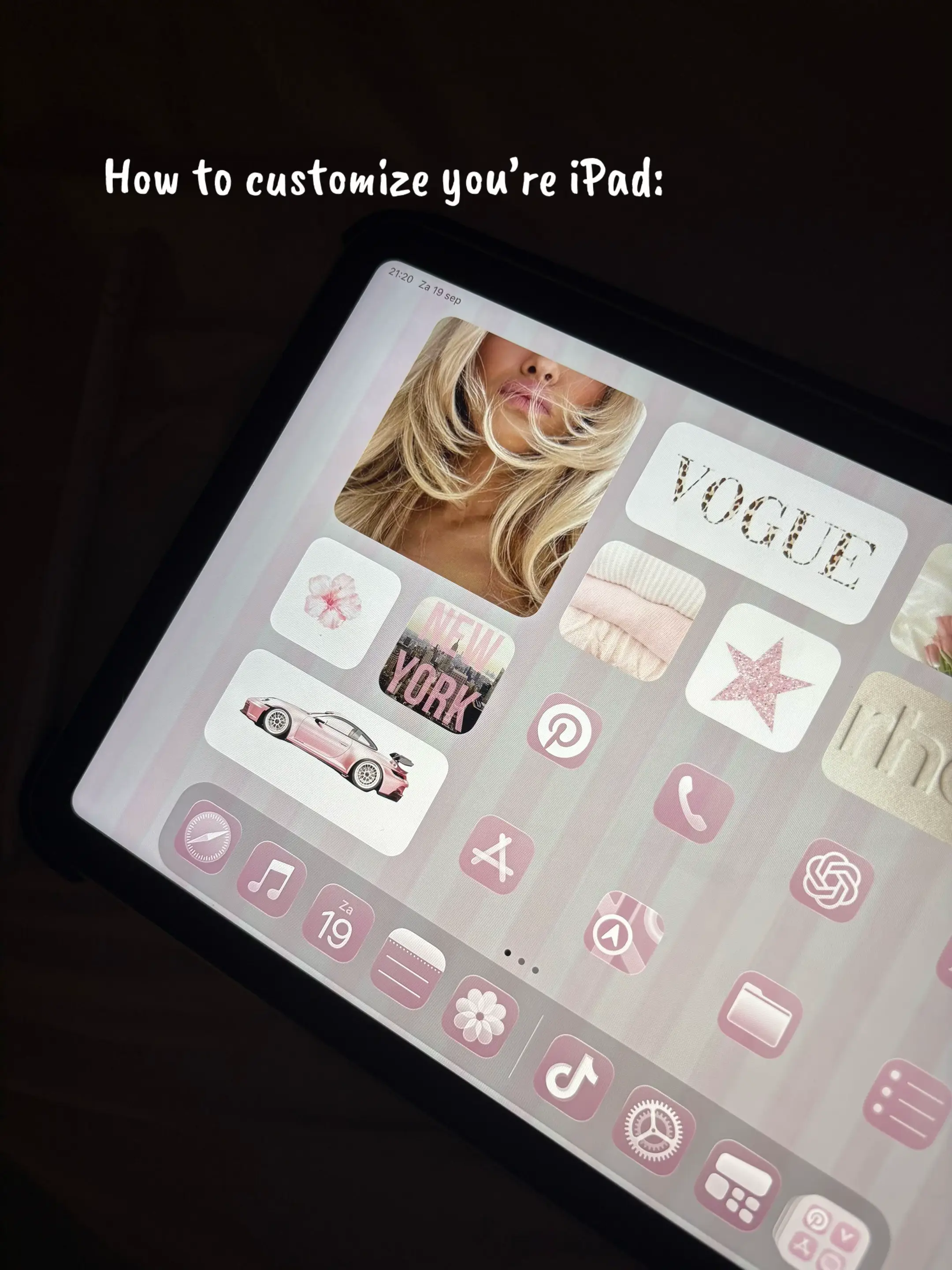
How to customize you're iPad:
@secretaccount321232
13.8K followers · usually 5.0K views a post
Views
242.0K
Likes
9.2K
Comments
76
Shares
501
Why it worked
The video provides high-value, actionable aesthetic advice that solves a common user desire for personalization, making the promoted app feel like an essential tool for the result.
Summary
The creator provides a step-by-step tutorial on how to customize an iPad home screen using the Color Widgets app and Pinterest for aesthetic images. The video demonstrates the process of adding, configuring, and styling widgets to achieve a specific visual theme.
Structure
- 1Introduction to iPad customization
- 2Searching for aesthetic images on Pinterest
- 3Creating a custom photo widget in Color Widgets
- 4Adding the widget to the iPad home screen
- 5
Original caption
Like and Comment if you want more of this🌸 #ipadcustomization #fyppp #viral? #xybcza #creatotsearchinsigts
More from @secretaccount321232
More breakout videos from this creator.