Loading video…
All breakouts
26.0Talking HeadHow-To hookEducation
Hook
Outlook hack
@legallyeri
9.6K followers · usually 707 views a post
Views
17.8K
Likes
1.8K
Comments
149
Shares
197
Why it worked
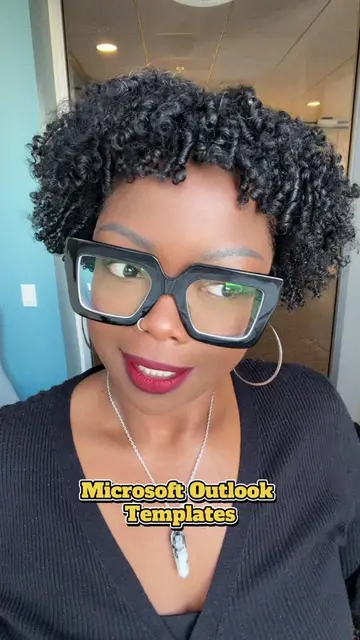
The video provides a practical and time-saving tip for a widely used software, Microsoft Outlook. The creator's clear demonstration and explanation of a common pain point (repetitive emailing) likely resonated with viewers seeking efficiency.
Summary
The creator demonstrates a hack for Microsoft Outlook, showing how to create and use email signatures to save time when sending recurring emails. The tutorial walks through the steps of creating a new signature within Outlook.
Structure
- 1Introduction to Outlook hack
- 2Explanation of using signatures for recurring emails
- 3Demonstration of creating a new signature in Outlook
- 4
Original caption
This is by far my favorite hack! 📧 #email #microsoft #outlook #windows #emailtips
More from @legallyeri
More breakout videos from this creator.