Loading video…
All breakouts
134Talking HeadHow-To hookConsumer Apps
Hook
I've gotten a lot of questions. People have asked me to do a tutorial about this.
@sophiakimliterally
111.2K followers · usually 737 views a post
Views
98.4K
Likes
3.1K
Comments
14
Shares
410
Why it worked
The video solves a specific, relatable pain point for tech enthusiasts by repurposing a common device into a multi-functional tool, creating high utility and curiosity.
Summary
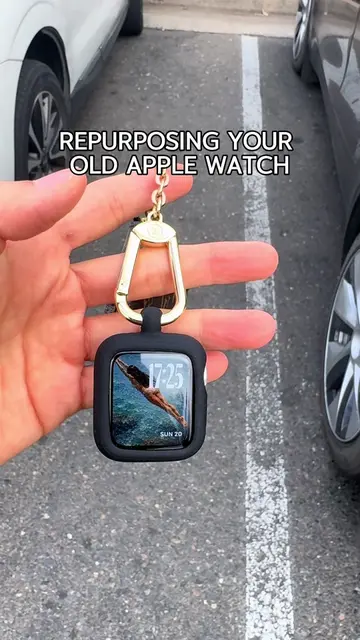
The creator demonstrates how she repurposed her Apple Watch into a keychain to serve as a Tesla car key, camera remote, and phone tracker. She explains the specific widget settings and case used to facilitate this workflow.
Structure
- 1Introduction to the Apple Watch keychain concept
- 2Explanation of the case and passcode settings
- 3Demonstration of Tesla car key functionality
- 4Demonstration of camera remote features
Original caption
Replying to @caligirlie #applewatch #TechGadgets #airtag #applehacks #Tech
More from @sophiakimliterally
More breakout videos from this creator.