Loading video…
All breakouts
156App DemoListicle hookAI Tools
Hook
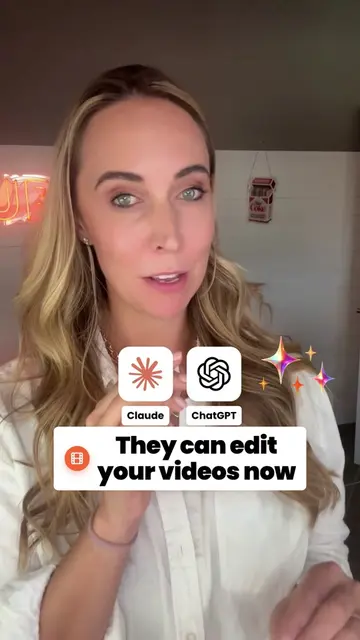
ChatGPT Dots 3 amazing ways to use them
@jamout.ai
24.6K followers · usually 979 views a post
Views
152.9K
Likes
4.2K
Comments
115
Shares
1.1K
Why it worked
The video provides a clear, high-utility demonstration of a new, buzzworthy AI feature, making it immediately relevant and actionable for the creator's audience.
Summary
The creator demonstrates three practical use cases for ChatGPT Dots, including making voice calls, managing email and Slack, and taking control of a virtual computer to perform tasks. The video serves as a feature demonstration of the AI agent's capabilities.
Structure
- 1Introduction to ChatGPT Dots
- 2Customizing the agent's appearance
- 3Demonstrating voice calling functionality
- 4Explaining Slack and email integration
- 5
Original caption
Here are three amazing ways to use ChatGPT dots you can actually give them an email address and forward Work to them. You could login into different spaces on their computer and have them work there and you can have phone calls with them. There’s so much to learn about ChatGPT dots for more information to check out the link in my bio. #chatgpt #chatgptdots @ChatGPT
More from @jamout.ai
More breakout videos from this creator.