Loading video…
All breakouts
130Text-HeavyOther hookConsumer Apps
Hook
Application for leave
@shortcut.ninja
271.6K followers · usually 2.5K views a post
Views
327.2K
Likes
7.2K
Comments
30
Shares
382
Why it worked
The video provides immediate, high-utility value through quick, actionable tips that solve a common pain point for office workers, presented in a fast-paced, visually clear format.
Summary
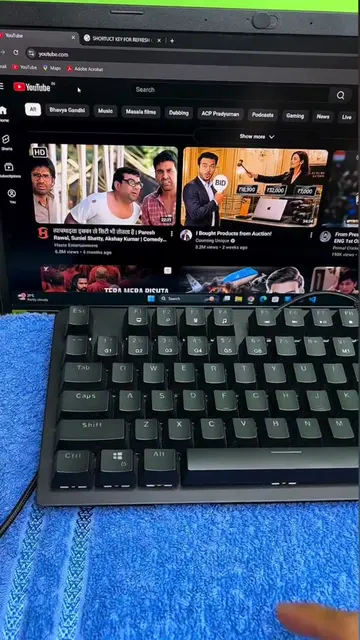
The video demonstrates several keyboard shortcuts for Microsoft Word, contrasting a 'beginner' approach with a 'pro' approach. It shows how to select words, change case, center text, bold, and double underline using specific key combinations.
Structure
- 1Introduction of the text 'Application for leave'
- 2Demonstration of selecting the next word
- 3Demonstration of changing text to uppercase
- 4Demonstration of centering text
- 5Demonstration of bolding text
- 6Demonstration of double underlining text
Product placement
Microsoft Word: Acts as the software interface being operated to demonstrate keyboard shortcuts. Removing it would change the video as it is the subject of the tutorial. none.
Call to action
Follow for more!
On-screen text
Application for leave
Beginner
Application for leave
Ctrl + Shift + ->
Select next word
Pro
Application for leave
Shift + F3
Change to uppercase
Pro
APPLICATION FOR LEAVE
Ctrl + E
Center
Pro
APPLICATION FOR LEAVE
Ctrl + B
Bold
Pro
APPLICATION FOR LEAVE
Ctrl + Shift + D
Double underline
Pro
Original caption
Become an ms word pro with these keyboard tricks ⚡ #wordshortcuts #wordtricks #officelife
More from @shortcut.ninja
More breakout videos from this creator.