Loading video…
All breakouts
243App DemoListicle hookConsumer Apps
Hook
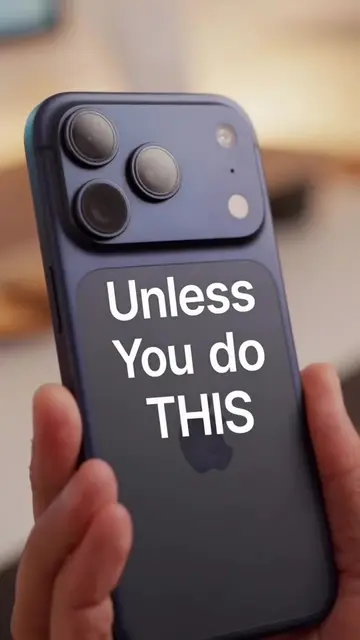
Hidden iPhone tricks part 3
@appletech2134
3.5K followers · usually 1.5K views a post
Views
348.8K
Likes
9.3K
Comments
36
Shares
2.4K
Why it worked
The video provides a high-utility, 'insider' technical tip that solves a common pain point for iPhone users, specifically verifying hardware integrity when buying used devices.
Summary
The creator demonstrates how to access a hidden diagnostic menu on an iPhone by using a specific button combination while connecting the device to a power source. This tutorial is intended to help users verify the hardware status of their devices, particularly when purchasing second-hand.
Structure
- 1Introduction to hidden iPhone tricks
- 2Instruction to power off the device
- 3Demonstration of button combination and charging
- 4Accessing the hidden diagnostics menu
- 5Explanation of the tool's utility for hardware testing
Product placement
iPhone (a) acts: the device's interface is operated to access a hidden diagnostic menu; removing it would change the video entirely. Anker (b) appears: the brand name is visible on the charging cable; removing it would not change the video.
On-screen text
HIDDEN IPHONE TRICKS PART 3
System Services
TURN OFF YOUR IPHONE COMPLETELY
PRESS AND HOLD BOTH THE VOLUME UP AND VOLUME DOWN BUTTONS
PLUG IN YOUR CHARGING CABLE
APPLE'S HIDDEN DIAGNOSTICS
TEST ALL THE KEY HARDWARE ON YOUR DEVICE YOURSELF
SUPER USEFUL IF YOU ARE BUYING A SECOND-HAND IPHONE
Original caption
Hidden iPhone tricks part 3 #ios #ios27 #iphone18promax #trending #goviral
More from @appletech2134
More breakout videos from this creator.