Loading video…
All breakouts
1.6KTalking HeadHow-To hookCreator Economy
Hook
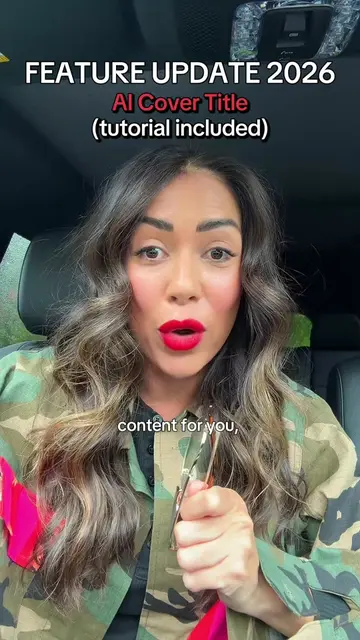
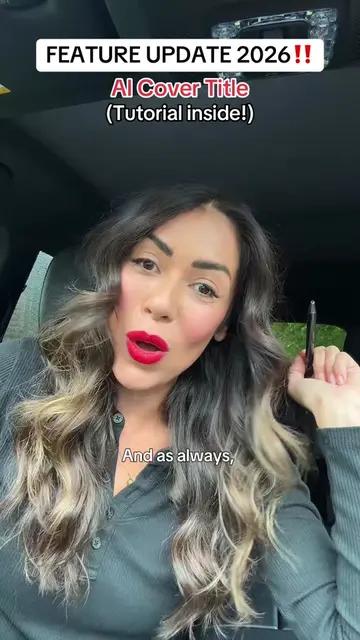
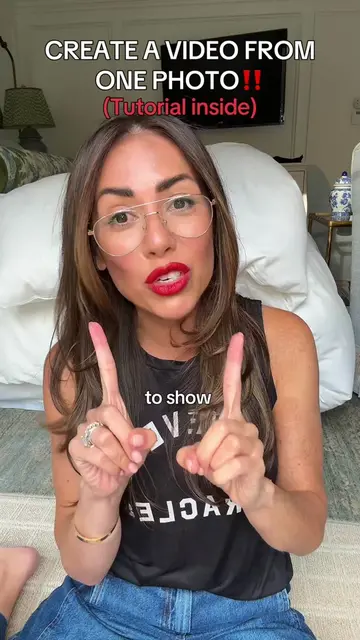
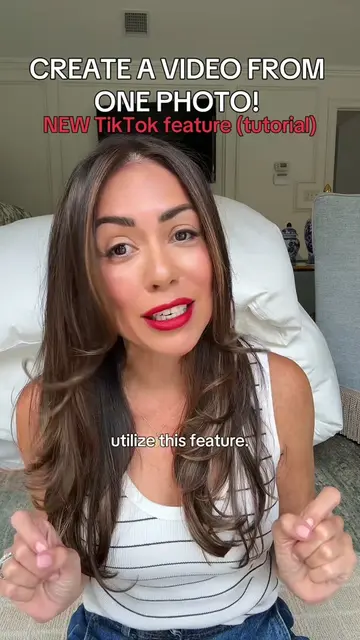
So in the next 45 seconds, I'm going to show you how to turn one photo into a video.
@accordingtoaida
66.2K followers · usually 5.3K views a post
Views
8.5M
Likes
86.6K
Comments
1.2K
Shares
8.5K
Why it worked
The video provides a clear, actionable tutorial on a specific, high-interest feature, positioning the creator as an expert in platform growth.
Summary
The creator provides a tutorial on how to use the 'One Clip' feature within TikTok to generate a video from a single photo. She explains the steps to access the feature and suggests sharing the result to stories to increase reach.
Structure
- 1Introduction to the one-photo-to-video feature
- 2Step-by-step guide to finding the 'One Clip' template
- 3Instructions on selecting a photo and handling music
- 4Strategy tip for sharing to stories to boost visibility
Product placement
TikTok: (a) ACTS — the creator demonstrates the 'One Clip' feature within the TikTok interface, showing how to navigate to the 'Create' tab, select the 'One Clip' template, and use a photo to generate a video. This is the core subject of the tutorial. Removing it would remove the entire premise of the video.
On-screen text
CREATE A VIDEO FROM ONE PHOTO IN SECONDS! NOV 2026 update (tutorial)
Home Friends + Inbox Profile
Camera CREATE LIVE
Templates Monthly Recap Daily Life Friends Aesthetic One Clip
Transcript
Original caption
Create a video form one photo using the TikTok feature one clip! ##tiktokoneclip #tiktokfeature #tiktokstrategy #tiktokfeatures #tiktoktipsandtricks
More from @accordingtoaida
More breakout videos from this creator.