Loading video…
All breakouts
 9 videos
5.4App DemoOther hookConsumer Apps
Hook
@Inn coder
@inncoder
32.9K followers · usually 5.6K views a post
Views
30.4K
Likes
2.0K
Comments
25
Shares
70
Promoted product
Inncoderinncoder.com
Apps by Inncoder
Why it worked
The video likely performed well due to its niche appeal to developers interested in SwiftUI animations. The clear display of both the code and the resulting animation provides educational value, while the creator's handle and bio link offer a direct path for interested viewers to learn more about their work or services.
Summary
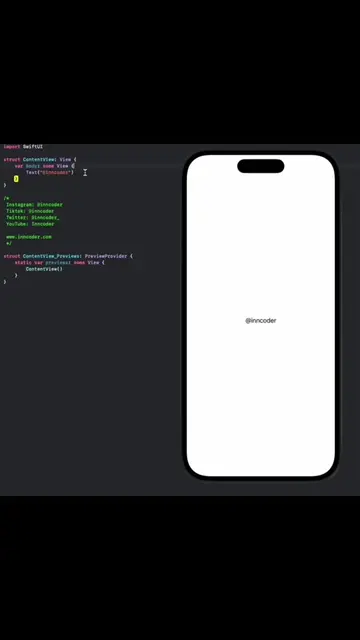
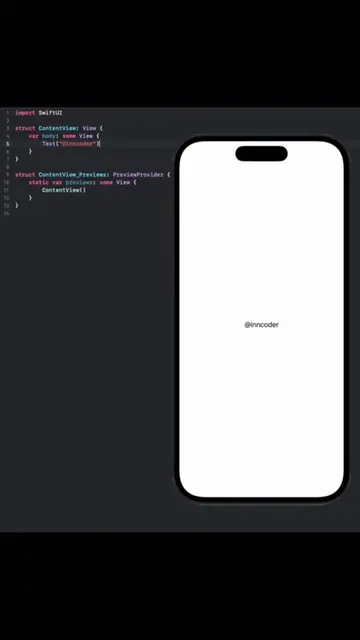
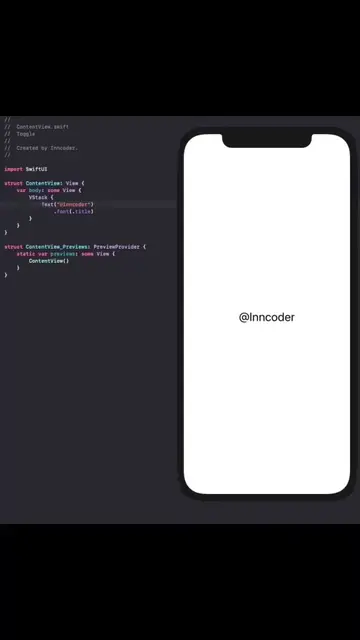
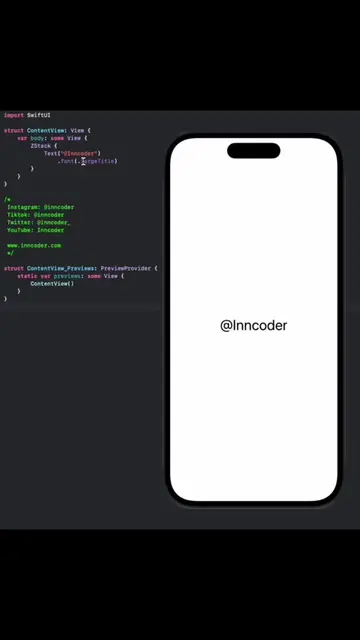
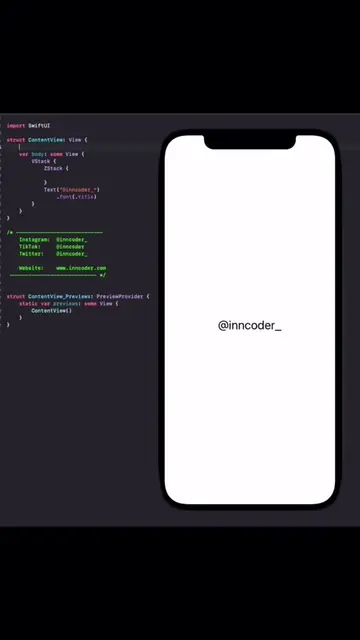
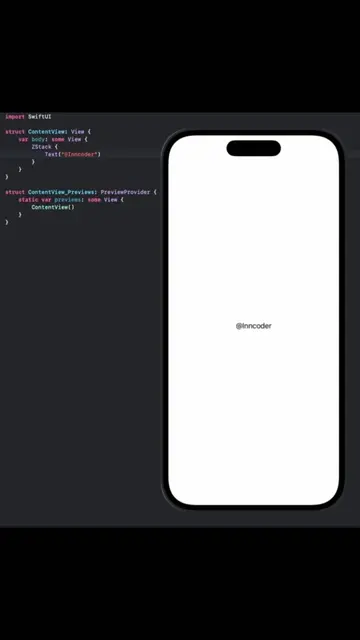
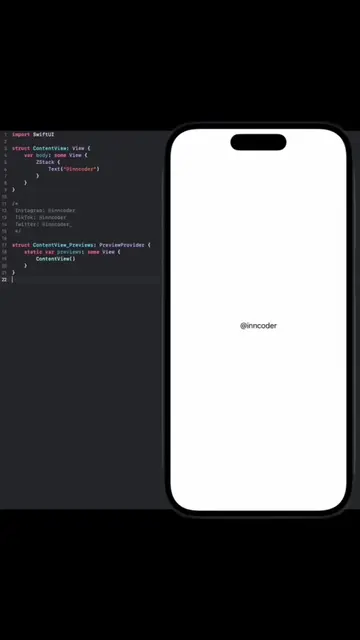
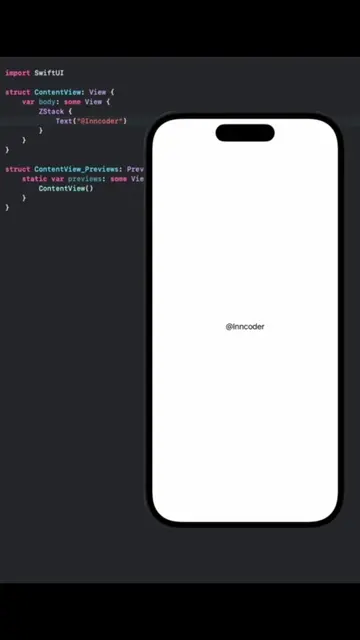
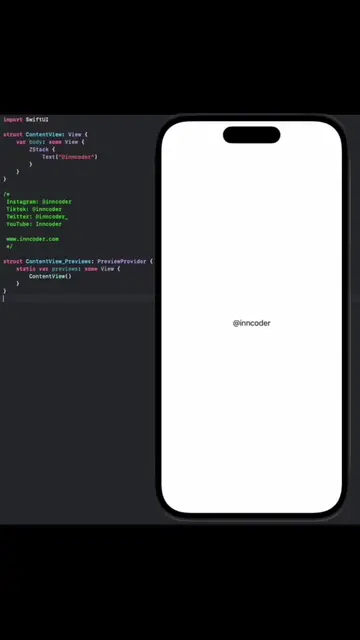
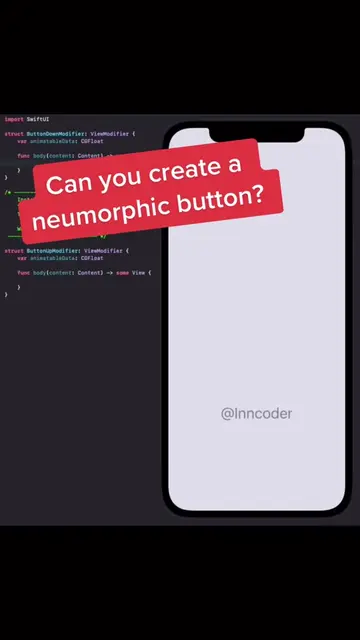
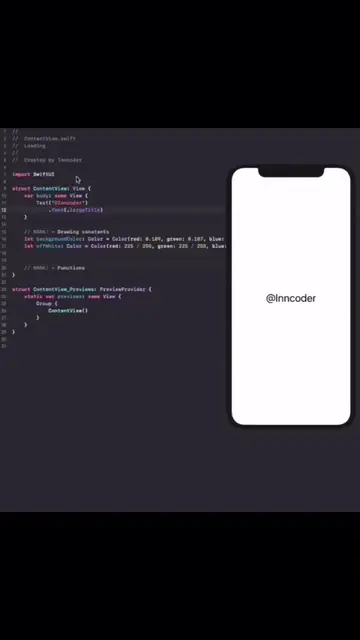
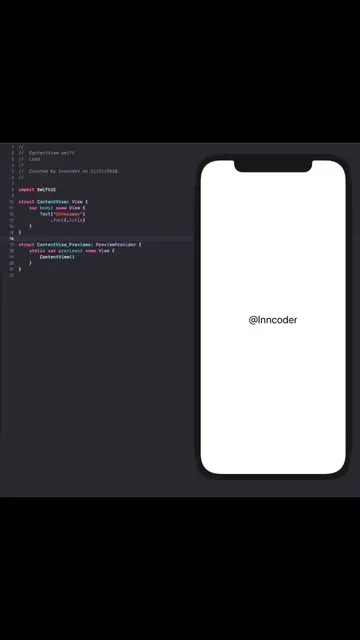
This video showcases a SwiftUI animation of a ghost icon within a phone frame. The code for the animation is displayed on the left, and the animated ghost appears and changes shape on the right. The creator's handle, @Inn coder, is displayed on the phone screen.
Structure
- 1Code displayed on the left, phone frame on the right
- 2Ghost icon appears and animates
- 3Animation changes shape and adds details
- 4
Original caption
Boo! #swiftui #coding #programming #ui #ux #inncoder #swiftlanguage #dev #uiux #appdesign #mobiledeveloper #Tech #ios #iosdeveloper #swiftlang #app
More from @inncoder
More breakout videos from this creator.