Loading video…
All breakouts
4.8Talking HeadHow-To hookEducation
Hook
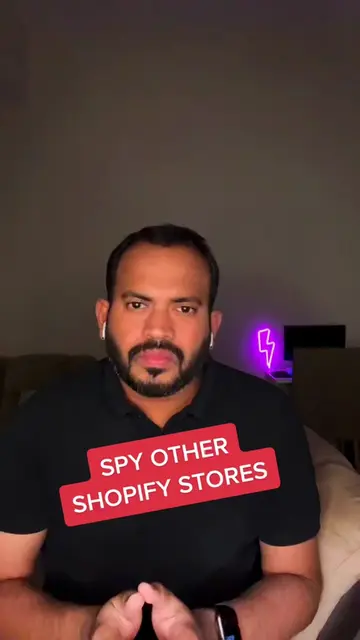
SPY ANY WEBSITES FOR FREE
@san.kg
18.6K followers · usually 1.3K views a post
Views
6.1K
Likes
234
Comments
3
Shares
40
Why it worked
The video provides a practical and free solution to a common curiosity for people interested in web development and digital marketing, offering valuable insights into competitor or admired websites in a concise and easily digestible format.
Summary
The video demonstrates how to use the "WhatRuns" Chrome extension to discover the technologies, marketing tools, and web frameworks used by any website. It shows the process of installing the extension and then using it to analyze a website, revealing various integrated tools and insights.
Structure
- 1Introduce the ability to spy on websites for free
- 2Instruct to install the WhatRuns Chrome extension
- 3Demonstrate using the extension on a website
- 4Showcase the revealed technologies and tools
Original caption
Spy any websites for free #onlinebusinesstips #digitalmarketingtools #ecommercetips #sankg
More from @san.kg
More breakout videos from this creator.