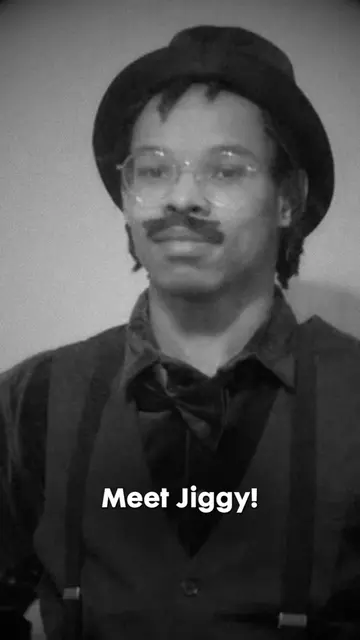
Loading video…
All breakouts
59.8Talking HeadHow-To hookEducation
Hook
I have a tip for you regarding rotoscoping in After Effects.
@jiggypufffridays
1.8K followers · usually 182 views a post
Views
10.8K
Likes
214
Comments
3
Shares
2
Why it worked
The video provides a highly specific, actionable solution to a common technical pain point for video editors, making it extremely valuable and shareable for the target audience.
Summary
The creator provides a quick tutorial on how to use the 'Freeze' button in Adobe After Effects to stop the Roto Brush tool from constantly re-propagating. This helps improve performance and workflow when editing rotoscoped footage.
Structure
- 1Identify the common frustration with Roto Brush propagation
- 2Explain the solution: using the Freeze button
- 3Demonstrate the process of freezing frames
- 4Show the result: a frozen, stable roto
- 5Explain the limitation: you must unfreeze to make further edits
On-screen text
tip for
rotoscoping
FREEZE
YOUR ROTO
*double click with the
roto tool
Freeze
Transcript
I have a tip for you regarding rotoscoping in After Effects. When I was working on my green screen video, I had a problem where it kept like propagating. It was longer than this, but it kept propagating and kept refreshing the roto brush whenever I make a change on the timeline. There is a solution for this, and it is freezing your frames in the roto brush tool. So to freeze your frames, you double click the layer that you were rotoscoping, and then on the bottom right hand corner you should find this button called freeze. When you press freeze, it will stop the roto brush process and it will basically keep your roto brush in place. So I'm going to press freeze, and a little dialog box will pop up saying freezing. If you can tell by the counter just going in and out of consciousness between me and you, let's pretend like this is actually a good roto brush. So basically what I'm trying to show is after you finish freezing your rotos, at the bottom there should be a purple banner saying Roto Brush and Refine Edge propagation is frozen. Unfreeze to update. Now as you can see, I can click through my timeline without the green propagating banner coming up now and now and now and then telling me, hey, it's updating or it's propagating. One thing you do have to take into mind is that you cannot continue the roto brushing process after doing this. You would have to unfreeze the frames and it will go back to updating the roto brush. Hope this helps.
Original caption
Make Your Rotos in AE STOP Refreshing/Propagating! #editors #aftereffects #aftereffectstutorial
More from @jiggypufffridays
More breakout videos from this creator.