Loading video…
All breakouts
17.5Talking HeadHow-To hookEducation
Hook
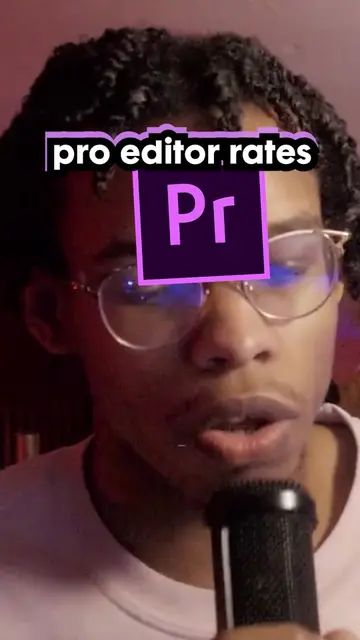
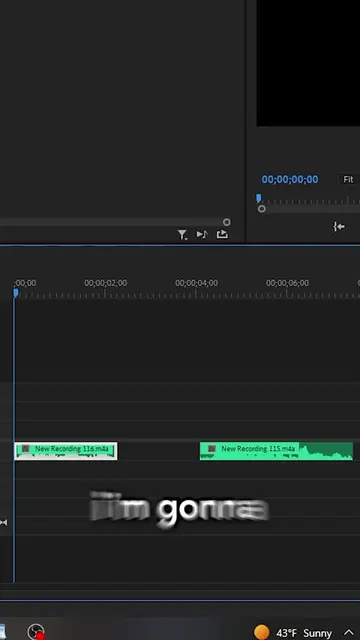
When you only want to transfer a clip from Premiere Pro to After Effects, you would select a clip, press Ctrl+C, go over to After Effects and press Ctrl+V.
@jiggypufffridays
1.8K followers · usually 182 views a post
Views
3.1K
Likes
80
Comments
7
Shares
1
Why it worked
The video addresses a specific, high-friction pain point for a niche audience (video editors) and provides an immediate, actionable solution, making it highly shareable and saveable.
Summary
The creator demonstrates a common issue when copying and pasting clips between Adobe Premiere Pro and After Effects. He then provides a keyboard shortcut solution to ensure the clip pastes exactly where the playhead is located.
Structure
- 1Identify the common workflow problem
- 2Show the frustrating result of the standard method
- 3Explain the correct keyboard shortcut
- 4Demonstrate the successful outcome
On-screen text
DO NOT
SOUNDS GOOD.
10s
1:30s
2 MINUTES
CTRL+ALT+V
HELPS :)
Transcript
When you only want to transfer a clip from Premiere Pro to After Effects, you would select a clip, press Ctrl+C, go over to After Effects and press Ctrl+V. Unfortunately, sometimes this will happen where it'll paste it way beyond where you originally wanted it to paste. This comp duration was 10 seconds before I pasted it, and it went to a whopping 2 minutes of it. Like, I don't need 2 minutes of comp. The proper way to actually paste a clip after copying it is to press Ctrl+Alt+V, and what will happen is that it will paste the clip at your playhead instead of into the beyond where no one exists. Hope this helps.
Original caption
Copy a clip from Premiere, pasting it into after and having the clip spawn in china #videoedit #fyp #videoediting #videoeditingtips #premierepro #premiereprotutorial
More from @jiggypufffridays
More breakout videos from this creator.