Loading video…
All breakouts
326App DemoOther hookConsumer Apps
Hook
iOS 17
@howtobuyiphone15
33.6K followers · usually 17.3K views a post
Views
5.6M
Likes
393.8K
Comments
2.5K
Shares
26.3K
Why it worked
The video leverages high-quality UI design concepts that tap into the audience's desire for new Apple features, creating a 'what if' scenario that feels authentic and visually satisfying.
Summary
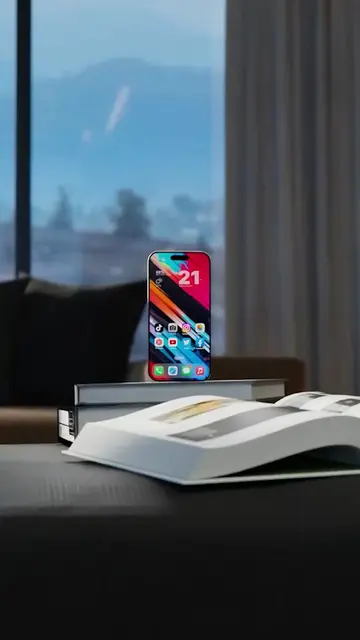
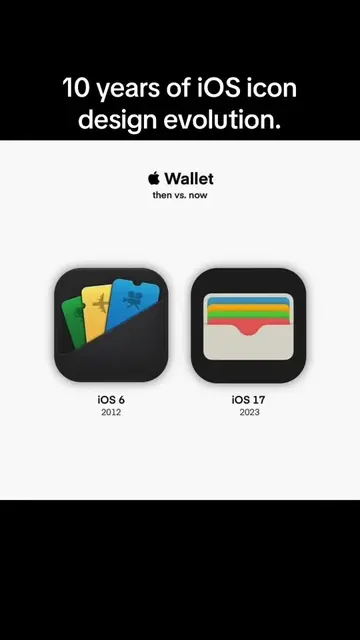
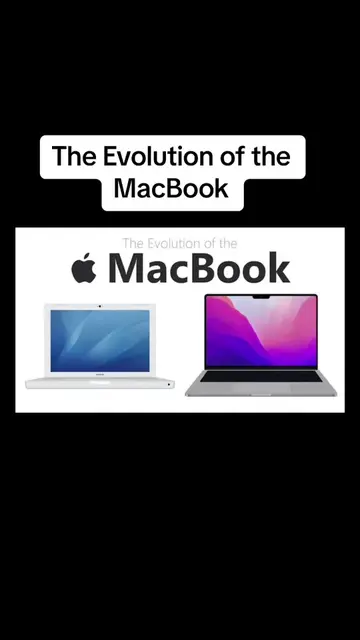
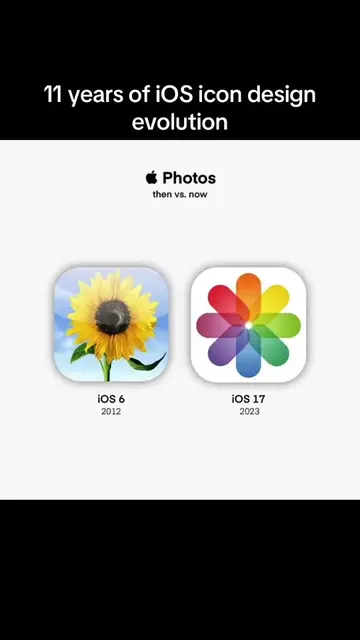
The video showcases a series of concept features for a hypothetical iOS 17 update, including interactive widgets, a customizable control center, and the ability to install apps from anywhere. It uses a screen recording of an iPhone to demonstrate these UI changes.
Structure
- 1Introduction of iOS 17 concept
- 2Demonstration of interactive widgets
- 3Display of customizable control center
- 4Demonstration of split-screen multitasking
- 5Concept of installing apps from anywhere
On-screen text
iOS 17
It starts with interactive widgets
Wishlist
interactive
widgets
icon-packs
Change your icons easily
Major buying incentives
USB-C
Split view multitasking
Drag
Drop
All new camera experience
One more thing
Install apps from anywhere
New Control Center toggles
Manage icon packs
Pro mode on Camera
Split view
Custom lockscreen shortcuts
Refined notifications
New system popup
17
Original caption
iOS 17 #ios17 #ios17beta #ios16 #ios16beta #ios #iosbeta
More from @howtobuyiphone15
More breakout videos from this creator.