Loading video…
All breakouts
3.8App DemoResult / Flex hookConsumer Apps
Hook
The code VS The result
@hmoo.ios
2.8K followers · usually 10.6K views a post
Views
33.7K
Likes
1.7K
Comments
28
Shares
17
Why it worked
The video effectively uses a visual 'code vs. result' format to showcase the development process and the final product. This clear comparison appeals to viewers interested in app development and design.
Summary
The video shows a split screen comparing code on the left with the resulting app interface on the right. The app interface progresses through different screens, including a product listing, a shopping cart, delivery details, and a confirmation message after placing an order.
Structure
- 1Code vs. Result comparison
- 2App interface display
- 3Product listing view
- 4Shopping cart view
- 5Delivery details input
- 6Order confirmation
On-screen text
The code
VS
The result
Original caption
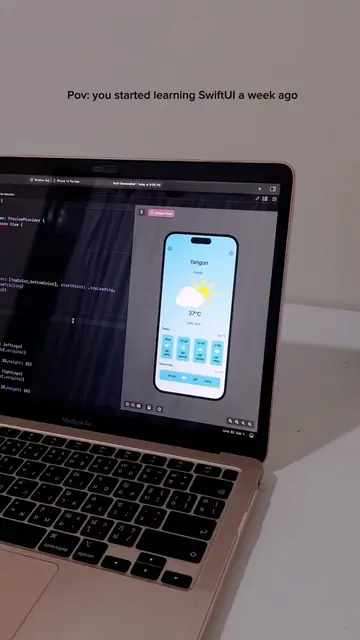
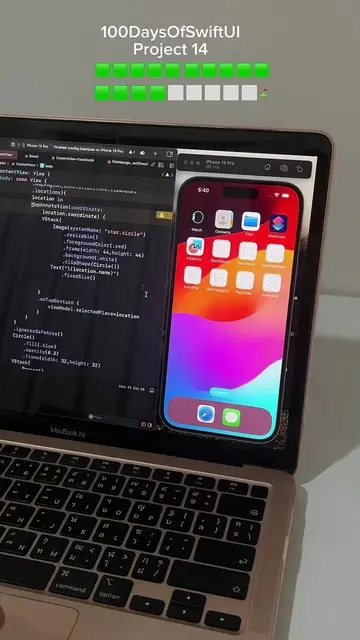
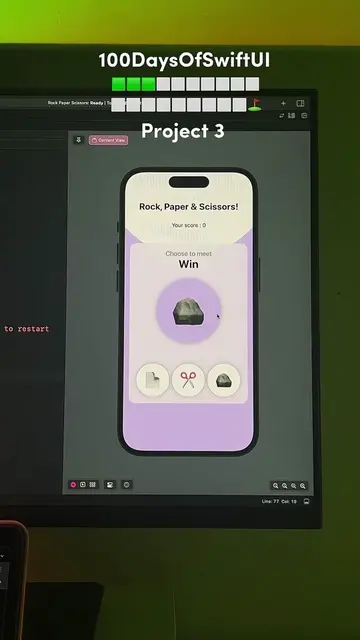
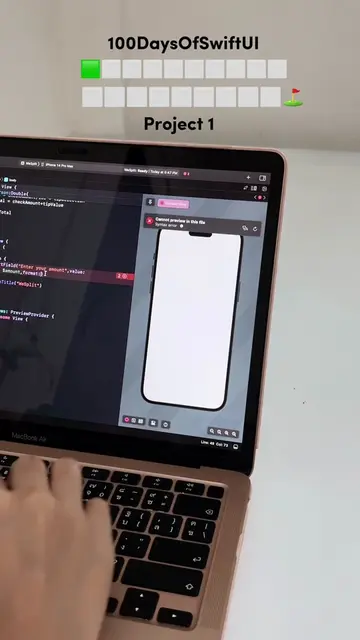
👋🏻Lately, I haven’t been very active on Instagram due to my busy schedule working on projects. Now, I’m excited to be back and ready to share the demo of the one of the projects I’ve done. Feel free to check out the source code for my projects on my GitHub profile. Your feedback and suggestions are always welcome! #100daysofswift #swiftdev #swiftdevelopers #swiftuiessentials #swiftuideveloper #softwareengineer #iosdeveloper #webdeveloper #flutterdeveloper #developer #appdeveloper #programming #softwareengineer #coding #code #100daysofcode #coders #webdev #programming #developerlife #programminghumor #computerscience #python #php #desksetup #appdevelopment #uidesign #frontend #backenddeveloper #softwaredeveloper #flutter#100daysofswiftui
More from @hmoo.ios
More breakout videos from this creator.