Loading video…
All breakouts
 64 videos45 creators
32.4Talking HeadOther hookConsumer Apps
Hook
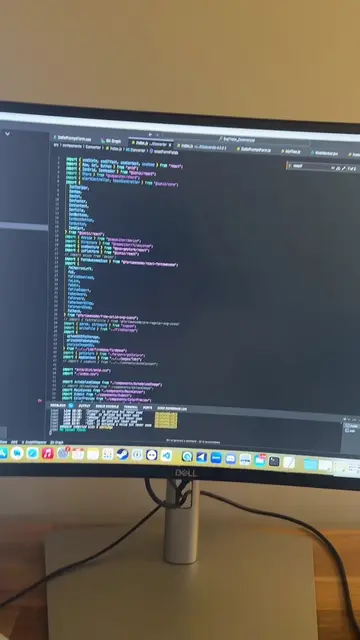
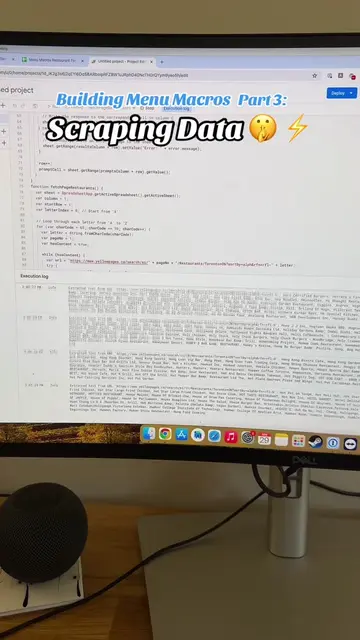
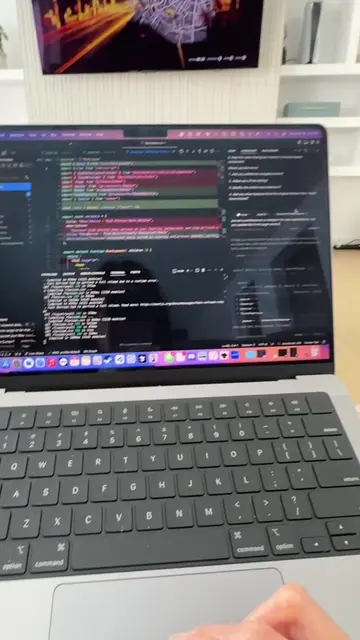
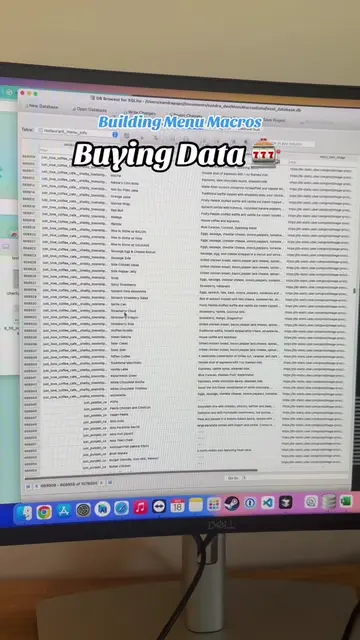
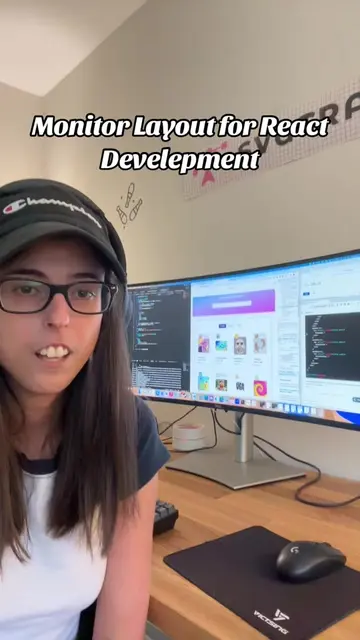
this is my coding setup for react development
@ceosano
9.7K followers · usually 9.9K views a post
Views
296.6K
Likes
9.3K
Comments
260
Shares
379
Promoted product
Cursorcursor.com
Built to make you extraordinarily productive, Cursor is the best AI coding agent.
Why it worked
The video provides a glimpse into a developer's workflow, showcasing a tool that enhances productivity. By demonstrating the use of an AI code editor and a specific AI model (GPT-4o), it appeals to developers interested in leveraging AI for coding tasks.
Summary
The creator shares their coding setup for React development, highlighting their use of the AI code editor 'Cursor'. They explain that while it resembles VS Code, it's Cursor, and they primarily use GPT-4o for codebase requests, finding it yields the best results.
Structure
- 1Introduction to coding setup for React development
- 2Introducing Cursor as the IDE
- 3Comparing Cursor to VS Code
Original caption
#reactdevelopment #cursor
More from @ceosano
More breakout videos from this creator.