Loading video…
All breakouts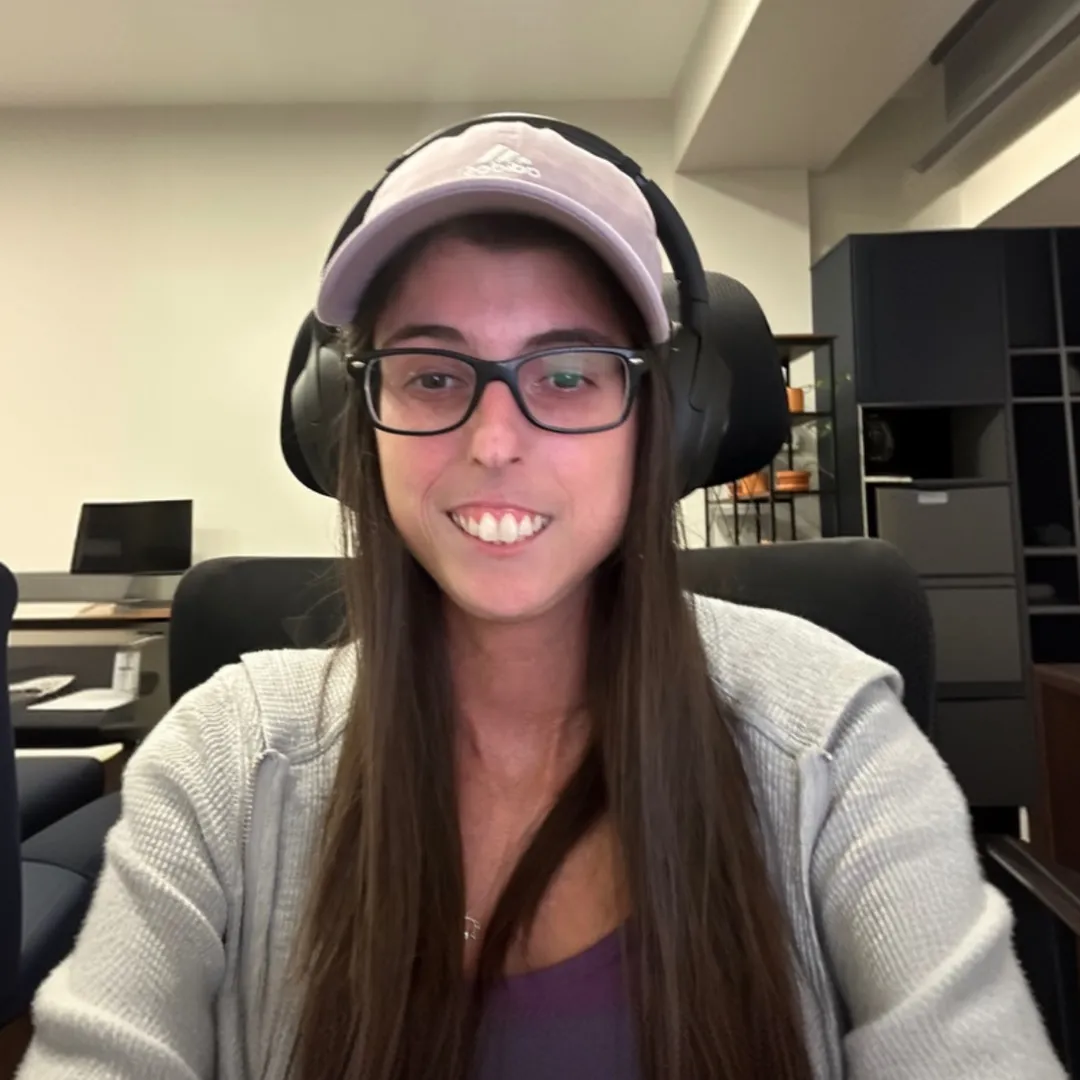
6.1Talking HeadHow-To hookConsumer Apps
Hook
Monitor Layout for React Development
@ceosano
9.7K followers · usually 9.9K views a post
Views
60.8K
Likes
1.9K
Comments
83
Shares
52
Why it worked
The video likely performed well due to its niche appeal to developers seeking setup inspiration and efficiency tips, leveraging relevant hashtags to reach the target audience.
Summary
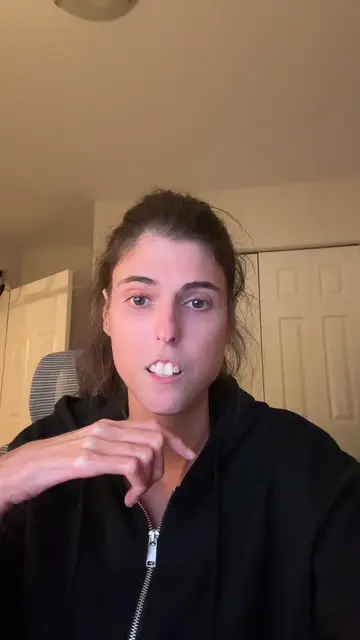
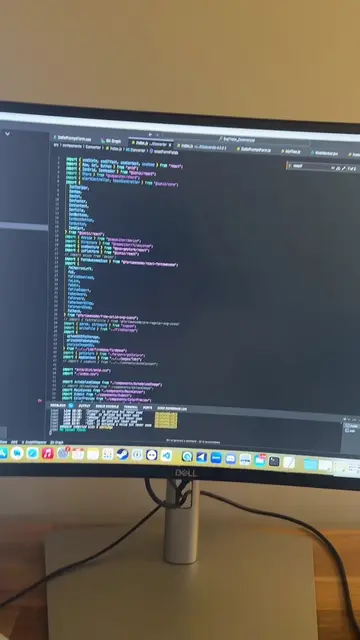
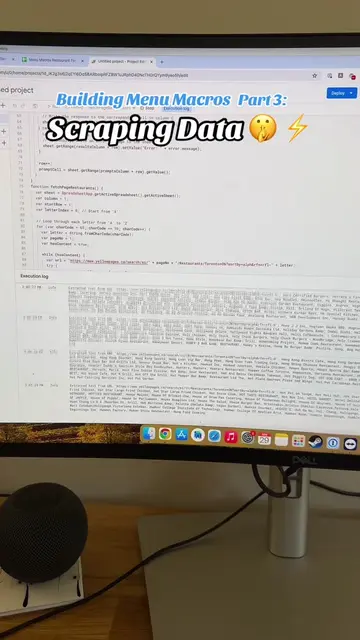
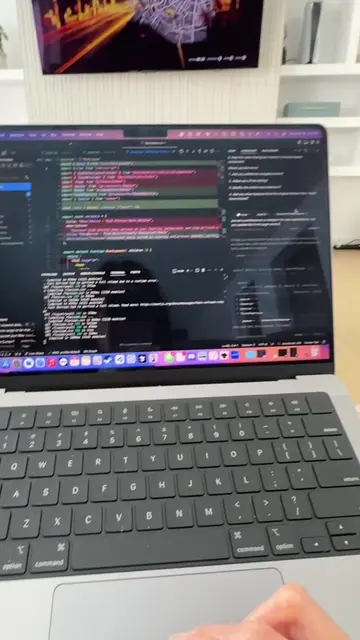
The creator showcases their monitor setup for React development, featuring VS Code on the left, the development viewport in the middle, a Pomodoro timer in the bottom right, and ChatGPT for assistance.
Structure
- 1Introduction to monitor layout for React development
- 2VS Code on the left
- 3Development viewport in the middle
- 4Pomodoro timer and ChatGPT on the right
- 5Explanation of usage
On-screen text
Monitor Layout for React Development
Transcript
This is my monitor layout for React development. On the left, I have VS Code. In the middle, I have my viewport for what I'm currently working on and developing. On the bottom right hand corner, I have a timer to help me with the Pomodoro technique. As you can see right now, I am in a work session currently. And then on the bottom right hand corner, I have a ChatGPT to help me with any questions I have. And then I'll open up Google in here as well.
Original caption
I closed 1000 tabs in chrome before filming this 😬 #reactjs #webdeveloper #appdeveloper #monitorlayout
More from @ceosano
More breakout videos from this creator.