Loading video…
All breakouts
8.0Talking HeadOther hookConsumer Apps
Hook
thank you so much EU!! We needed this!
@federaltech
58.1K followers · usually 311.0K views a post
Views
2.6M
Likes
54.5K
Comments
1.1K
Shares
1.6K
Why it worked
The video taps into a current tech trend and user frustration regarding the rollout of Apple Intelligence in the EU, creating relatable content that resonates with a specific audience interested in Apple products and software updates.
Summary
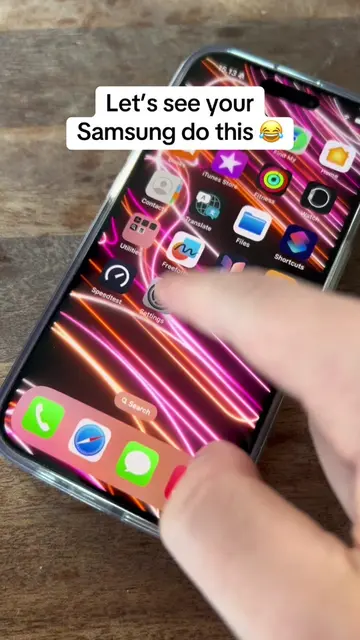
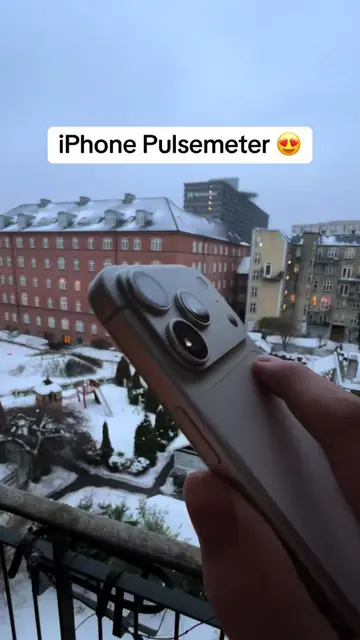
The video shows a person interacting with their iPhone, attempting to delete the App Store and Camera apps. The user expresses frustration that they cannot access Apple Intelligence in the EU, referencing iOS 18 and the iPhone 16 Pro.
Structure
- 1User expresses thanks to the EU and states a need.
- 2User attempts to remove the App Store app.
- 3User confirms deletion of the App Store.
- 4User attempts to remove the Camera app.
- 5User confirms deletion of the Camera app.
- 6User shows the iPhone home screen with apps removed.
Product placement
The video shows the user interacting with an iPhone, attempting to delete built-in apps like the App Store and Camera. It also shows the Duolingo app timer on the lock screen.
On-screen text
thank you so much EU!!
We needed this!
22:36
App Library
Suggestions
Creativity
Health & Fitness
Information & Reading
22:36
Remove "App Store?"
Removing from Home Screen will keep the app in your App Library
Purchased
Updates
Redeem
Search
Delete "App Store"?
Deleting this app will not delete the apps you downloaded with it.
61 apps you downloaded with "App Store" will not receive updates.
If you want to download built-in iPhone apps, you'll need to restore "App Store".
You'll still be able to manage app subscriptions in Settings.
Delete App
Remove from Home Screen
22:36
App Library
Suggestions
Creativity
Health & Fitness
Information & Reading
Selfie
Video
Portrait
Portrait Selfie
Delete App
Delete "Camera"?
Deleting this app will turn off any gestures or buttons set up to open Camera.
Cancel
Delete
22:36
App Library
Suggestions
Creativity
Health & Fitness
Information & Reading
Productivity & Finance
Entertainment
Social
41m
Duolingo 41:38
Swipe up to open
41m
Duolingo 41:37
Original caption
This but we can’t get apple intelligence eu?? 😭😭 #apple #ios18 #iphone16pro #federaltech
More from @federaltech
More breakout videos from this creator.