Loading video…
All breakouts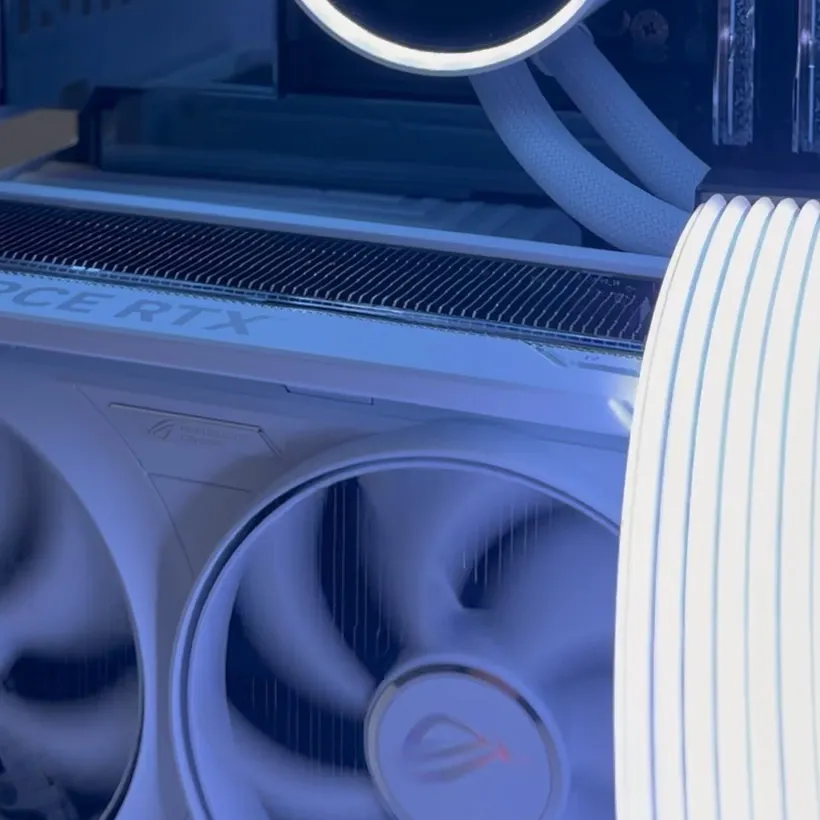
5.2Silent UGCProblem Callout hookConsumer Apps
Hook
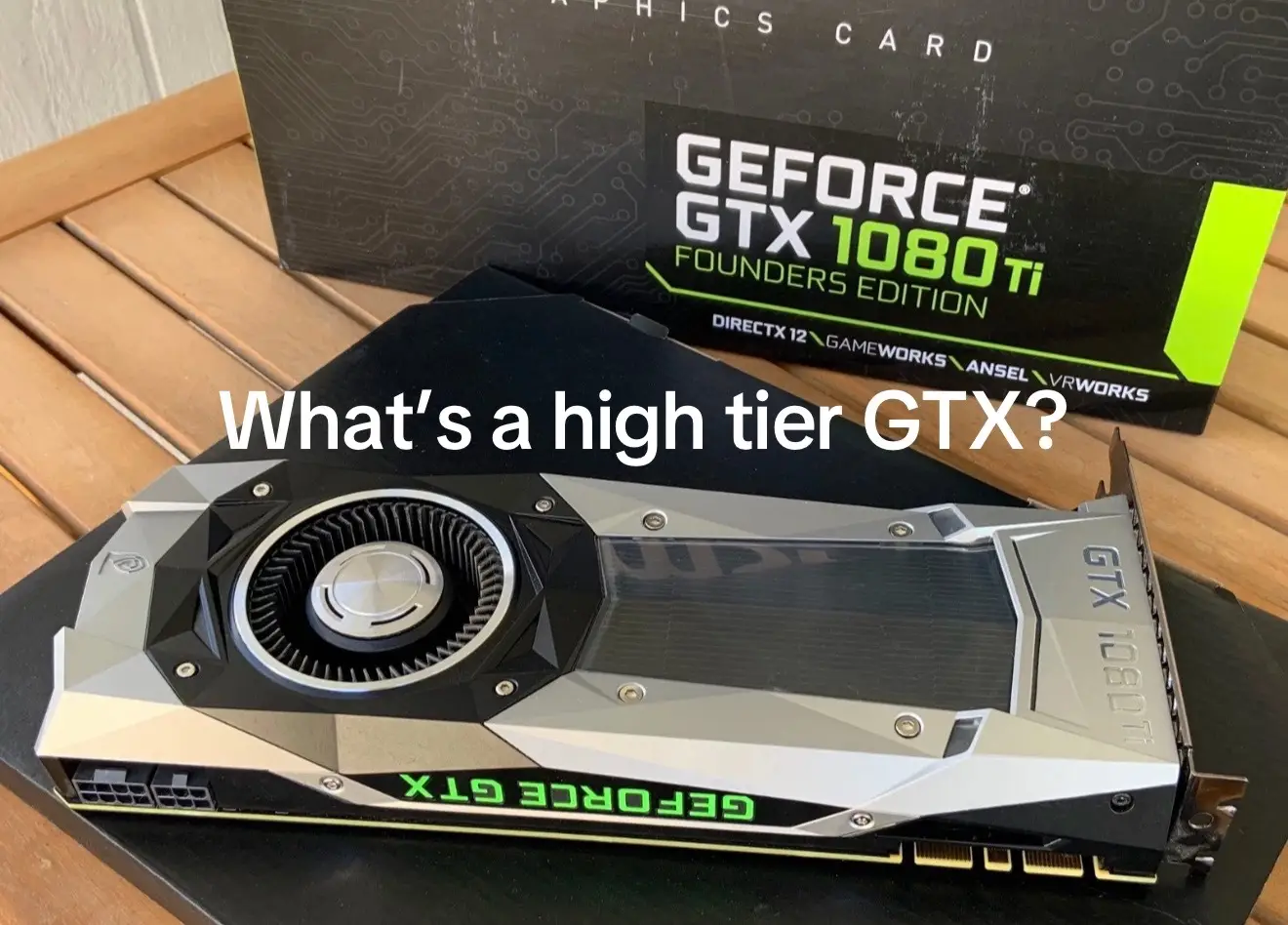
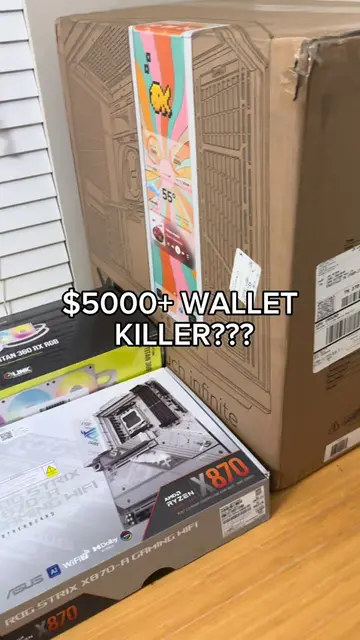
$3000 Wallet Killer??? 😩😂
@enlintech
3.5K followers · usually 33.2K views a post
Views
216.6K
Likes
10.9K
Comments
264
Shares
307
Promoted product
—
Why it worked
The video likely performed well due to the popular trend of PC building content, especially featuring high-end components. The "wallet killer" hook and the visual appeal of RGB lighting and a clean build would have attracted viewers interested in gaming and PC setups.
Summary
The video shows the assembly of a custom PC, highlighting various components and their prices. It starts with the case and then shows the installation of the CPU, RAM, and SSD. The video then moves on to installing the GPU and power supply, followed by the radiator and fans. Finally, it shows the completed PC with RGB lighting and a "Power On" message.
Structure
- 1Unboxing and showing PC components
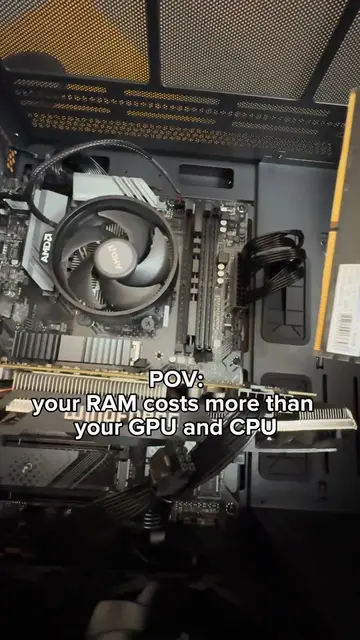
- 2Installing CPU, RAM, and SSD
- 3Installing GPU and power supply
- 4Installing cooling system
- 5Connecting cables and closing panels
- 6Powering on the PC
Product placement
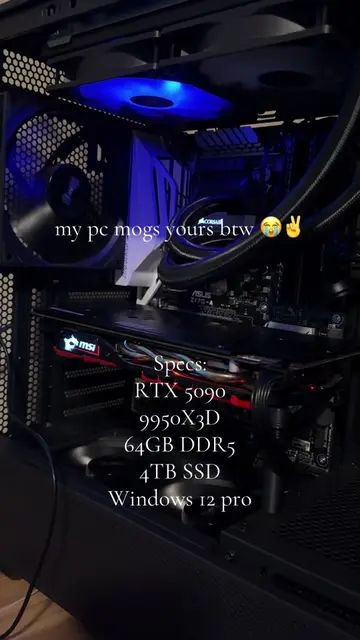
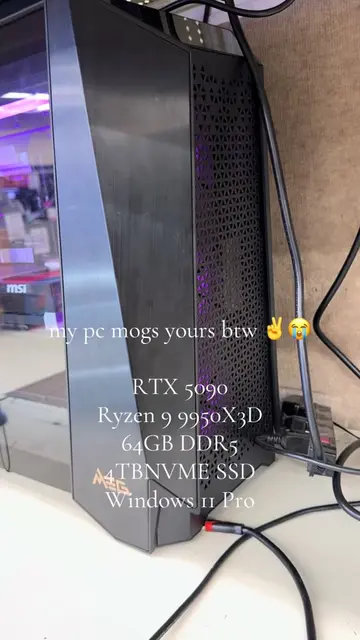
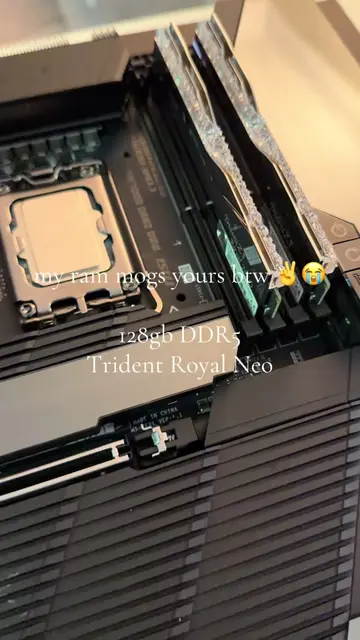
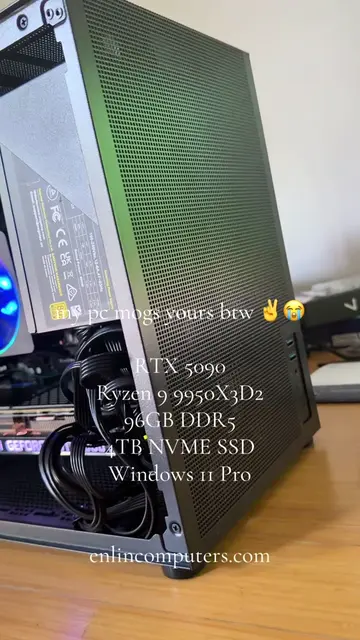
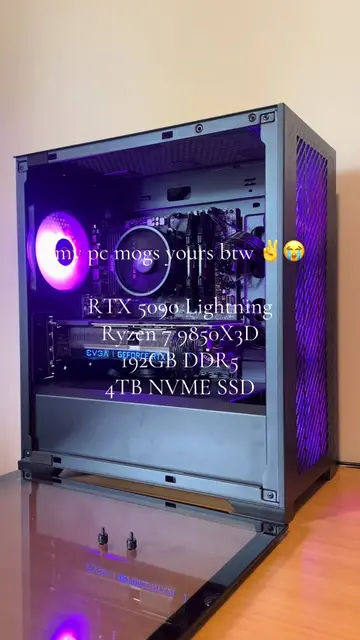
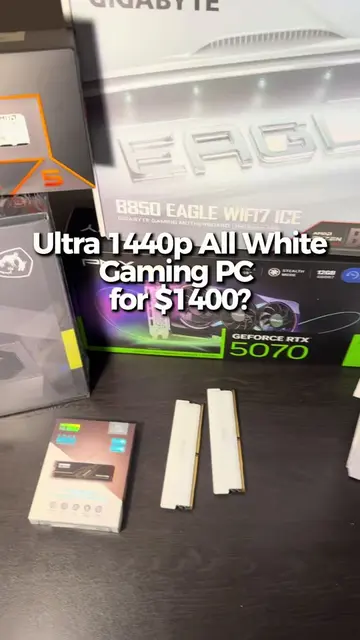
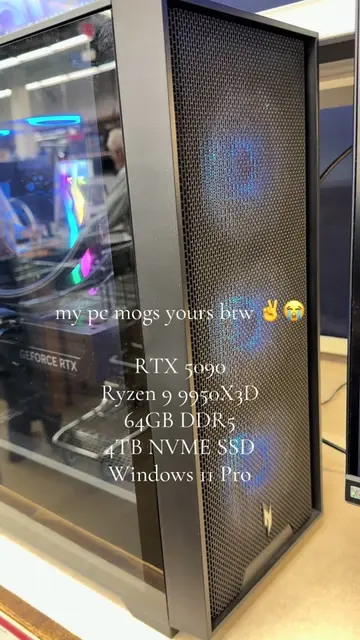
The video showcases the assembly of a PC, featuring components such as the Hyte Y40 case, Intel i9 13900KF CPU, 64GB DDR5 RAM, Mushkin Vortex 2TB SSD, MSI Z690A Pro Wifi motherboard, MSI Vanguard SOC 16G RTX 5080 GPU, Corsair iCue Link Titan 360 RX RGB AIO cooler, MSI MPG A1000G PCIE5 power supply, and Corsair RX120 RGB fans.
Original caption
goodbye wallet 😈 #pcbuilding #pcgaming #pcsetup #gaming #budgetpc #nvidia #techtok #viral #fyp
More from @enlintech
More breakout videos from this creator.