Loading video…
Sound

original sound - ficastootech
𝗙𝗶𝗰𝗮𝘀𝘁𝗼𝘁𝗲𝗰𝗵 - 𝗔𝗶 · Original audio
0:00–:––
Playing this video’s own audio, so you’ll hear the creator over the sound.
The video effectively demonstrates a creative and engaging AI application, transforming a personal photo into a desirable animated character. It provides a clear, step-by-step tutorial using two distinct AI tools, making it highly shareable and informative for users interested in AI-driven content creation.
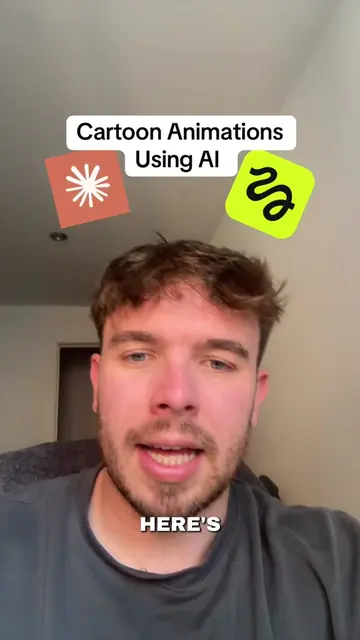
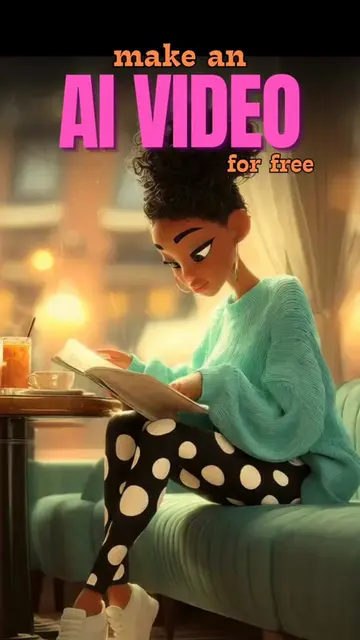
This video demonstrates how to use Stylar.ai to transform a photo into a Disney-style animated character. It then shows how to take that generated image to d-id.com to animate it with custom audio or text.
Transform Into a Disney 3D Animated Character in Minutes! 😊💡 ✅ Save for later Follow for more :) . . . #3dcharacter #AItools #3DAnimation #3Dmodeling #3Dprinting #blenderanimation #3Dartists #characteranimation #aiavatargenerator #aiwebsitebuilder #characteraiapp #studyaitool #studytoolsforstudents #Tech #aitools #aigenerated #aitoolsforbusiness #aitoolsforstudents #aivideotools #aimusicgenerator #aivideogeneration #aitoolsformarketers #aivideotools #aitoolforcontent #aiimagegenerator #ficastotech
Transform Into Disney 3D Animated Character!
Introduce the goal: transform a photo into an animated character.
Use Stylar.ai to upload a photo and select an 'Innocent Cutie' style.
Generate and select the stylized image.
Use d-id.com to upload the image and add audio/script for animation.
Generate the final animated video.
Stylar.ai (ACTS - an AI image editor that transforms photos into different styles, used to create an animated character from a photo. Removing it would change what happens in the video.) d-id.com (ACTS - an AI video generator that animates still images using uploaded audio or generated scripts. Removing it would change what happens in the video.)
Playing this video’s own audio, so you’ll hear the creator over the sound.
Promotes 4 products. Create free account to see more.
Outliers and viral hits: their videos on Overshot, all time.
AI image editing tool for turning photos into styled artwork
All time.