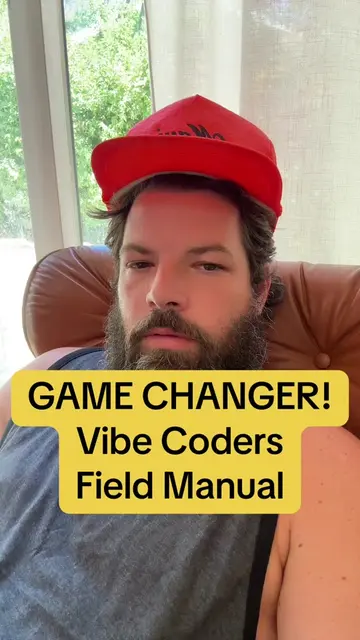
Loading video…
All breakouts

Locked — included with Pro.Open on TikTokPro
Pro links straight through to the original post.
5.8Talking HeadOther hookAI Tools
Hook
Vibe Coding: Simple game changer The "Vibe Check" Prompt
@technically.david
3.3K followers · usually 414 views a post
Views
2.4K
Likes
87
Comments
10
Shares
10
Pro adds view velocity to this page — whether the video is still climbing or has already peaked.
See ProWhy it worked
The video effectively highlights a common pain point for developers using AI coding assistants (loss of context, errors) and offers a practical, readily available solution (the "Vibe Check Prompt"). The creator's personal experience and the promise of a 'bulletproof' method resonate with the audience, encouraging engagement and a visit to their website for the tool.
Summary
The creator explains the importance of a "Vibe Check Prompt" for AI coding, especially when using tools like Claude Code or Gemini CLI. They share their experience of making mistakes by not having a structured prompt, leading to issues like scope creep and bloat. The video demonstrates how to use a prompt that provides context, rules, and architecture to the AI, ensuring more accurate and efficient code generation.
ProLocked — included with Pro
Transcript, structure and on-screen text
7 beats, a 772-word transcript and 277 lines of on-screen text — the parts you need to write your own version.
The hook, the summary, why it worked and what it sells stay open on every video, signed in or not.
Original caption
My AI agent ‘Claude Code’ kept losing context during sessions, so I created The ‘Vibe Check’ Prompt … a single command that forces Claude Code or Gemini CLI to fully sync with your project’s goals, rules, architecture, and history before writing a single line of code... it prevents hallucinations and keeps ‘codestreaming’ under control... Link in bio so you can copy and paste it... #VibeCoder #VibeCoding #AICoding #CursorAI #ClaudeAI #AnthropicAI #ChaptGPT #GoogleGemini #GeminiCLI #ClaudeCode #DevinAI #Github #PromptEngineering #SoftwareDeveloper #TechTok #BuildWithAI #VSCode #DeveloperTools #Promptsmithing #Codestreaming
More from @technically.david
Their other posts in the index, biggest breakout first.