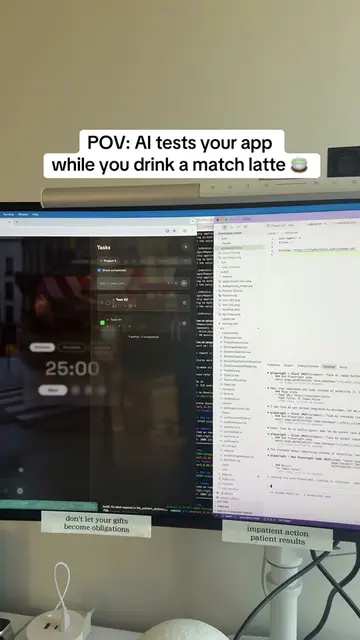
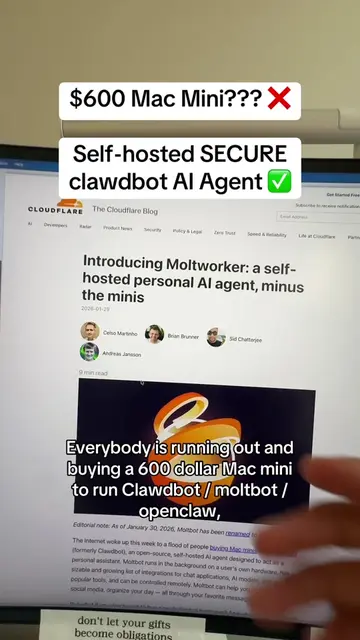
Loading video…
All breakouts
5.3Text-HeavyWarning hookAI Tools
Hook
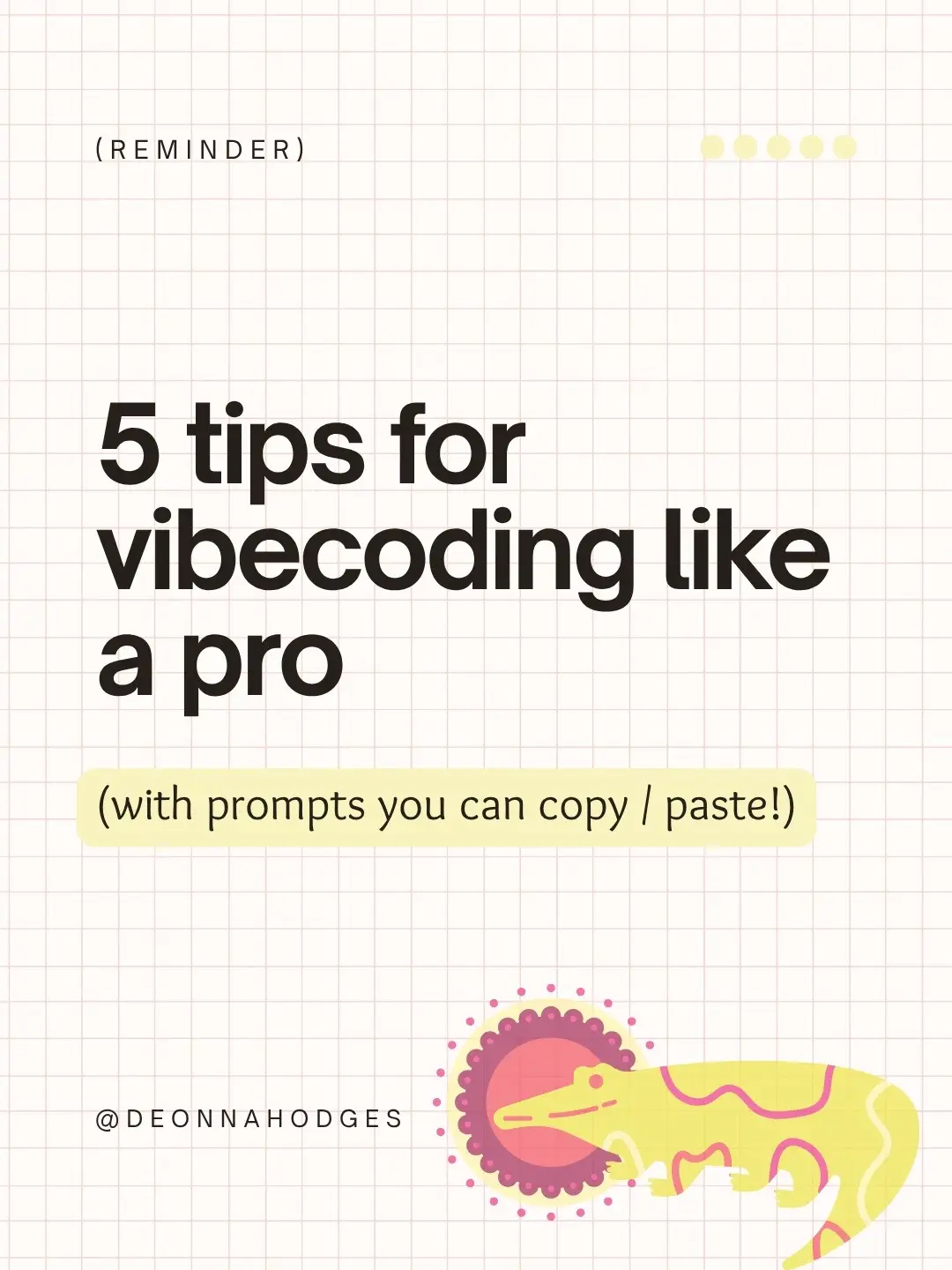
(REMINDER)
@deonnahodges
61.3K followers · usually 6.6K views a post
Views
36.6K
Likes
2.1K
Comments
22
Shares
247
Promoted product
—
Why it worked
The post provides actionable tips and copy-paste prompts for a trending topic (AI and coding), making it highly valuable and shareable for the target audience.
Summary
This is a slideshow presentation offering 5 tips for "vibecoding" like a pro, with prompts that can be copied and pasted. The tips cover microprompting, design inspiration, tool selection, reading code, and refactoring for AI context.
Structure
- 1Introduction to vibecoding tips
- 2Microprompting strategy
- 3Design inspiration through copying
- 4Choosing and sticking to a development tool
- 5Understanding code structure
- 6Refactoring for AI efficiency
- 7Vibecoding as a conversation, not a command
Product placement
The content is about 'vibecoding' and provides tips and prompts related to AI and coding, suggesting the creator offers resources or courses on this topic.
Original caption
….the same ones I teach at my in-person vibecoding meetups. → Microprompt everything → Steal designs - remix, don’t reinvent → Pick your ride-or-die tool - Bolt, Lovable, v0… stop app-hopping → Read code like you’re eavesdropping - you don’t need to “get it,” just know where it lives → Refactor often Follow for more AI prompts that help you ship fast and stay inspired. #aitips #vibecoding #learntocode
More from @deonnahodges
More breakout videos from this creator.