Loading video…
Sound

original sound - cgdi_official
CGDI · Original audio
0:00–:––
Playing this video’s own audio, so you’ll hear the creator over the sound.
The video clearly demonstrates a specific automotive repair process using a specialized tool, appealing to a niche audience of mechanics and car enthusiasts. The concise, step-by-step visual guide makes it easy to understand the function of the tool and the procedure.
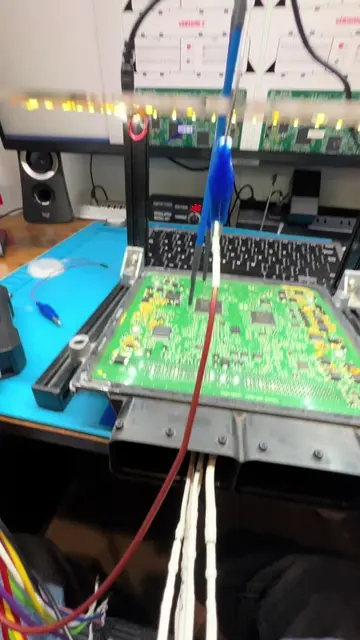
This video demonstrates how to use the CGDI MB tool to erase the FBS4 DSM component. The process involves connecting the tool, reading the data from the DSM, and then erasing it, with a confirmation message indicating success.
Using CGDI MB to erase the FBS4 DSM#benz #DSM #continental #autorepair #programming
CGDI
Show the FBS4 DSM component
Connect the CGDI MB tool
Read the DSM data
Erase the DSM data
Confirm successful erasure
CGDI: ACTS - it is the tool used to perform the erase function on the FBS4 DSM. Removing it would change what happens in the video. CGDI MB: ACTS - it is the specific tool mentioned in the caption as being used. FBS4 DSM: ACTS - it is the component being worked on and erased. Removing it would change what happens in the video. Continental: APPEARS - it is a brand name on the FBS4 DSM component. Removing it would not change what happens in the video. Mercedes-Benz (implied by the star logo and part number): APPEARS - it is the manufacturer of the component. Removing it would not change what happens in the video. ThinkPad: APPEARS - it is a brand name on the laptop. Removing it would not change what happens in the video.
Playing this video’s own audio, so you’ll hear the creator over the sound.
Automotive diagnostic and programming tool for technicians working on Mercedes-Benz systems
All time.
Promotes 3 products. Create free account to see more.
Outliers and viral hits: their videos on Overshot, all time.