Loading video…
All breakouts
684App DemoProblem Callout hookEcommerce
Hook
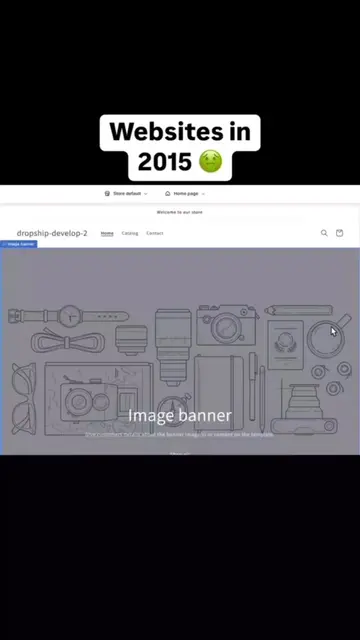
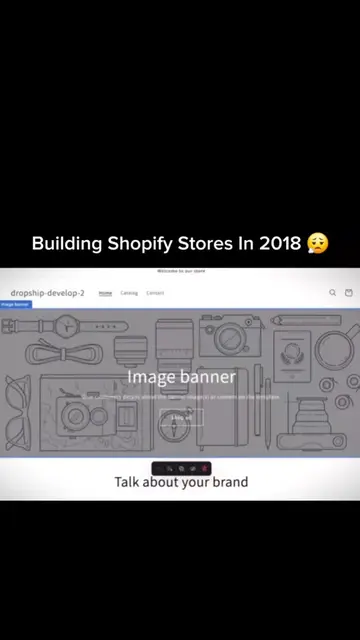
If your Shopify store looks like this...
@materiathemes
7.7K followers · usually 1.0K views a post
Views
675.7K
Likes
30.9K
Comments
3.9K
Shares
3.5K
Why it worked
The video uses a relatable 'before vs. after' pain point and simplifies a complex technical task into a quick, four-step process that feels achievable for any store owner.
Summary
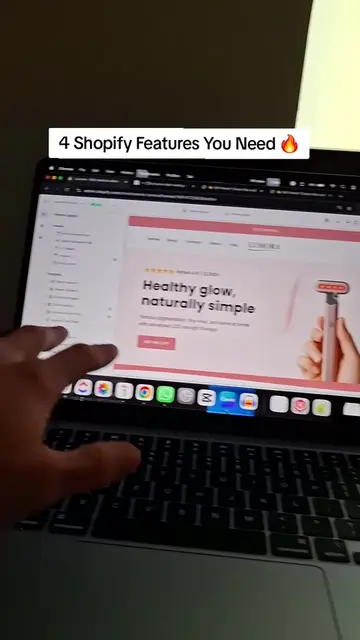
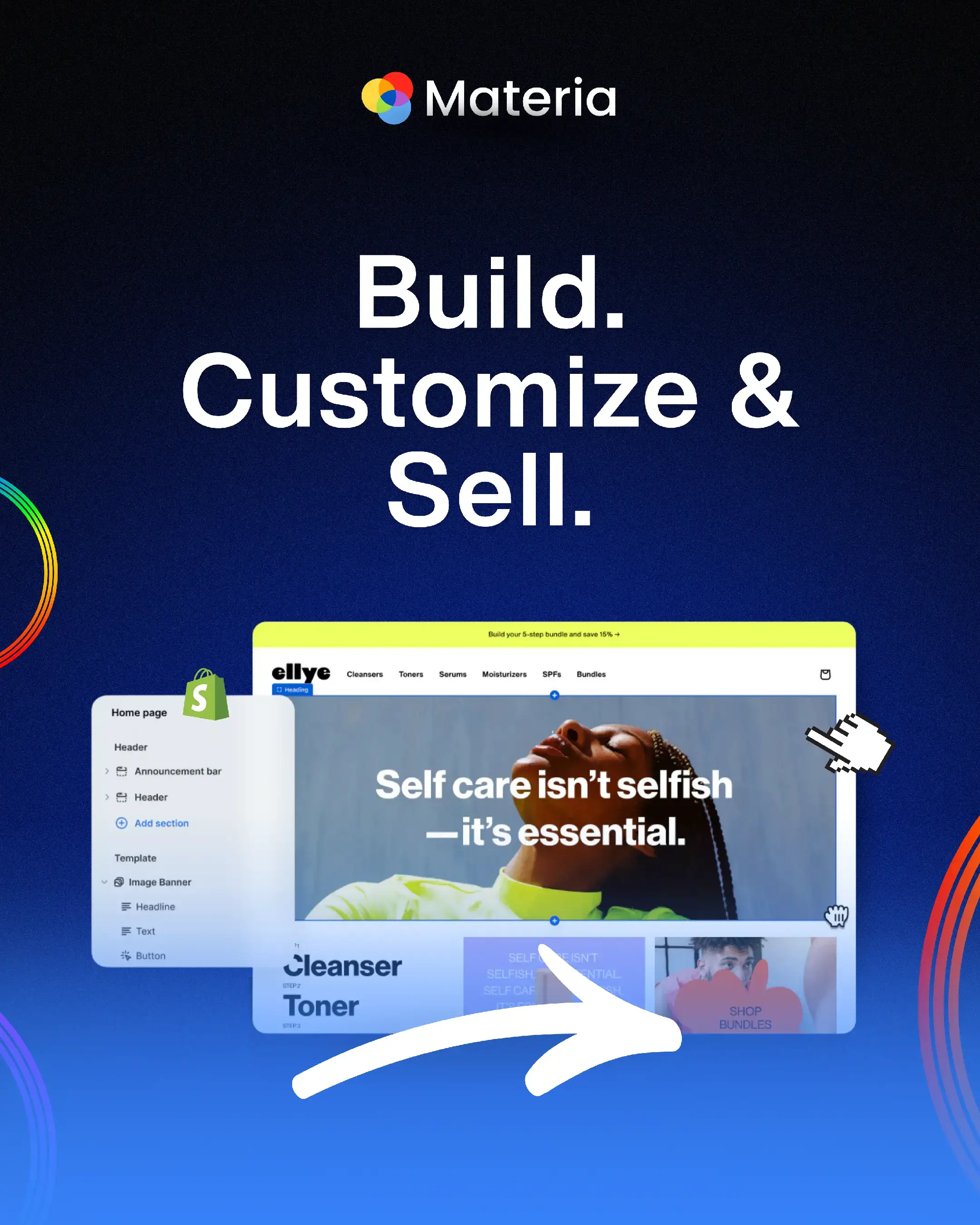
The video demonstrates how to upgrade a basic Shopify store design using Materia Themes templates. It walks the viewer through a four-step process to select, install, and customize a professional-looking theme.
Structure
- 1Identify the problem of a basic store design
- 2Showcase high-quality theme examples
- 3Provide a step-by-step installation guide
- 4
Original caption
Comment "Store" and I'll send you the theme! #shopifystore #shopifytheme #ecommerce #clothingbrand #onlinestore
More from @materiathemes
More breakout videos from this creator.