Loading video…
All breakouts
4.4Text-HeavyHow-To hookEcommerce
Hook
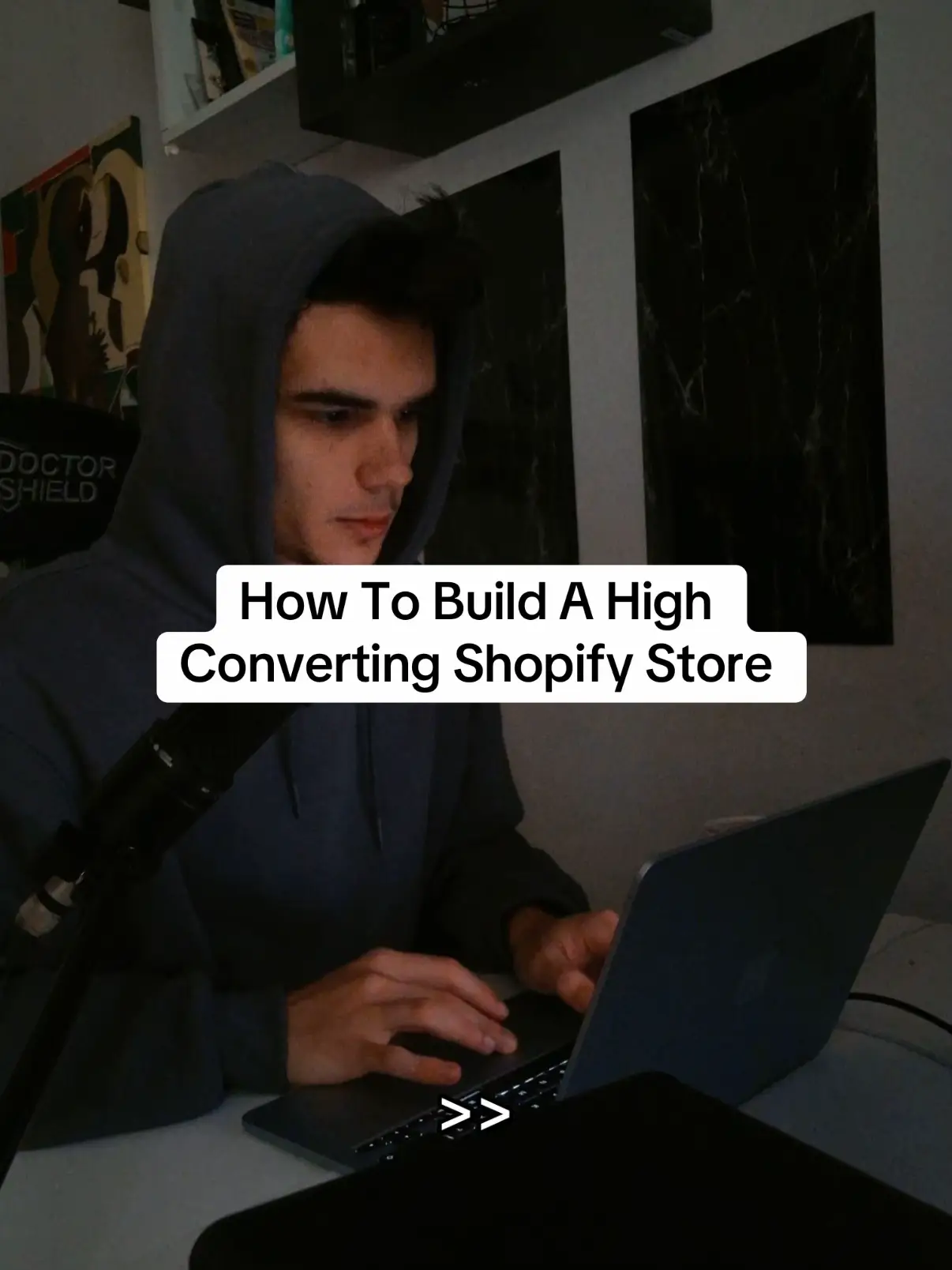
How To Build A High Converting Shopify Store
@materiathemes
7.7K followers · usually 1.0K views a post
Views
4.3K
Likes
140
Comments
9
Shares
11
Why it worked
The post effectively uses a step-by-step visual guide to showcase the Materia Shopify theme, making it easy for potential customers to understand the process and encouraging engagement with a clear call to action.
Summary
This slideshow demonstrates how to build a high-converting Shopify store using the Materia theme. It guides viewers through visiting the Materia website, selecting a template, installing it in Shopify, and customizing it to create their online store.
Structure
- 1Introduce the topic: How to build a high-converting Shopify store.
- 2Visit Materiathemes.com.
- 3Navigate to templates and select one for your niche.
Original caption
#shopifytheme #ecommerce #clothingbrand #shopifystore #ecom
More from @materiathemes
More breakout videos from this creator.