Loading video…
Sound

original sound - jackk.flick
JackFlick · Original audio
0:00–:––
Playing this video’s own audio, so you’ll hear the creator over the sound.
Hook
Posted Nov 18, 2025Video · 0:53by @jackk.flick
We didn’t find a product being promoted in this video. Its hook, format and structure below still show why it took off.
Browse products winning on TikTokThe video provides high-value, actionable technical advice in a fast-paced, listicle format that appeals directly to the creator's target audience of developers.
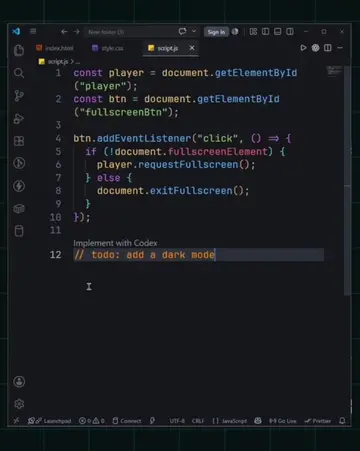
The creator lists five VS Code extensions that help developers build websites more efficiently. He explains the benefits of each tool, such as code snippets, CSS autocompletion, and file organization.
1. ES7 Snippets – Stop rewriting the same components. Type a 4-letter snippet and instantly generate common code. 2. Tailwind CSS Intellisense – Autocomplete your styling, catch syntax errors, and make clean UI design a total cakewalk. 3. Material Icon Theme – Visually organize your folders so you always know what’s what. The bigger the team, the more helpful this becomes. 4. Thunder Client – If your app uses APIs, this is the easiest way to test endpoints and run requests directly inside VS Code. 5. GitLens – See who changed what and when. If you’re not tracking your codebase, you’re not building a website—you’re building spaghetti code. #coding #webdesigners #webdesign
Top 5 VS Code extensions to make building a website an absolute breeze.
Introduction to VS Code extensions
ES7 Snippets for code generation
Tailwind CSS IntelliSense for styling
Material Icon Theme for organization
Thunder Client for API testing
GitLens for version control
Playing this video’s own audio, so you’ll hear the creator over the sound.
Promotes 9 products. Create free account to see more.
Outliers and viral hits: their videos on Overshot, all time.