Loading video…
All breakouts
6.5App DemoDirect Question hookFinance
Hook
How much did I spend the month of December
@chosenhomeland
2.5K followers · usually 5.1K views a post
Views
33.0K
Likes
2.9K
Comments
8
Shares
13
Promoted product
CogniRithm
Why it worked
The video effectively demonstrates a practical use case for an AI-powered finance app by showing how it simplifies expense tracking through natural language queries, addressing a common pain point for users tired of manual budgeting.
Summary
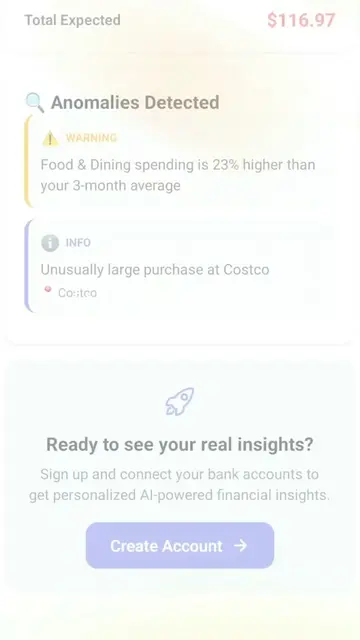
The video demonstrates an AI financial assistant that allows users to ask natural language questions about their spending habits. It shows an example query about December spending and provides a detailed breakdown of expenses, including top spending locations.
Structure
- 1Introduction to the AI financial assistant
- 2User asks a question about December spending
- 3AI provides a detailed breakdown of expenses
- 4Highlighting top spending categories and transactions
Product placement
The video showcases a financial assistant app, referred to as 'CogniRithm' in the caption, which allows users to query their spending data using natural language. The app is shown in action, responding to a question about December expenses and providing a summary of spending.
Original caption
POV: You switched from YNAB because you were tired of manually tracking everything 😮💨 This budget app lets you just ASK "how much did I spend on Uber this month?" and it tells you instantly 🤯 No spreadsheets. No scrolling. Just answers. It's giving Copilot Money but for Android 📱 #budgetapp #moneytok #ynab #PersonalFinance #Budgeting https://cognirithm.chosenhomeland.com
More from @chosenhomeland
More breakout videos from this creator.