Loading video…
All breakouts
5.7Talking HeadContrarian hookAI Tools
Hook
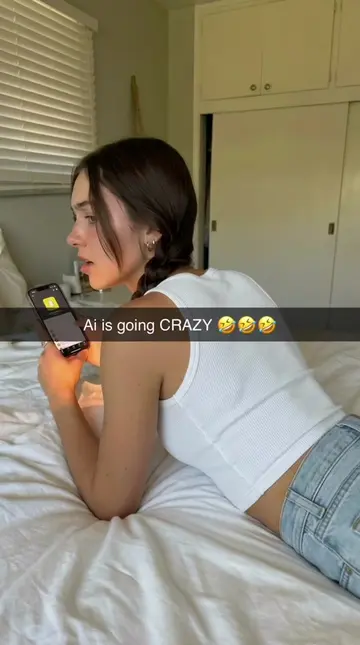
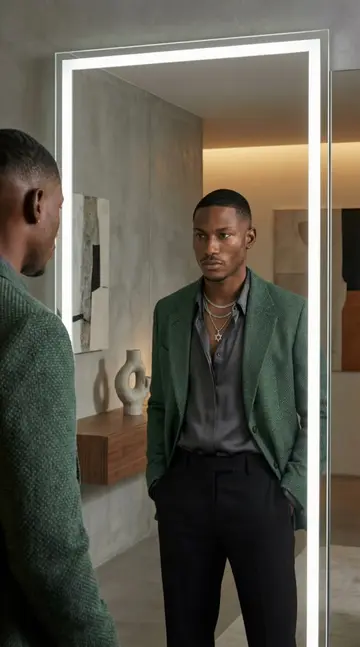
AI IS GETTING TOO POWERFUL 🤯🤯
@ineffable.ai22
9.9K followers · usually 13.1K views a post
Views
72.8K
Likes
979
Comments
19
Shares
129
Promoted product
Nano Banana Proineffableskool.com ↗
Why it worked
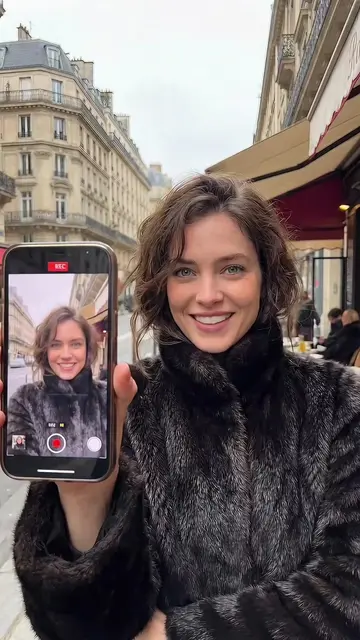
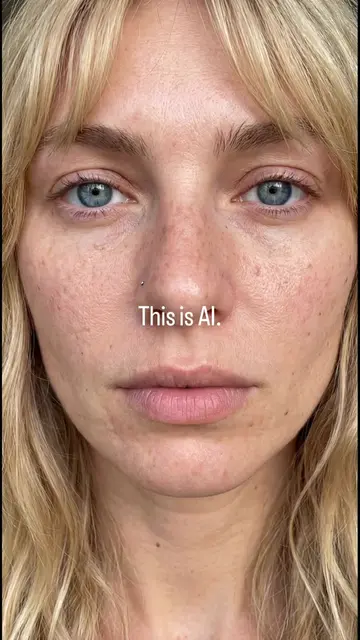
The video leverages a common fascination and fear around AI's capabilities, presenting a relatable scenario of an AI influencer that is indistinguishable from a human. This creates intrigue and positions the promoted AI tool as accessible and profitable.
Summary
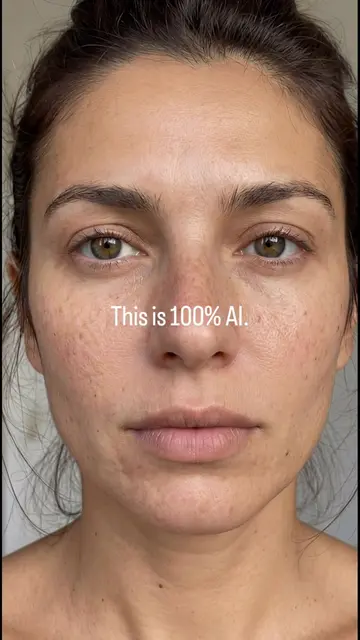
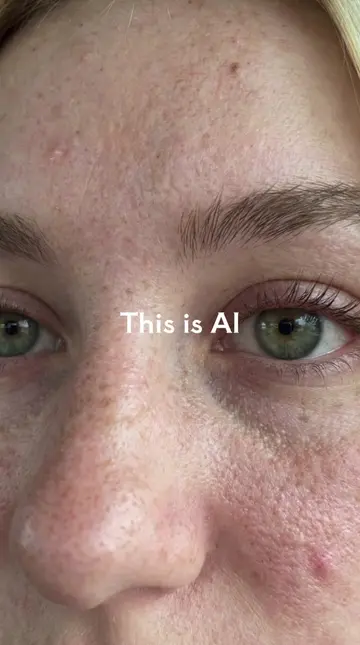
The video demonstrates how AI is becoming a powerful skill that can generate income, highlighting that it's easy to create realistic AI humans using tools like Nano Banana Pro. A tutorial for this process is available in the description.
Structure
- 1AI is powerful
- 2AI is a skill that pays
- 3Proof: You didn't notice I was AI
- 4Influencer making thousands
- 5Easy to do with Nano Banana Pro
- 6Tutorial in description
Product placement
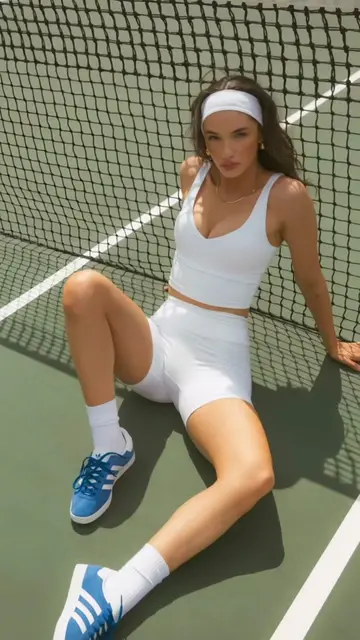
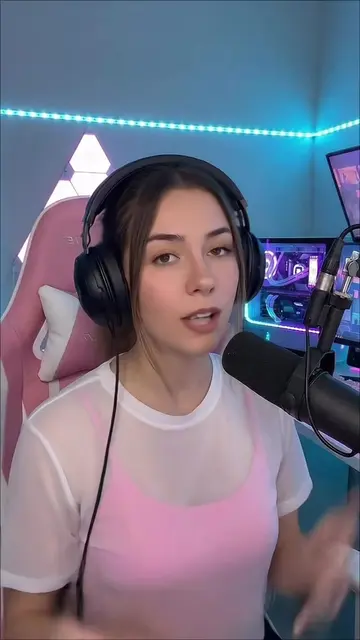
The video features a woman who is revealed to be an AI, created using Nano Banana Pro, and promotes the ease of using this tool to create realistic AI humans.
Original caption
Creating an ultra-realistic AI human like the one in this video is no longer complex. It’s actually simple, fast, and repeatable — if you follow the right workflow. Here’s the high-level process 👇 🧠 Step 1 – Create the face Start by generating a hyper-realistic image with Nano Banana Pro. This model is designed for realism: natural skin texture, subtle imperfections, realistic lighting, and believable facial structure. The goal is to create a base image that already feels human before any animation. 🎥 Step 2 – Animate the image Then, animate that image using Google Veo 3.1. This is where the magic happens: realistic motion, facial expressions, eye movement, and cinematic presence — all from a single image. No camera, no actor, no filming. ⚙️ Step 3 – Final polish Once animated, the video can be enhanced and optimized for social media, ads, or branding — clean, sharp, and ready to post. This entire process can be done very quickly, even if you’re starting from scratch. And right now, this level of realism opens massive opportunities: AI influencers, faceless content, UGC ads, brand deals, scalable accounts, and more. 👉 If you want the full workflow, including: • exact prompts • step-by-step tutorials • how to turn this into an AI influencer 👉 Full tutorial, prompts, and workflow are in the link in my bio. This isn’t just content. It’s a new way to create — and monetize — with AI.
More from @ineffable.ai22
More breakout videos from this creator.