Loading video…
All breakouts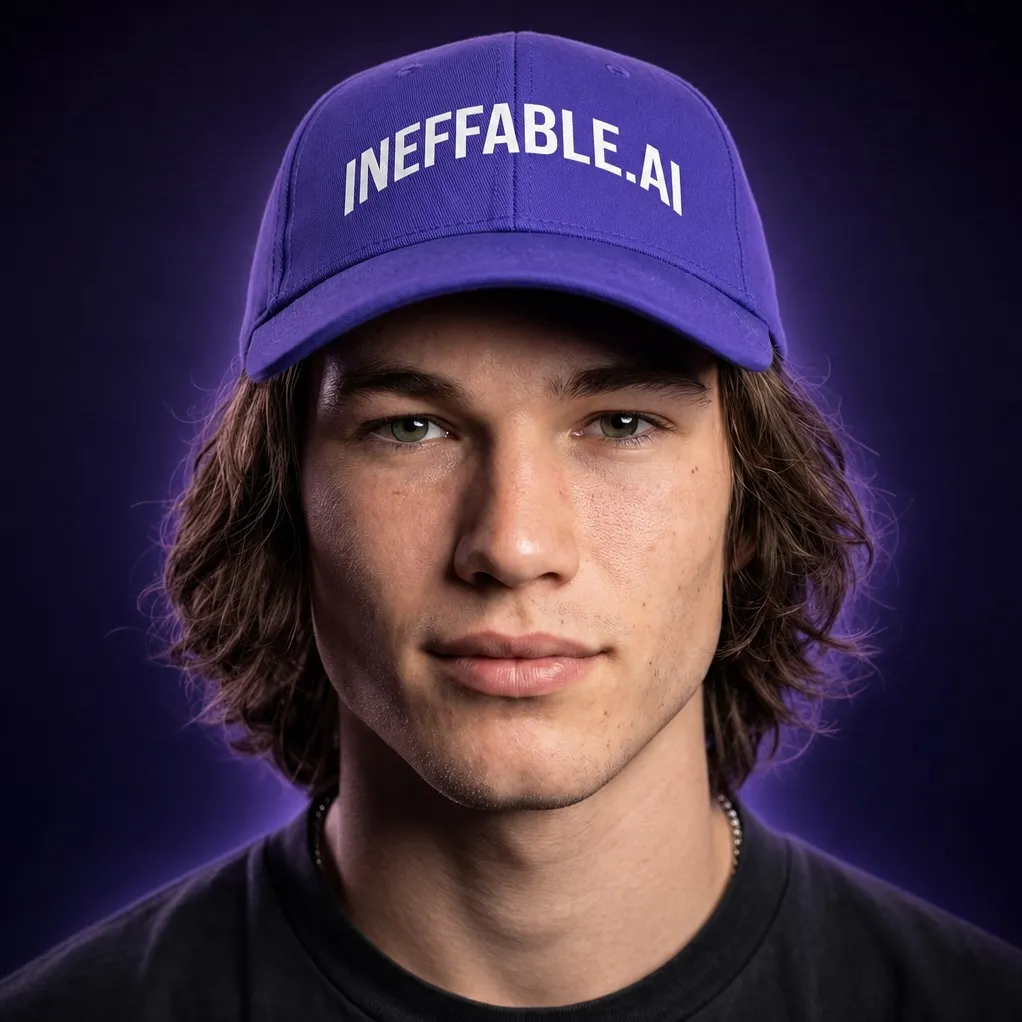
4.4Talking HeadOther hookAI Tools
Hook
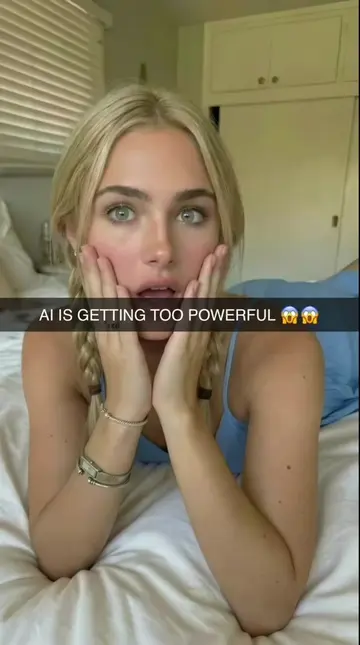
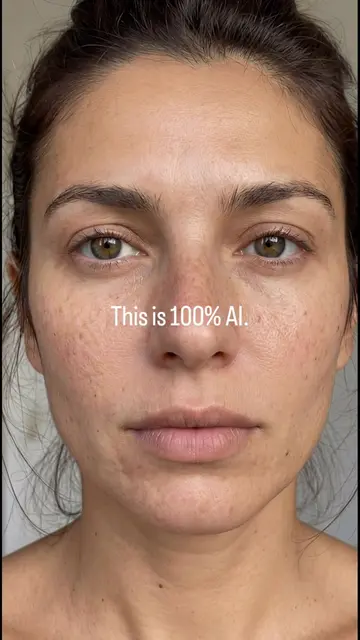
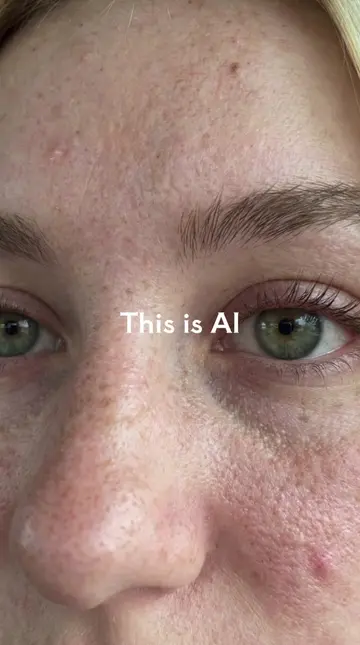
This is AI.
@ineffable.ai22
9.9K followers · usually 13.1K views a post
Views
55.9K
Likes
1.2K
Comments
38
Shares
204
Promoted product
Ineffable.aiineffableskool.com ↗
Why it worked
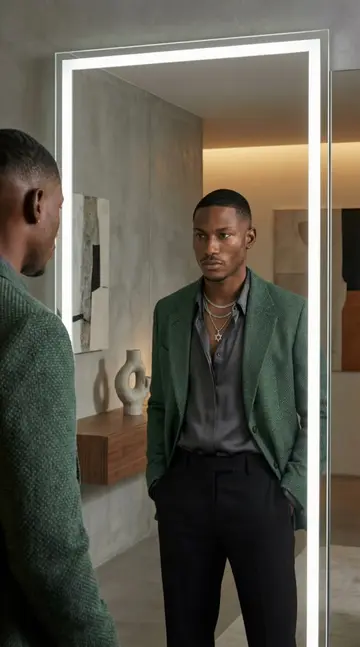
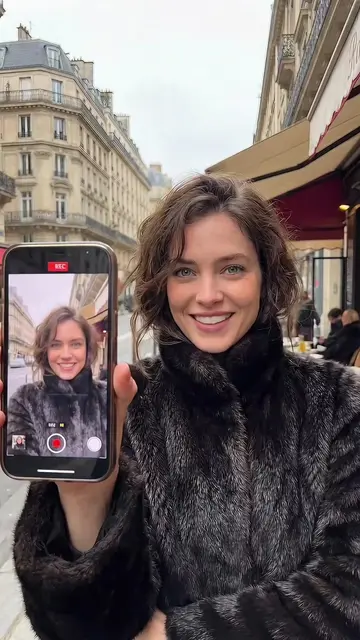
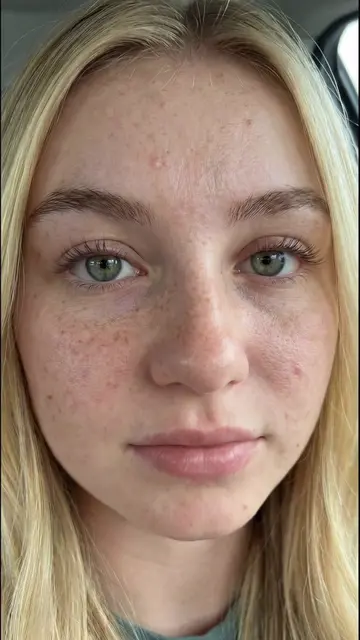
The video leverages the rapidly advancing and intriguing field of AI-generated realism, presenting a clear, actionable workflow and offering valuable prompts, which appeals to creators looking to stay ahead in this space.
Summary
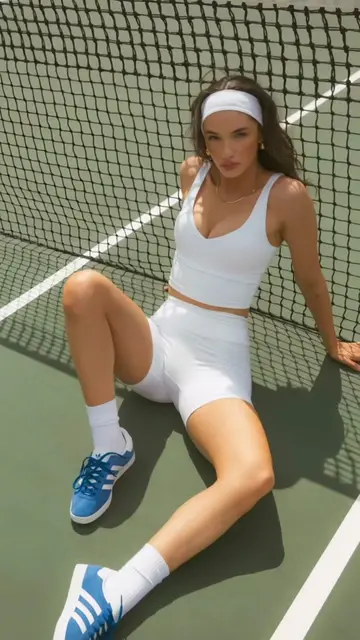
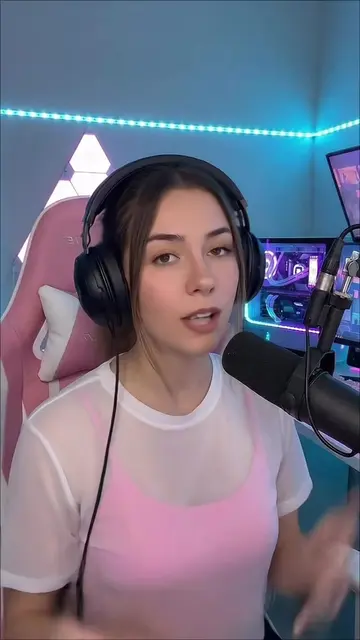
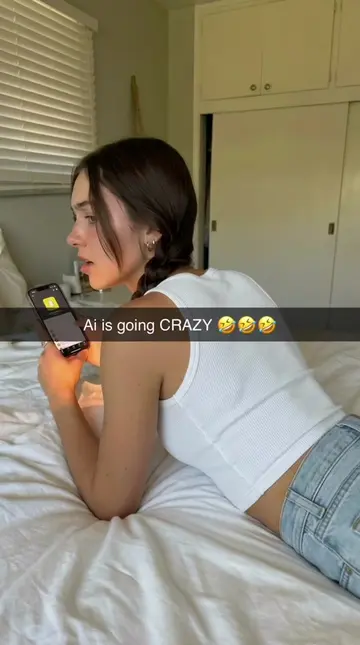
This video demonstrates a step-by-step workflow for creating realistic AI-generated human faces and animations using tools like Nano Banana Pro and Google Veo 3.1. It highlights the potential for AI realism and offers a full tutorial with prompts via the creator's bio link.
Structure
- 1Introduction to AI-generated humans
- 2Step-by-step workflow using Higgsfield, Nano Banana Pro, and Google Veo 3.1
- 3Demonstration of image prompt for realistic portrait generation
- 4Explanation of video prompt for animation
- 5Call to action for full tutorial and prompts via bio link
Product placement
Nano Banana Pro: ACTS - generates images based on prompts. Removing it would change the video's outcome. Higgsfield: ACTS - a platform/tool used to access Nano Banana Pro and Google Veo. Removing it would change the video's outcome. Google Veo 3.1: ACTS - animates images into video. Removing it would change the video's outcome.
Original caption
This looks real — but it isn’t. It’s a fully AI-generated human. Created with Nano Banana Pro and animated using Google Veo 3.1 for ultra-realistic motion and expressions. 👉 Full tutorial + prompts available via the link in my bio. AI realism is moving fast — don’t get left behind. #airealism #nanobanana #aitutorial
More from @ineffable.ai22
More breakout videos from this creator.