Loading video…
All breakouts
3.7App DemoHow-To hookAI Tools
Hook
HOW TO DO THIS...
@dashachepizhko
7.1M followers · usually 300.6K views a post
Views
1.1M
Likes
2.1K
Comments
21
Shares
201
Why it worked
The video effectively uses a popular trend (animating photos) and a cute subject (a dog) to showcase the capabilities of the Kling AI app. The clear, step-by-step demonstration and the "link in bio" call to action encourage user engagement and app downloads.
Summary
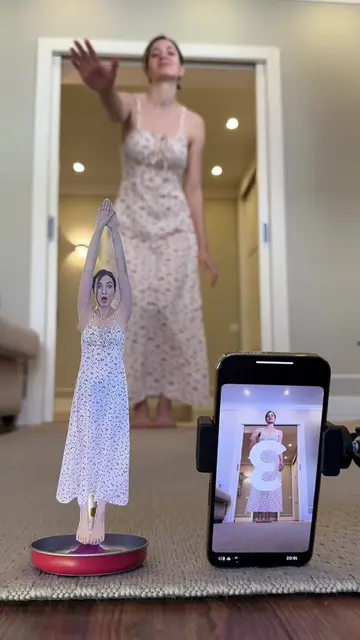
The video demonstrates how to use Kling AI's Motion Control feature to animate a photo of a dog. It shows the process of taking a photo, selecting a motion from the app's library, and generating the animated result.
Structure
- 1Show "how to do this"
- 2Demonstrate taking a photo of a dog
- 3Open Kling AI app and select Motion Control
Original caption
I turned a photo into a dancing video using Kling 2.6 Motion Control 🐶✨ Join the #KlingAIDance campaign for a chance to win 260 million credits and start creating yourself. Have fun! @Kling AI #KlingMotionControl #KlingAI #Kling26
More from @dashachepizhko
More breakout videos from this creator.