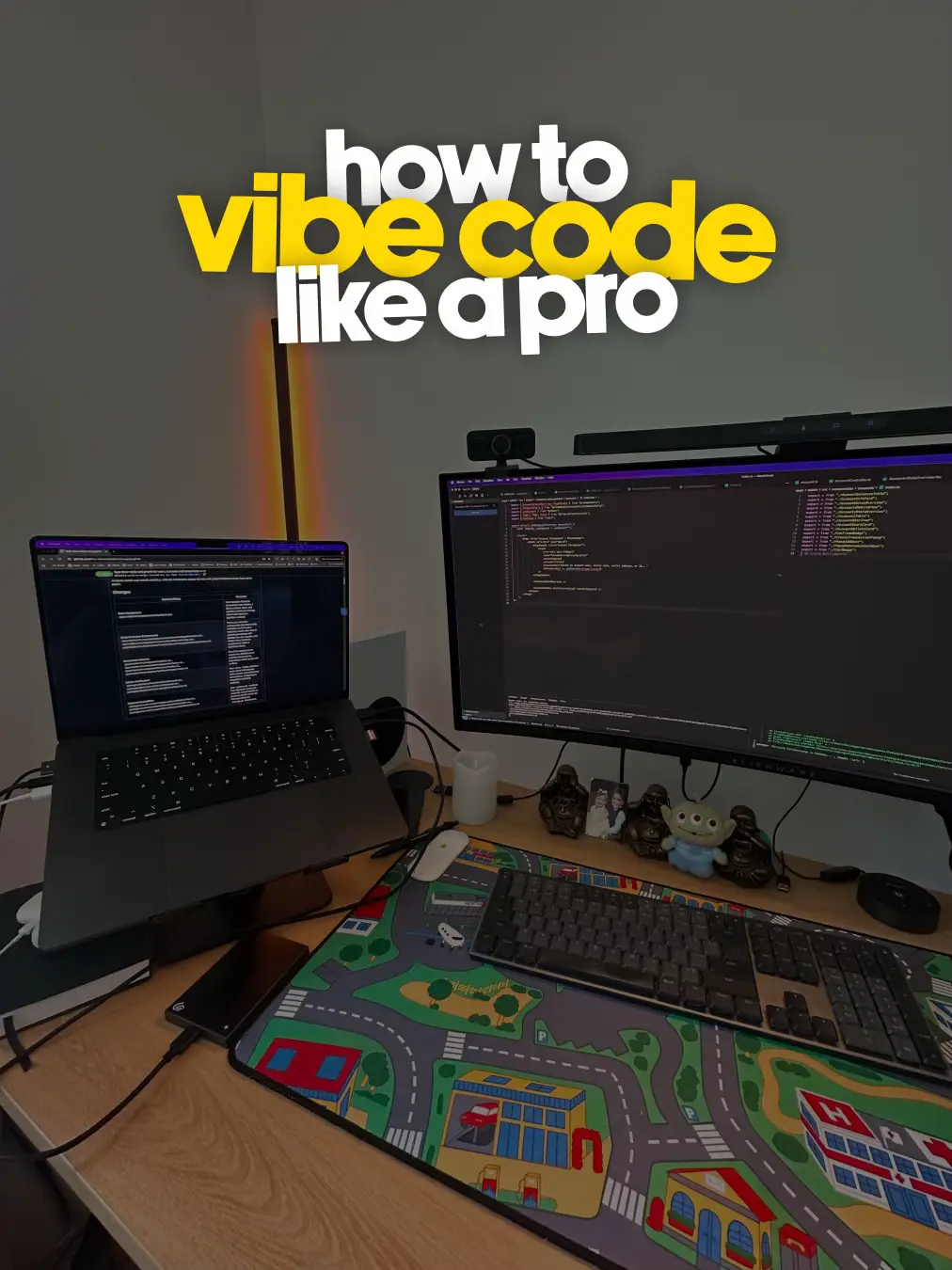
Vibe Coding Tutorial
Modal Prompt Doang ?
Build Finance Dashboard
Anti-Gravity + Stitch
From idea ->
working app
#CatatanBelajar
Manusia merancang alur,
AI menulis kodenya.
Komen di bawah!
@arif_ha
Vibe Coding Tutorial
Alur Vibe Coding
Vibe Code Anti Gravity
+
Sticth
Planning
Frontend
Backend
Problem
App Flow
Core Feature
UI/UX
Navigation
Database
API Endpoints
Semua dimulai dari prompt
Bukan dari code kosong
Manusia merancang alur,
AI menulis kodenya.
Komen di bawah!
@arif_ha
Vibe Coding Tutorial
Planning (Step 1)
Bikin Planning Aplikasi
Gunakan Gemini / Kimi
Contoh Prompt:
Saya ingin membuat aplikasi dashboard
finance untuk tracking pengeluaran &
pemasukan perusahaan.
Tolong jelaskan app flow dan core
features.
Output:
App Flow
• Core Features
Manusia merancang alur,
AI menulis kodenya.
Komen di bawah!
@arif_ha
Vibe Coding Tutorial
Planning (Step 2)
Refine untuk
Frontend
Paste hasil planning, lalu tambahkan:
Buat plan untuk bagian frontend dulu,
bahas UI dan juga navigasinya.
Fokus :
• Screen list
• User flow
• Navigation structure
Manusia merancang alur,
AI menulis kodenya.
Komen di bawah!
@arif_ha
Vibe Coding Tutorial
Frontend (Stitch)
Planning ->
Visual
Masukkan hasil planning ke Stitch
fokus ke:
• Screen list
• User flow
• Navigation structure
Tujuan:
Setiap screen jelas fungsinya
Alur user terasa natural
Navigasi konsisten sejak awal
Manusia merancang alur,
AI menulis kodenya.
Komen di bawah!
@arif_ha
Vibe Coding Tutorial
Frontend (React Setup)
Design ->
Code
Convert ke React
Copy HTML dari Stitch
Lalu prompt di Anti-Gravity:
Please create a React Vite app in a
monorepo to create this UI.
Refer to the first screen which is this HTML
code: <Masukkan HTML Dari Stitch>
Mode:
Planning
Gemini Pro 3
Manusia merancang alur,
AI menulis kodenya.
Komen di bawah!
@arif_ha
Vibe Coding Tutorial
Backend Planning (Antigravity)
Generate API &
Database
Buka conversation baru, prompt:
Scan through the app and make a plan
for the required API and database schema
Stack:
ExpressJS
DrizzleORM + Postgres
Better Auth
Use services and separate them with routes
Mode:
Planning
Claude Opus 4.5 (Thinking)
Manusia merancang alur,
AI menulis kodenya.
Komen di bawah!
@arif_ha
Vibe Coding Tutorial
API Integration (Antigravity)
Connect Backend ->
Frontend
Prompt:
Integrate the endpoints from "routes" to be used
in the React frontend at "finance-dashboard"
Use TanStack Query for data fetching and Better
Auth React client
Create a separate client service and custom
hooks for reusability.
Result:
Clean API client
Reusable hooks
Scalable structure
Manusia merancang alur,
AI menulis kodenya.
Komen di bawah!
@arif_ha
Vibe Coding Tutorial
Modal Prompt Doang ?
Vibe Coding
Principal
✓ Prompt-driven
✓ Design -> Code -> API
✓ Fokus flow dulu, optimasi belakangan
Cocok Untuk:
Indie hacker
Product builder
Engineer yang mau cepat validasi
ide
Manusia merancang alur,
AI menulis kodenya.
Komen di bawah!
@arif_ha