Loading video…
All breakouts
3.4Silent UGCStory Open hookAI Tools
Hook
restock day
@sarguchi
1.7K followers · usually 1.0K views a post
Views
4.8K
Likes
244
Comments
3
Shares
19
Promoted product
Shopify
Why it worked
The video provides a behind-the-scenes look at the process of restocking an e-commerce store, which is relatable and informative for other small business owners. The use of Shopify as the platform for managing inventory and sales is subtly highlighted, appealing to those interested in e-commerce.
Summary
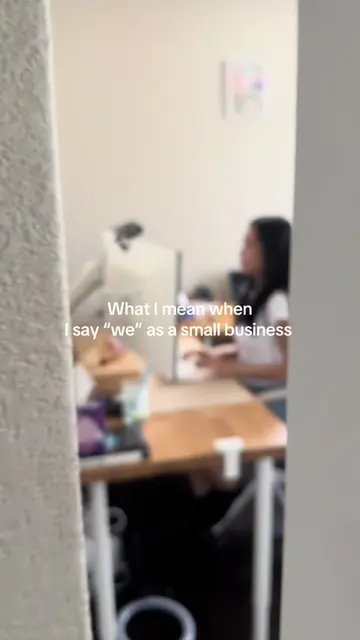
The video shows a small business owner restocking their Shopify store. They unbox new inventory, check products for damages, organize excess stock, and update product listings on their Shopify store.
Structure
- 1Unboxing inventory
- 2Checking products for damages
- 3Organizing and labeling excess stock
- 4Updating product listings on Shopify
- 5Confirming products are live on the store
Product placement
Yukio Beauty: APPEARS - a logo on the wall. Removing it would not change what happens in the video.
DHL: APPEARS - a logo on the boxes. Removing it would not change what happens in the video.
Shopify: ACTS - the creator updates products in Shopify. Removing it would change what happens in the video, as the products would not be updated online.
Pair Acne: APPEARS - a product on the shelf. Removing it would not change what happens in the video.
On-screen text
Original caption
BTS of restock day 📦 #shopifystore #smallbusinessowner #smallbiz #diml #inventory
More from @sarguchi
More breakout videos from this creator.