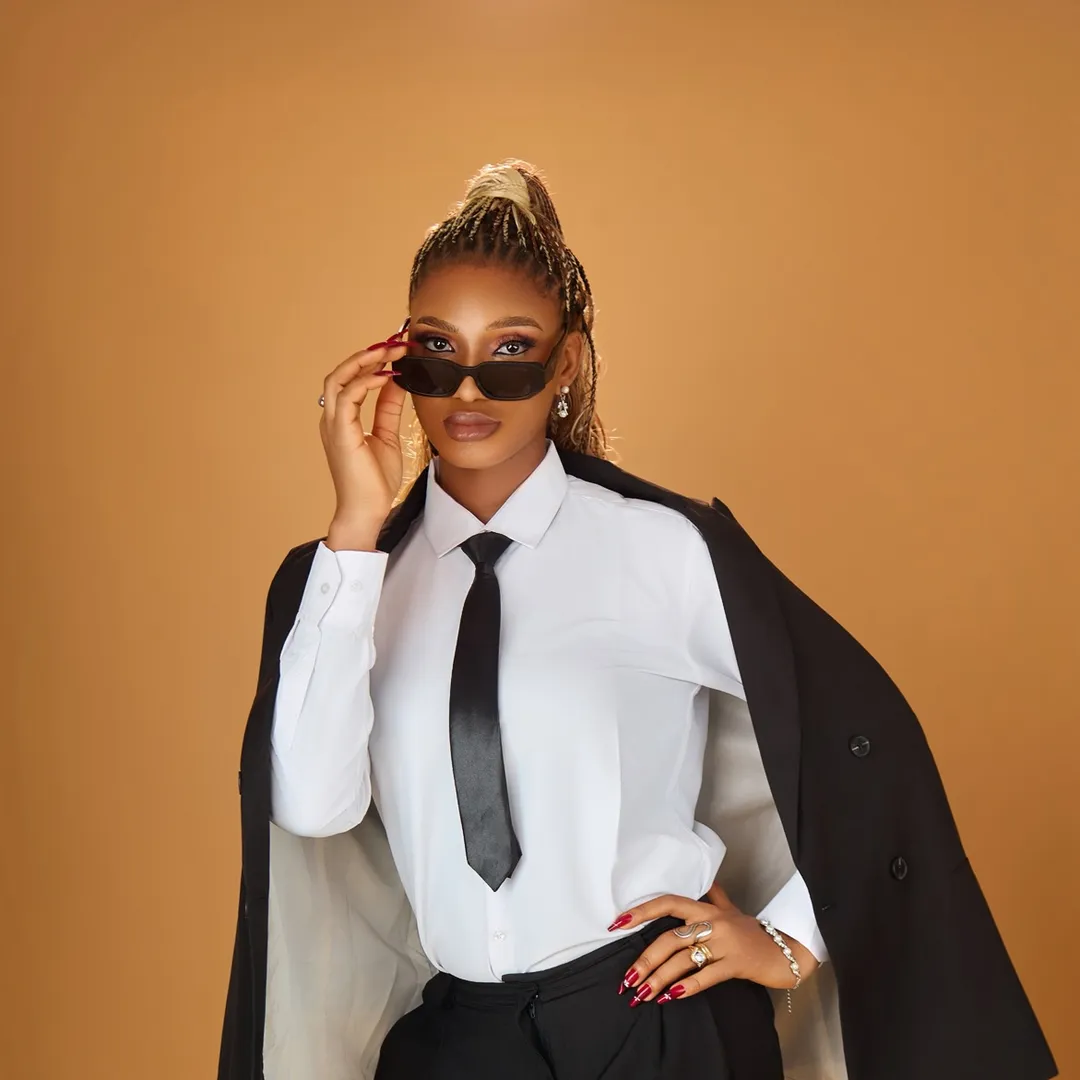
The video provides high-value, actionable 'how-to' content for a trending niche (AI storytelling), which encourages high save rates and repeat viewing as users follow the steps.
Summary
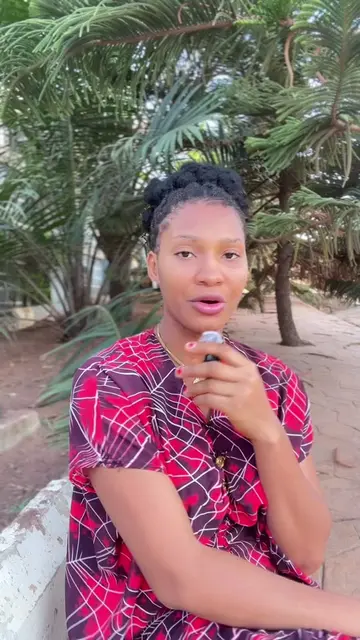
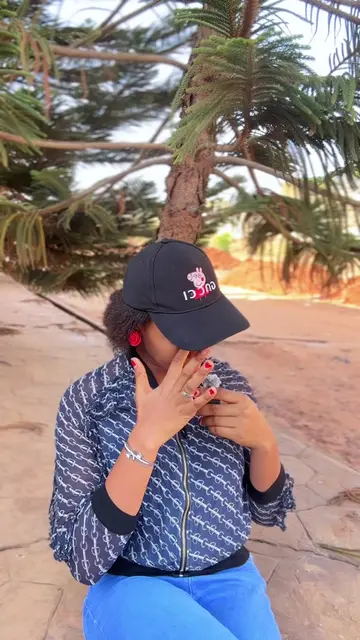
The creator provides a step-by-step tutorial on how to create AI-generated stories for social media. She explains the workflow of using ChatGPT for scripting, Flow AI for image generation, Grok for animation, and CapCut for final editing.
Structure
1Introduction to AI storytelling
2Scripting with ChatGPT
3Generating images with Flow AI
4
Original caption
Well this took me a lot of time to do,I have gotten so many requests asking if I teach and honestly I don’t have the time to,I just hope this helps you one way or the other and Goodluck on your journey 🫶✨ #aistory #aitools #aitool #aijourney #aistoryteller
More from @zobaetom
More breakout videos from this creator.
Animating images with Grok
5Editing and final assembly in CapCut
Product placement
Grok (mentioned and shown as the animation tool), ChatGPT (mentioned as the scripting tool), Flow AI (mentioned as the image generation tool), CapCut (mentioned as the editing tool).
Call to action
None explicit, though she encourages the viewer to start their own AI faceless channel.
On-screen text
do a step
detailed tutorial on
how I create
my AI stories
but omo as
soon as I
started that tutorial
I just had
to stop cause
it was a
bit complicated
and so if
you want to
go into AI
storytelling go and
bring your paper
and biro so
that you jot
down these things
that I am
about to tell
you which has
helped me so
far
The first step
as usual is
to know the
kind of AI
storytelling channel
you want to
have is it
dialogues is it
story narration is
it suspense is
it village stories
is it American
stories just have
an idea of
the kind of
stories that you
want to create
and if you
don't have any
idea like you
don't even know
your left and
right you don't
even know what
to pick just
go to Chat
GPT make Chat
GPT your best
friend tell Chat
GPT that okay
see I want
to go into
AI storytelling
can you give
me top 10
niches that I
can go into
or give me
top 10 stories
let me pick
from there you
and Chat GPT
will discuss it
will give you
any random
story idea now
you pick any
of those stories
or if you
have any story
in your head
that you want
to do
Now if you've
gotten the story
idea you want
to do you
want to tell
Chat GPT that
now using this
story let's use
an example a
woman that
opened a shop
and got robbed
Now you tell
Chat GPT that
this is the
story idea you
have
Now Chat GPT
is going to
give you a
detailed script
in case you
don't even like
the script that
it gave to
you you can
tell it give
me another
script like tell
it to give
you script until
you pick the
one that you
want to use
So now the
next step is
to know how
you want your
characters to
look like do
you want your
characters to
look like cartoon
do you want
them to look
Nollywood do you
want them to
look you know
Americans do you
want just random
animation it depends
on you so
you let's say
you want your
character to look
like all this
cartoon 3D Pixar
cartoon now you
tell Chat GPT
that using this
script that you
give to me
generate image
prompt scene by
scene of this
script that you
give to me
a 3D Pixar
scene by scene
image prompt tell
it to generate
and it is
going to generate
the story scene
by scene
Now we are
going to the
next free tool
that we are
going to use
and what is
that free tool
me I am
using Flow AI
Flow AI gives
me every single
thing that I
need now you
go to your
Google you type
Flow AI open
an account with
them with your
Google the sign
up is very
very easy just
select any Gmail
that you have
and open an
account with
them
Now when you
open your Flow
AI the first
thing that you
want to do
is you need
to first of
all paste the
prompt of your
character so that
you can maintain
character consistency
Chat GPT must
have given you
how your characters
are going to
look like if
it has not
given you you
tell it to
give you the
prompt of how
all the characters
in that story
are going to
look like all
through the story
now you first
of all paste
the character
prompt and it
is going to
generate you pick
anyone that you
like there and
then you use
that character
to create more
scenes
Now when you
are done creating
all your images
you save your
images to your
phone now you
go and tell
Chat GPT this
is where it
now depends if
you want to
do dialogue scene
or you want
to do story
narration that's
somebody an AI
voice will be
narrating the story
for you but
if it is
dialogue scene that
you want to
do tell Chat
GPT that it
should give you
a video dialogue
scene scene by
scene according to
those images that
you created in
if it's a
Nigerian tone you
want to use
if it's Italian
tone any tone
you want to
use
So you can
tell it in
a Nigerian tone
give me a
video prompt scene
by scene according
to the images
we generated earlier
regarding our story
you know it's
going to give
you a video
prompt scene by
scene that you
can go and
paste in Grok
Now if you
go into Grok
if you don't
have the app
you can use
the website but
download the app
if you want
to use it
on your phone
it's easier open
an account with
them with your
Gmail or whatever
and then you
sign in in
Grok now when
you sign in
in Grok the
first thing you
are going to
do is you
start taking those
your images starting
from the first
one that you
created and then
you go to
Chat GPT and
copy the video
prompt that it
gave to you
come into Grok
and then you
select Imagine now
select that arrow
that is down
there and make
sure you turn
off auto and
auto generation so
that Grok will
not auto generate
your videos for
you and your
free this thing
will be wasting
uh-huh so you
turn it off
and then make
sure you set
it to any
ratio you want
if it's landscape
if it's portrait
everything is there
uh-huh like I
said they have
the free and
the paid version
the paid version
gives you 10
seconds per video
but the free
gives you 6
seconds per video
Now when you
bring in your
picture into Grok
you select Animate
then when you
select Animate you
paste the video
prompt that Chat
GPT has given
to you paste
it there and
Grok is going
to do the
work for you
it is going
to turn that
your photo into
a video immediately
speaking that particular
thing that you
want it to
speak in case
you don't like
what it generated
you can always
regenerate and like
I said Grok
has a free
trial I think
after 20 videos
it stops it
tells you to
pay for the
premium version
for you to
continue generating
But in case
you cannot afford
the Grok subscription
you can do
what a lot
of creators are
doing which is
signing up with
Grok with different
email accounts if
that your email
has already exhausted
the daily free
24 hours 20
videos or whatever
you log out
and then you
go and log
in again with
a different Gmail
continue to generate
your videos as
you're generating
just be saving
it you can
use multiple emails
to you know
finish up your
story so that
is just it
When you are
done with Grok
you bring everything
into your editing
app me I
use CapCut when
I bring it
into CapCut I
then bring the
videos together
One thing about
AI storytelling is
that you need
to actually try
to start your
story with the
most interesting
part so that
people can stay
try to use
a hook do
you understand
hooks are also
important in AI
stories you can
use you know
maybe the summary
of what your
story is going
to be about
not like you
should give out
the whole and
the whole plot
of your story
just something catchy
in the story
Like for example
this one that
we are using
the woman that
opened her shop
and robbers came
to rob her
shop and you
can start with
not all blessings
last forever you
know something like
that or Chat
GPT can just
give you an
idea and you
generate it and
start the story
there then if
you do like
that your dialogue
story is ready
But in case
you want to
do story narration
you don't want
to do the
dialogue one you
can go to
Chat GPT tell
it that it
should just give
you video scenes
of the images
that you people
created no dialogue
just let the
camera be moving
around it will
give you you
go to Grok
you generate it
nobody is going
to talk then
you go to
Minimax AI or
you go to
11 Labs and
then carry your
script and paste
it there so
that an AI
can help you
to narrate your
story so that
is just it
Some people if
they don't want
to you know
switch over to
Grok or to
use Grok to
generate all the
whole scenes for
people that are
doing the story
narration what they
do is they
replace it with
images you know
they put some
parts of the
videos then put
some images AI
images of those
characters doing that
thing at that
particular moment
and they join
it together
So AI storytelling
is it is
not really complicated
but if you
keep doing it
you get to
learn it more
and it will
be easier for
you and in
case you want
to learn more
I will recommend
Odera Odera Tech
she has a
lot of tutorials
on our wall
I learnt visually
most things that
I know online
about Grok especially
from Odera Tech
or you can
just come to
TikTok and search
how to create
AI storytelling channel
you are going
to see a
lot of creators
that have given
detailed tutorials
on how you
can do it
you can also
go to YouTube
and watch or
you can pay
for courses people
that maybe already
have an already
made course that
might be it
to be understandable
to you you
can pay for
those courses and
you can learn
from there
So technically I
ended up giving
a long tutorial
on how this
AI storytelling something
works it is
not really like
so complicated like
that to do
it is just
step by step
start with Chat
GPT from Chat
GPT enter Flow
AI get your
images from there
go to Grok
animate your images
from there go
to CapCut put
it together and
post
Right now my
AI story telling
channel is currently
doing so well
because of I
actually switched from
voice over narrations
to dialogues and
those dialogues is
actually what is
trending now so
if you make
your story interesting
if you make
your characters interesting
people are going
to watch because
people love stories
no matter what
So I hope
this tips that
I gave to
you and this
our long tutorial
today is helpful
to you and
I hope you
get to start
your AI faceless
channel thanks for
watching bye
Transcript
I wanted to do a step-by-step detailed tutorial on how I create my AI stories, but omo, as soon as I started that tutorial, I just had to stop because it was a bit complicated. And so if you want to go into AI storytelling, go and bring your paper and biro so that you jot down these things that I am about to tell you, which has helped me so far. The first step as usual is to know the kind of AI storytelling channel you want to have. Is it dialogues? Is it story narration? Is it suspense? Is it village stories? Is it American stories? Just have an idea of the kind of stories that you want to create. And if you don't have any idea, like you don't even know your left and right, you don't even know what to pick, just go to ChatGPT. Make ChatGPT your best friend. Tell ChatGPT that, okay, see, I want to go into AI storytelling. Can you give me top 10 niches that I can go into? Or give me top 10 stories, let me pick from there. You and ChatGPT will discuss. It will give you any random story idea. Now you pick any of those stories, or if you have any story in your head that you want to do. Now, if you've gotten the story idea you want to do, you want to tell ChatGPT that, now using this story, let's use an example, a woman that opened a shop and got robbed. Now, you tell ChatGPT that this is the story idea you have. Now, ChatGPT is going to give you a detailed script. In case you don't even like the script that it gave to you, you can tell it, give me another script. Like, tell it to give you script until you pick the one that you want to use. So now, the next step is to know how you want your characters to look like. Do you want your characters to look like cartoon? Do you want them to look Nollywood? Do you want them to look, you know, Americans? Do you want just random animation? It depends on you. So you, let's say you want your character to look like all this cartoon, 3D Pixar cartoon. Now you tell ChatGPT that, using this script that you give to me, generate image prompt scene by scene of this script that you give to me, a 3D Pixar scene by scene image prompt. Tell it to generate and it is going to generate the story scene by scene. Now, we are going to the next free tool that we are going to use. And what is that free tool? Me, I am using Flow AI. Flow AI gives me every single thing that I need. Now you go to your Google, you type Flow AI, open an account with them with your Google. The sign up is very, very easy. Just select any Gmail that you have and open an account with them. Now, when you open your Flow AI, the first thing that you want to do is, you need to first of all paste the prompt of your character so that you can maintain character consistency. ChatGPT must have given you how your characters are going to look like. If it has not given you, you tell it to give you the prompt of how all the characters in that story are going to look like all through the story. Now, you first of all paste the character prompt and it is going to generate, you pick anyone that you like there and then you use that character to create more scenes. Now, when you are done creating all your images, you save your images to your phone. Now you go and tell ChatGPT, this is where it now depends if you want to do dialogue scene or you want to do story narration. That's somebody, an AI voice will be narrating the story for you. But if it is dialogue scene that you want to do, tell ChatGPT that it should give you a video dialogue scene scene by scene according to those images that you created. In if it's a Nigerian tone you want to use, if it's Italian tone, any tone you want to use. So you can tell it in a Nigerian tone, give me a video prompt scene by scene according to the images we generated earlier regarding our story, you know? It's going to give you a video prompt scene by scene that you can go and paste in Grok. Now, if you go into Grok, if you don't have the app, you can use the website, but download the app if you want to use it on your phone, it's easier. Open an account with them with your Gmail or whatever and then you sign in in Grok. Now, when you sign in in Grok, the first thing you are going to do is, you start taking those your images, starting from the first one that you created and then you go to ChatGPT and copy the video prompt that it gave to you. Come into Grok and then you select Imagine. Now, select that arrow that is down there and make sure you turn off auto, and auto generation so that Grok will not auto generate your videos for you and your free this thing will be wasting. Uh-huh, so you turn it off and then make sure you set it to any ratio you want. If it's landscape, if it's portrait, everything is there. Uh-huh, like I said, they have the free and the paid version. The paid version gives you 10 seconds per video, but the free gives you 6 seconds per video. Now, when you bring in your picture into Grok, you select Animate. Then when you select Animate, you paste the video prompt that ChatGPT has given to you, paste it there and Grok is going to do the work for you. It is going to turn that your photo into a video immediately, speaking that particular thing that you want it to speak. In case you don't like what it generated, you can always regenerate. And like I said, Grok has a free trial. I think after 20 videos it stops. It tells you to pay for the premium version for you to continue generating. But in case you cannot afford the Grok subscription, you can do what a lot of creators are doing, which is signing up with Grok with different email accounts. If that your email has already exhausted the daily free 24 hours 20 videos or whatever, you log out and then you go and log in again with a different Gmail, continue to generate your videos. As you're generating, just be saving it. You can use multiple emails to, you know, finish up your story. So that is just it. When you are done with Grok, you bring everything into your editing app. Me, I use CapCut. When I bring it into CapCut, I then bring the videos together. One thing about AI storytelling is that you need to actually try to start your story with the most interesting part so that people can stay. Try to use a hook, do you understand? Hooks are also important in AI stories. You can use, you know, maybe the summary of what your story is going to be about. Not like you should give out the whole, the whole plot of your story, just something catchy in the story. Like for example, this one that we are using, the woman that opened her shop and robbers came to rob her shop. And you can start with not all blessings last forever, you know, something like that. Or ChatGPT can just give you an idea and you generate it and start the story there. Then if you do like that, your dialogue story is ready. But in case you want to do story narration, you don't want to do the dialogue one, you can go to ChatGPT, tell it that it should just give you video scenes of the images that you people created, no dialogue. Just let the camera be moving around, it will give you. You go to Grok, you generate it, nobody is going to talk. Then you go to Minimax AI or you go to 11 Labs, and then carry your script and paste it there so that an AI can help you to narrate your story. So that is just it. Some people, if they don't want to, you know, switch over to Grok or to use Grok to generate all the whole scenes, for people that are doing the story narration, what they do is, they replace it with images, you know, they put some parts of the videos, then put some images, AI images of those characters doing that thing at that particular moment and they join it together. So AI storytelling is, it is not really complicated, but if you keep doing it, you get to learn it more and it will be easier for you. And in case you want to learn more, I will recommend Odera, Odera Tech. She has a lot of tutorials on her wall. I learnt visually most things that I know online about Grok especially from Odera Tech. Or you can just come to TikTok and search how to create AI storytelling channel. You are going to see a lot of creators that have given detailed tutorials on how you can do it. You can also go to YouTube and watch, or you can pay for courses. People that maybe already have an already made course that might be, it to be understandable to you. You can pay for those courses and you can learn from there. So technically, I ended up giving a long tutorial on how this AI storytelling something works. It is not really like so complicated like that to do. It is just step-by-step, start with ChatGPT, from ChatGPT enter Flow AI, get your images from there, go to Grok, animate your images from there, go to CapCut, put it together and post. Right now my AI storytelling channel is currently doing so well because of I actually switched from voice over narrations to dialogues and those dialogues is actually what is trending now. So if you make your story interesting, if you make your characters interesting, people are going to watch because people love stories no matter what. So I hope this tips that I gave to you and this our long tutorial today is helpful to you and I hope you get to start your AI faceless channel. Thanks for watching, bye.