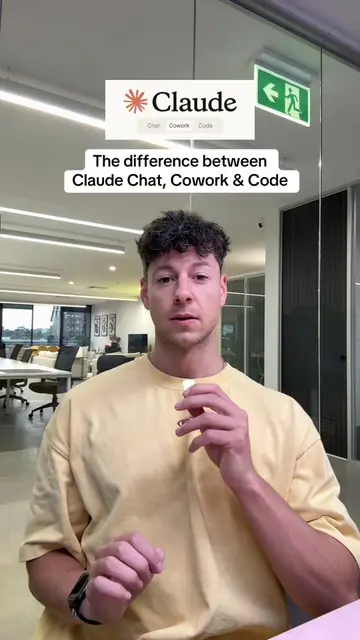
The video addresses a common pain point for users of AI chatbots: the desire to switch to a potentially better alternative (Claude) while retaining their valuable conversation history and learned context from their previous tool (ChatGPT). By providing a clear, step-by-step guide and a unique method for data transfer, it offers a valuable solution that resonates with users looking to optimize their AI experience.
Summary
This video explains how to switch from ChatGPT to Claude by transferring your data. It details enabling specific settings in Claude for learning and then exporting your data from ChatGPT to import into Claude as a memory.
Structure
1Introduction to switching from ChatGPT to Claude
2Enabling learning settings in Claude
3Exporting data from ChatGPT
4Importing data into Claude as a memory
Product placement
The video demonstrates how to transfer data from ChatGPT to Claude by showing the user interface of both platforms and guiding the viewer through the settings and export/import processes.
Call to action
Comment 'SWITCH' to get the prompt.
On-screen text
Original caption
Everyone is moving to Claude as it’s out performing ChatGPT in almost all areas #claude #chatgpt #aitools
More from @samdespo
Their other posts in the index, biggest breakout first.

This is how to switch from ChatGPT to Claude 🧁
This one step will make Claude instantly powerful ✅
Good afternoon, Sam Despo
Memory
Search and reference chats
Generate memory from chat history
This setting controls memory for both chats and projects. Learn more
What does Claude know about you?
Import memory to Claude
Copy this prompt into a chat with your other AI provider
Export all of my stored memories and any context you've learned about me, as well as any context you've learned about me from our past conversations. Preserve my words verbatim where possible, especially for instructions and preferences.
Instructions: I've given you about how to respond (tone, format, style, "always do X", "never do Y")
Personalized professional context (job, company, location, goals)
Projects or topics I frequently work on
Communication preferences (formal/informal, long/short, etc.)
Technical preferences (like, frameworks, languages I use)
Recurring tasks or workflows
Any other context that would help a new AI assistant understand how I work
Copy
Paste results below to add to Claude's memory
Find your memory details here
Add to memory
Cancel
Good afternoon, Sam Despo
Save these as a memory for future conversations (please and thank you)
Connect to Extension
Transcript
Everybody's telling you to switch from ChatGPT to Claude, but nobody's telling you how to do this the proper way. You see, there's one crucial step that everybody's missing. So please go and do this. Okay, first open up Claude and then go to your settings. And under capabilities, please turn on these two settings so Claude can actually learn. Then click on Start Import. Do not use this prompt. It's actually blocked by ChatGPT. Instead, you need to use this prompt right here and just say 'SWITCH' and I'll send it to you. Then head to ChatGPT, paste it in. Now just copy your entire profile with all of your information and paste it into Claude here and then add it as a memory. But that's only half of it. Everybody's missing this next really important step to get all of your conversation history from ChatGPT over to Claude. In ChatGPT, go to data controls and then export all of your data. It'll then email you a link to download all of your conversations and drag and drop all of these files into Claude and then tell it to save it as a memory for future conversations.