Loading video…
All breakouts

3.2App DemoAI Tools
Hook
let's try
@zeeeditingzone
414.4K followers · usually 4.6K views a post
Views
13.7K
Likes
2.1K
Comments
5
Shares
16
Why it worked
The video effectively uses a native mention strategy by showcasing a practical AI tool for photo editing, which appeals to creators and marketers. The clear demonstration and visually appealing results, combined with a call to action to follow the creator for more AI tips, likely drove engagement.
Summary
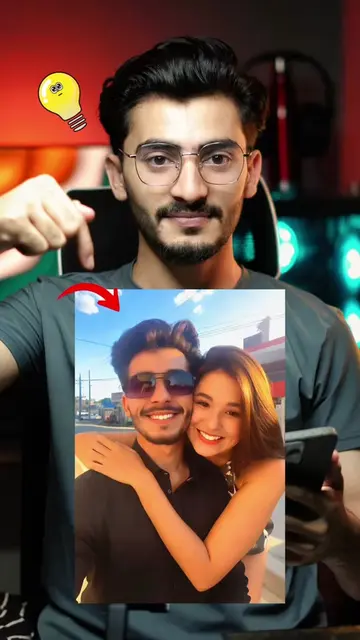
The video demonstrates how to use the Higgsfield AI Relight feature to change the lighting and mood of photos. It shows the process of uploading a photo, adjusting light direction, and choosing between soft and hard lighting effects to achieve desired results.
Structure
- 1Introduce the concept of changing photo lighting
- 2Demonstrate using Higgsfield AI
- 3Showcase the Relight feature and its options
- 4Generate and display the final results
- 5Encourage viewers to follow for more AI hacks
Product placement
Higgsfield: ACTS - AI Video Generator & Image tool that allows users to adjust lighting, color temperature, and brightness of photos. Removing it would change the video's outcome. It is the subject of the video.
Relight: ACTS - A feature within Higgsfield that allows users to adjust lighting on photos. Removing it would change the video's outcome. It is part of the subject.
ZEE EDITOR: APPEARS - Creator's handle/name, displayed as a watermark/attribution. Removing it would not change the video's outcome.
Original caption
Change the mood of any Photo with just a drag 🤯 From soft glow with instanse drama—Higgsfield AI Relight feature💯🔥 relight your photos in your own style or mood . #tutorial #aiphotoediting #higgsfieldai #relighting #fypage
More from @zeeeditingzone
Their other posts in the index, biggest breakout first.