Loading video…
All breakouts
7.1App DemoResult / Flex hookAI Tools
Hook
144p
@zeeeditingzone
413.6K followers · usually 4.8K views a post
Views
30.5K
Likes
677
Comments
9
Shares
15
Promoted product
TikTok
Why it worked
The video provides a practical, step-by-step tutorial on improving video quality within a popular platform, addressing a common user need. It leverages native platform features, making the solution accessible and easy to replicate, which likely drove engagement and shares.
Summary
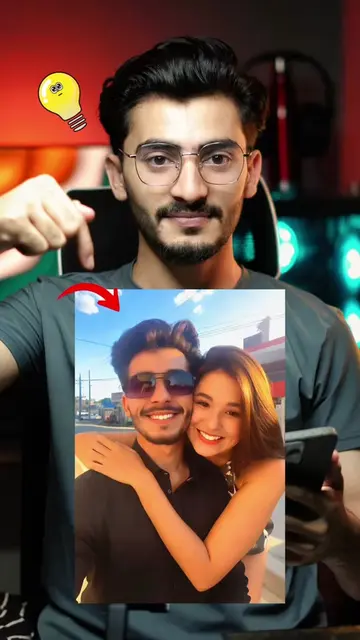
This video demonstrates how to enhance video quality on TikTok using built-in effects. It shows users how to upload a video, apply HDR and enhance effects, and achieve a 4K quality output without needing third-party apps.
Structure
- 1Introduction to enhancing video quality
- 2Demonstration of using TikTok's editing features
- 3Applying HDR and enhance effects
- 4Showing the final enhanced video
- 5Call to action to follow for more tips
Product placement
The video shows the TikTok app interface and its editing features, specifically highlighting the 'Effects' section where users can find and apply 'HDR' and 'Enhance' filters to improve video quality.
Call to action
Follow for more tips and tricks.
On-screen text
Original caption
Tiktok Video Enhancer 🔥💯 Tiktok 4k Quality Video Enhancer Step by Step guide 🔥 HDR Effect How To enhance video On TikTok App 💯 #tiktokeffect #4kquality #enhance #hdreffect #LearnOnTikTok
More from @zeeeditingzone
More breakout videos from this creator.