The video effectively breaks down complex AI updates into digestible information, comparing different tools and features in a relatable way. The presenter's clear explanations and demonstrations of AI capabilities, combined with a focus on practical applications and viral trends, likely resonated with a broad audience interested in AI.
Summary
The video discusses recent updates to AI tools like Codex, NotebookLM, and Gemini, highlighting their new features and capabilities. The presenter compares Codex and its 'Cowork' mode, which is designed for non-technical users, with the more coder-focused 'Code' mode, noting similarities and differences in their functionalities and user interfaces. The presenter also shares a viral AI image generation prompt that creates intentionally clumsy and pathetic drawings.
Structure
1Introduction to AI news and the race between AI agents
2Overview of Codex, NotebookLM, and Gemini updates
3Comparison of Codex's 'Chat', 'Cowork', and 'Code' modes
4Demonstration of Codex's task management and automation features
5Discussion of a viral AI image generation prompt and its results
Product placement
Original caption
Ai News: Codex Surges; Free NotebookLM Updates; Viral Image Prompts, Part 1 #aiproductivity#workflowtips#aitutorial#digitalworkflow#productivitytools
More from @usviralbuzz
Their other posts in the index, biggest breakout first.
Codex: an AI agent that helps build and ship with AI. It is shown being used to create documents, websites, and automations. It is a product that acts. Its interface is operated and it produces visible results. Removing it would change what happens in the video. NotebookLM: a free AI tool that helps you understand and work with documents. It is mentioned as having updates. It is a product that acts. Its interface is operated and it produces visible results. Removing it would change what happens in the video. Gemini: an AI model that can generate text, code, images, audio, and video. It is mentioned as having updates. It is a product that acts. Its interface is operated and it produces visible results. Removing it would change what happens in the video.
On-screen text
Ai News: Codex Surges; Free NotebookLM Updates; Viral Image Prompts, Part 1 #aiproductivity#workflowtips#aitutorial#digitalworkflow#productivitytools
Transcript
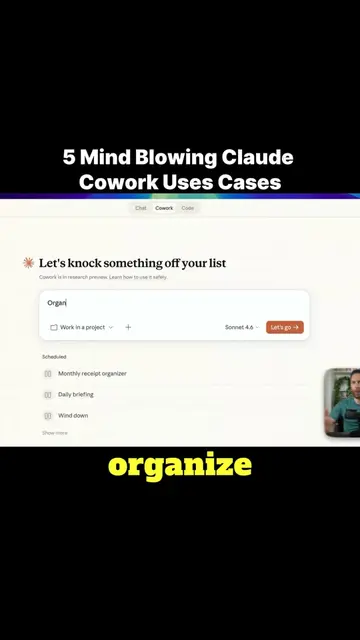
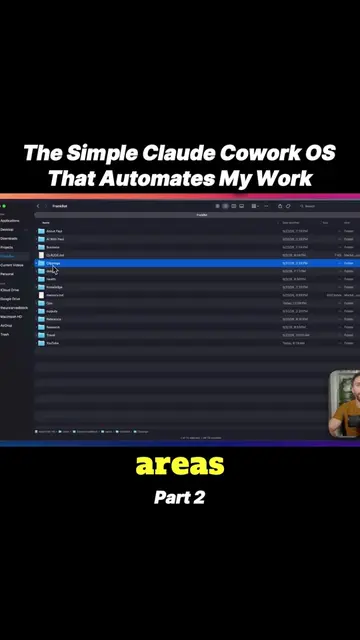
The AI super agent race is on. This week both Open AI and Gemini released major updates in an attempt to dethrone Claude Cowork as the best AI agent for knowledge work. We'll dive into what those updates were as well as all the other AI news from the past week that matters. My name is Paul J. Lipsky and here on this channel I talk about the AI that coders and non-technical users actually care about. There's a lot of noise out there and my goal is to help you make sense of it. Let's talk about the biggest news from the past week first. Open AI some major updates to Codex that makes it more for knowledge work or everyday use. Now everyone is familiar with what Codex is. Still that Codex is just for coding. I want to explain what Codex is and why I should care about it. Let's actually look at the Claude desktop app for Mac first because this has been around for a while. I've certainly covered it a lot on my channel. Inside the Claude desktop app for Mac, there are three different tabs here. There's regular chat, which is the same way you would interact with any other chatbot basically. Then we have Claude Cowork. I'll come back to this one. Then we have Claude Code and this is really for coders, more advanced users. And the one in the middle is Cowork. This was designed for knowledge workers. It allows you to work on documents on your computer, it can create them for you, you can create websites using this, different artifacts, you can answer your emails for you, you can set up automations, it connects to third party tools. So it's really designed for non-technical users to easily be able to use an AI agent to automate work. Knowledge work is OpenAI's Claude answer to Claude code and Cowork. But separate three everything in one this interface, this one chat. There's no switching. So if you ask it a general question, it will adapt and treat it as a chat. If you ask it for coding, you know knowledge work, it will basically turn into the Cowork version of Codex. There's no switching though. Essentially two of Codex, the things that Codex can do the same things. There's differences in how they work and their capabilities. Day for purpose. Bringing because this past week, Codex got a lot of updates that enabled these Cowork powers. These silly, for instance, you type pet, click, then on the bottom right corner, we see this little pet that pops up. That's kind of cute. Another cool feature that I really like in Codex that isn't available in Cowork. So these tasks, with tasks, as you're chatting, if something doesn't get done, it will add it here so that you can see things that you may want to follow up on. So for instance, earlier through sort them, I had it look through all my emails and sort and triage them. And then based on that, it actually made a list here of emails that I should reply to or take action on. Then automatically to fixing or the replying or drafting the reply to the emails. Just like with Cowork, we have although them and automations. You see a lot of similarities, but there are also differences. It's now to say which one is better. There's a huge debate online right now about which one is better. But I think a lot of people are just super excited that there's something new like Codex. So what I'm going to be doing is over the next two days, I'm going to be testing this more. I've already moved a lot of my workflows over to Codex, just to try them out. So far happy with it, but I want to give it a much more thorough testing. Next video, I'm going to do a head-to-head Codex versus Cowork to see which one is better work. If you don't want to miss that video, make sure to subscribe to the channel. Like I said before, Gemini also has also rolled out some interesting changes about, but we'll talk about those in a minute. First, I want to introduce a new segment to my weekly AI news recap, which prompt this week that viral to something that I found to be interesting that you can throw into your AI choice, interesting, sometimes funny results. So this week's week's prompt of the week, this is a prompt that has been going viral or that I found to be interesting that you can throw into your AI choice, interesting, sometimes funny results. So I tried this myself. I first tried it with Banana 2. It is what it came up with. Redraw the attached image in the most clumsy, scribbly, and utterly pathetic pic possible. Use a white background and make it look like it was drawn in MS Paint with a mouse. It should be vaguely similar but also not really, kind of matching but also off in a confusing, awkward way. With that low quality, pixel-perfect feel that really emphasizes how ridiculously bad it is. Actually, you know what, whatever, just draw it however you want.
 Codexseen in 40 videos →