Loading video…
All breakouts
10.5Talking HeadHow-To hookSaaS
Hook
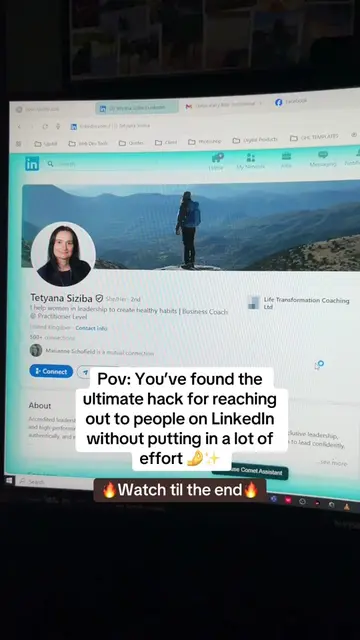
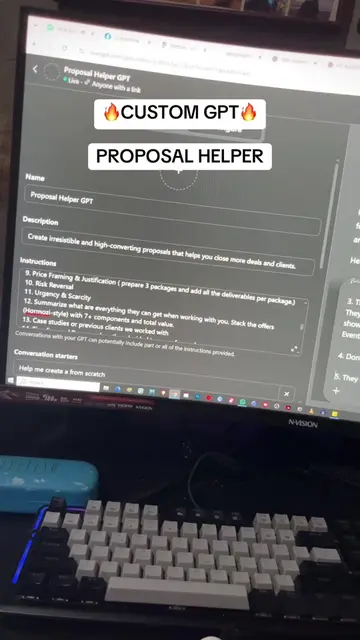
HOW TO SET-UP AN AUTOMATED REPLY TO A FACEBOOK KEYWORD COMMENT IN GHL
@kishamarieparubrub
34.2K followers · usually 4.9K views a post
Views
51.5K
Likes
2.5K
Comments
80
Shares
358
Why it worked
The video provides a clear, step-by-step tutorial on a practical marketing automation feature that directly addresses a common pain point for businesses managing social media. By showing a tangible outcome (automated replies to comments), it offers immediate value and demonstrates the effectiveness of the tool.
Summary
This video demonstrates how to set up an automated Facebook comment reply system using GoHighLevel. It guides viewers through creating a workflow, setting up a Facebook comment trigger with specific keywords, and configuring an automated reply with a link. The tutorial also highlights the option to add multiple responses and automatically like comments for engagement.
Structure
- 1Introduction to automated Facebook replies
- 2Logging into GoHighLevel and creating a workflow
- 3
Original caption
GHL TUTORIAL Part 1: How to set-up an automated reply to a facebook comment #ghl #ghlautomation #ghltutorial #gohighleveltips #automation
More from @kishamarieparubrub
More breakout videos from this creator.